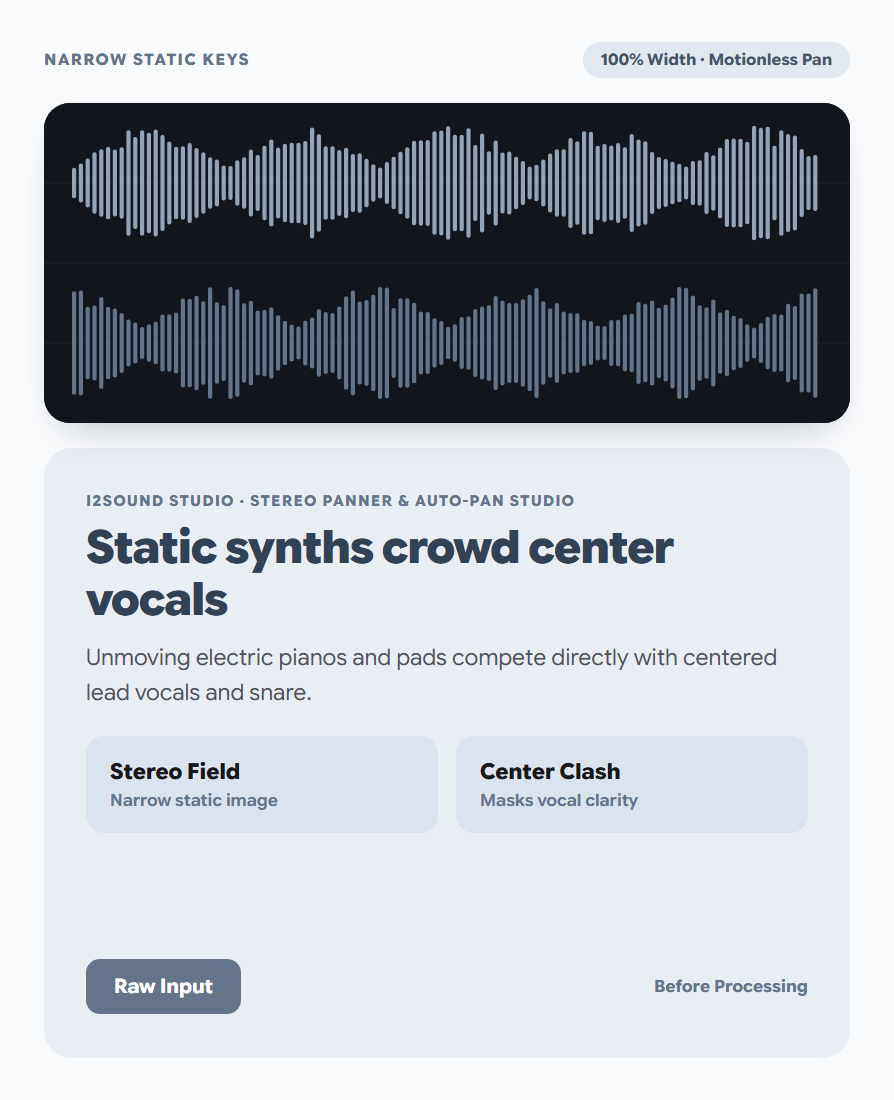
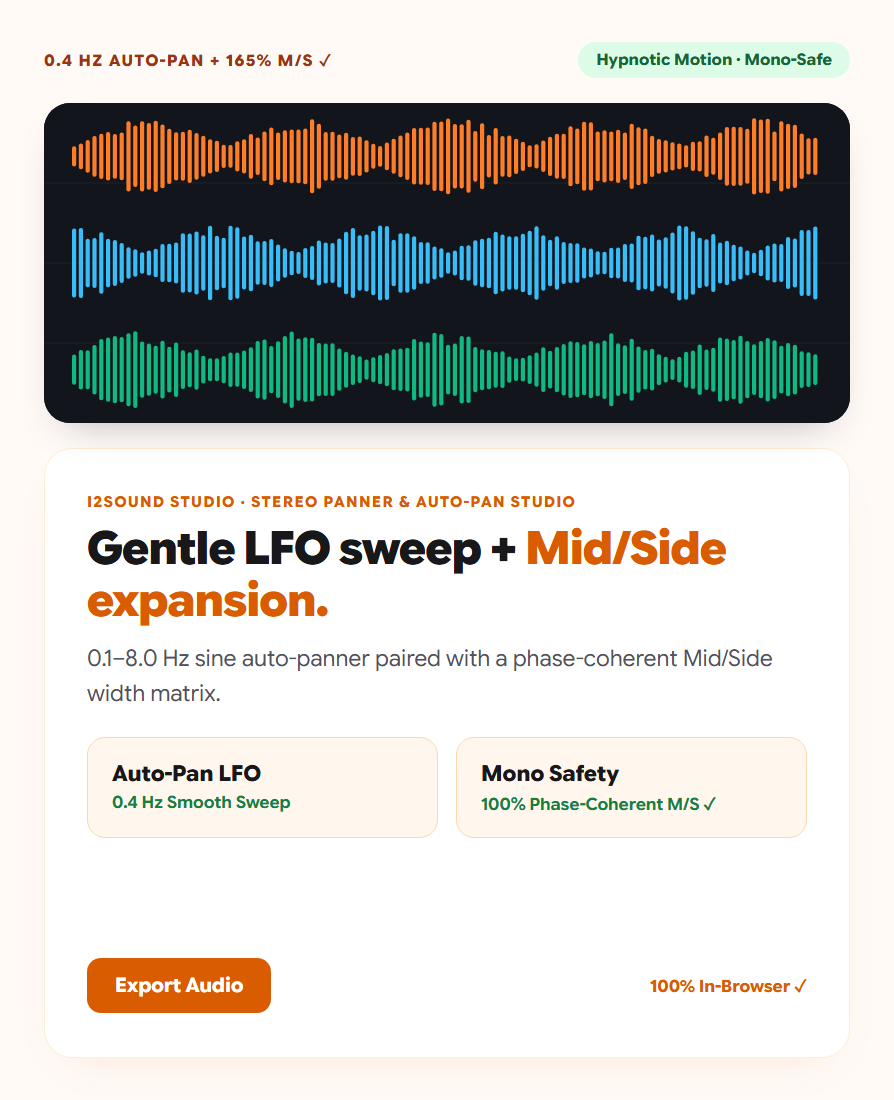

Open Stereo Panner & Auto-Pan Studio whenever you need fast, studio-accurate results directly in your browser without uploading private files. Watch Left and Right channels respond on a dual-lane waveform stage while dialing rhythmic LFO auto-panning (like classic suitcase Rhodes tremolo), static L/R placement, or up to 200% Mid/Side stereo widening.
Open your audio or video locally
Click Choose Audio or Video in Stereo Panner & Auto-Pan Studio (or drag and drop MP3, WAV, FLAC, M4A, AAC, OGG, OPUS) to render an interactive Retina waveform directly in local browser memory—or click Try Studio Demo to test immediately.
Press Spacebar to start playback and use the Waveform / Spectrogram / Live FFT view tabs or mouse-wheel zoom (up to 40×) to inspect exact transients and noise floors.
Studio tip: Unlike Haas delay wideners, Mid/Side stereo widening stays 100% mono-compatible—collapsing back to mono without comb-filtering!
Dial Dreamy Rhodes Auto-Pan (0.4 Hz) & audition live
Adjust Dreamy Rhodes Auto-Pan (0.4 Hz) and Rhythmic Tremolo Ping-Pong (2.5 Hz) alongside Super-Wide Mid/Side (165% Width) in the studio control dock. Hold Shift while dragging any rotary dial for fine precision, or double-click any control to snap back to its calibrated default.
Press B on your keyboard (or click the FX Active (A/B) switch) while audio plays to crossfade click-free in 15 ms between your dry original and processed signal.
0.4 Hz Rhodes suitcase auto-pan
Give static electric pianos and pads hypnotic ear-to-ear stereo motion.
Mono-safe Mid/Side expansion
Push chorus synths to 150%–180% width while center vocals stay anchored.
Fast 2.5–8 Hz ping-pong tremolos
Create rhythmic helicopter and sci-fi stereo pulses.
Verify levels and export cleanly
Confirm headroom on the stereo output meter so peaks remain safely below 0.0 dBFS. Select your target format—such as MP3 · 320 kbps, WAV · 24-bit Studio, or FLAC · 16-bit Lossless—and click Export Audio.
Need multi-step mastering or multi-track stem layering afterward? Click Continue in (or Pro Studio in the upper module bar) to pass your processed audio straight to the next studio tool without re-uploading.
Verified Studio Recipe — Stereo Panner & Auto-Pan Studio
Input Support : MP3, WAV, FLAC, M4A, AAC, OGG, OPUS
Key Controls  : Dreamy Rhodes Auto-Pan (0.4 Hz)  |  Rhythmic Tremolo Ping-Pong (2.5 Hz)  |  Super-Wide Mid/Side (165% Width)  |  Static Left Placement (−65%)  |  Static Right Placement (+65%)
Before -> Now : 100% Width · Motionless Pan  -->  Hypnotic Motion · Mono-Safe
Output Export : LFO Auto-Panned & Mid/Side Widened MP3, WAV, or FLAC (100% Client-Side Browser DSP)Common questions
What happens if I set Mid/Side Width all the way down to 0%?
0% removes the Side difference signal completely, leaving pure centered Mono; 100% is untouched original stereo; 150%–200% boosts Side energy for extra-wide stereo.
When should I use Auto-Pan vs. static L/R panning?
Static panning places an instrument at a fixed spot on the stage (e.g., guitar 35% Left), whereas 0.3–1.2 Hz Auto-Pan creates gentle ear-to-ear Rhodes/pad motion.
Is 150% Mid/Side Width safe for club and phone mono playback?
Yes! Mid/Side widening boosts only the L−R Side channel; when summed back to mono (L+R), Side cancels cleanly back to your untouched center Mid signal.
Try Stereo Panner & Auto-Pan Studio in your browser
Create smooth ear-to-ear LFO motion and expand stereo width up to 200% on a dual L/R stage.