
Open Stereo & Mono Channel Mixer whenever you need fast, studio-accurate results directly in your browser without uploading private files. Recorded a microphone into only the Left ear? Need true 1-channel Mono to halve WAV file size, or want to widen a flat mono synth into lush stereo? Visualize both channels on a split L/R stage.
Open your audio or video locally
Click Choose Audio or Video in Stereo & Mono Channel Mixer (or drag and drop Stereo or Mono MP3, WAV, FLAC, M4A, OGG, OPUS) to render an interactive Retina waveform directly in local browser memory—or click Try Studio Demo to test immediately.
Press Spacebar to start playback and use the Waveform / Spectrogram / Live FFT view tabs or mouse-wheel zoom (up to 40×) to inspect exact transients and noise floors.
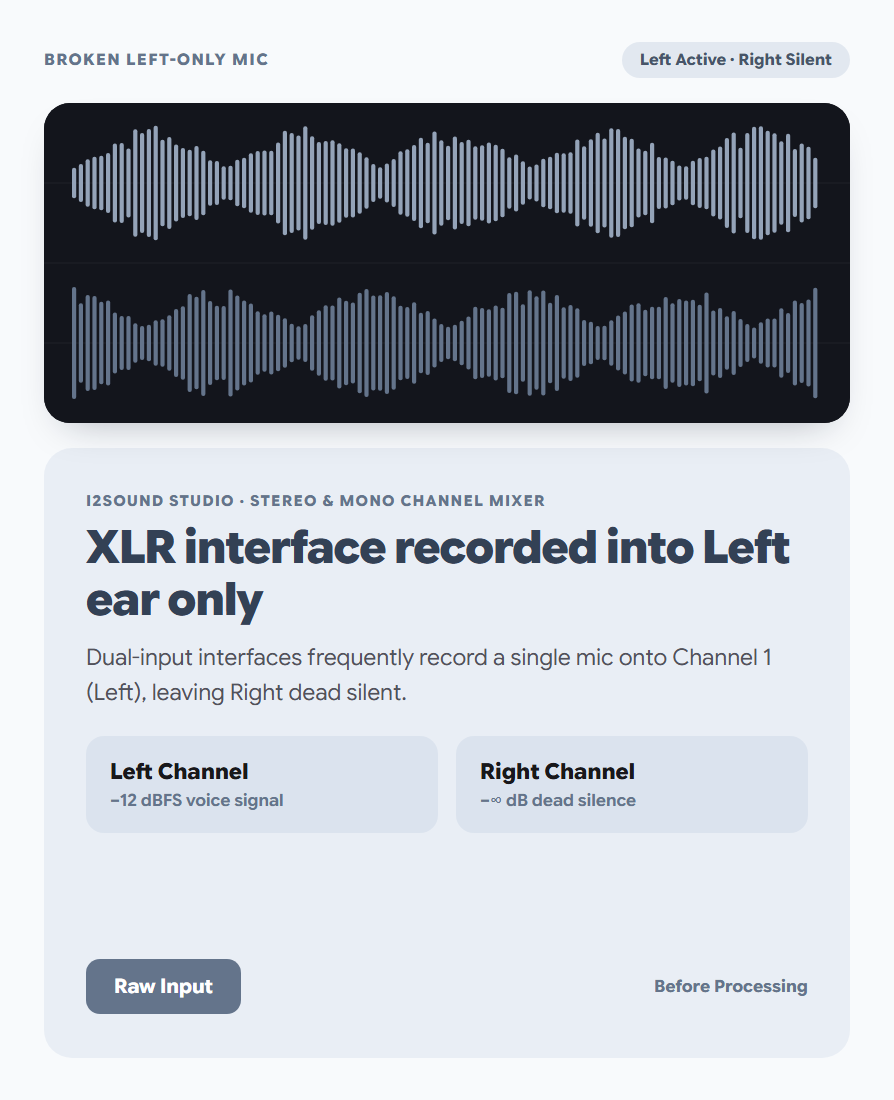
Studio tip: If a dual-input audio interface recorded your mic into Left Only (silence on Right), choose Isolate Left Channel Only or True Mono so listeners hear your voice in both ears!
Dial Stereo → True Mono (−3 dB Sum) & audition live
Adjust Stereo → True Mono (−3 dB Sum) and Mono → Wide Haas Stereo alongside Swap Left ↔ Right in the studio control dock. Hold Shift while dragging any rotary dial for fine precision, or double-click any control to snap back to its calibrated default.
Press B on your keyboard (or click the FX Active (A/B) switch) while audio plays to crossfade click-free in 15 ms between your dry original and processed signal.
Fix one-ear XLR mic recordings
Center a Left-only or Right-only camera/interface recording across both headphone ears instantly.
Psychoacoustic Haas widening
Turn flat mono guitars or synths into wide stereo using a 10–25 ms right-channel Haas delay.
L − R Side difference matrix
Cancel dead-center mono vocals and kick drums to hear wide panned instruments.
Verify levels and export cleanly
Confirm headroom on the stereo output meter so peaks remain safely below 0.0 dBFS. Select your target format—such as MP3 · 320 kbps, WAV · 24-bit Studio, or FLAC · 16-bit Lossless—and click Export Audio.
Need multi-step mastering or multi-track stem layering afterward? Click Continue in (or Pro Studio in the upper module bar) to pass your processed audio straight to the next studio tool without re-uploading.
Verified Studio Recipe — Stereo & Mono Channel Mixer
Input Support : Stereo or Mono MP3, WAV, FLAC, M4A, OGG, OPUS
Key Controls  : Stereo → True Mono (−3 dB Sum)  |  Mono → Wide Haas Stereo  |  Swap Left ↔ Right  |  Isolate Left Channel Only  |  Isolate Right Channel Only
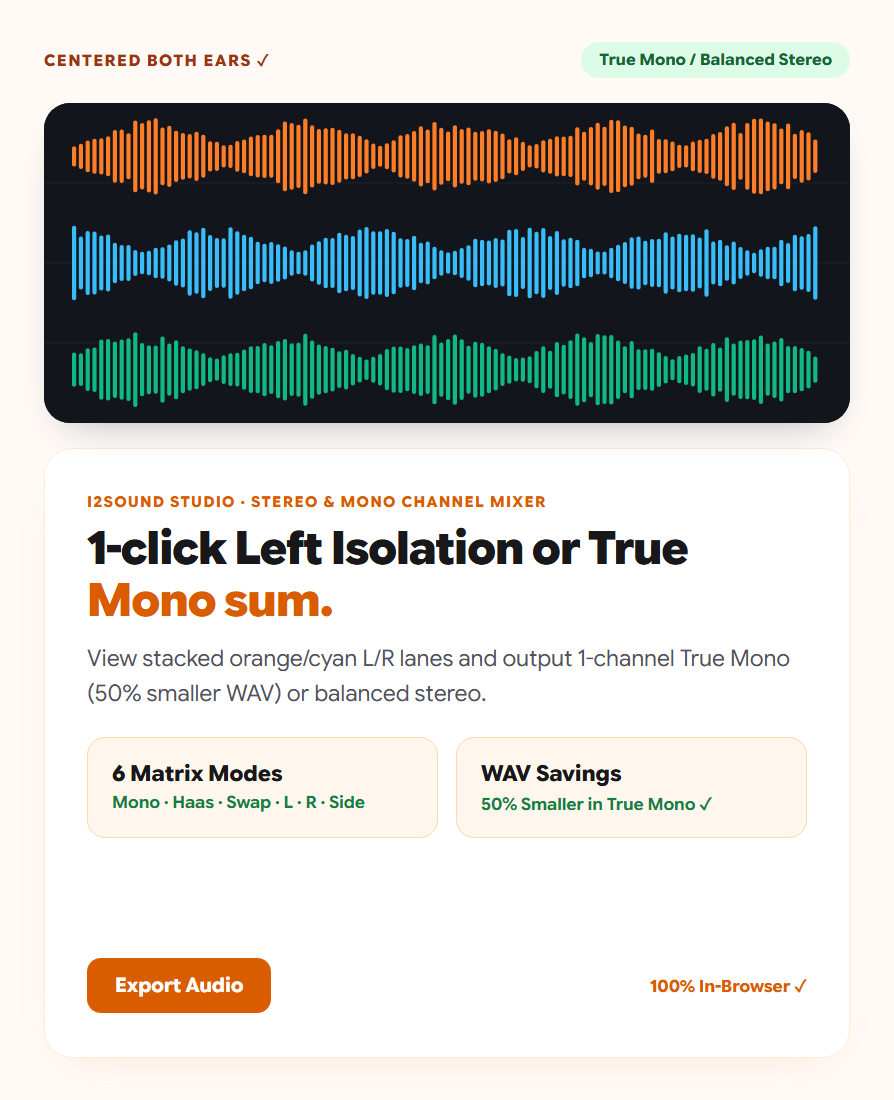
Before -> Now : Left Active · Right Silent  -->  True Mono / Balanced Stereo
Output Export : True 1-Ch Mono, Haas Widened Stereo, Swapped L↔R, or Isolated L/R (100% Client-Side Browser DSP)Common questions
Does True Mono actually output a 1-channel file?
Yes. In True Mono mode, i2Sound sums (L + R) × 0.5 into a genuine single-channel AudioBuffer—cutting uncompressed WAV/FLAC file sizes in half.
How do I fix a microphone that only recorded into the Left ear?
Select Isolate Left Channel Only (to copy Left cleanly into both stereo ears) or True Mono (to export a 1-channel centered file).
What does Haas Widen do to a mono track?
It duplicates your mono signal into Left and Right and delays the Right channel by 10–25 ms, creating a spacious wide-stereo impression without phase cancellation in headphones.
Try Stereo & Mono Channel Mixer in your browser
Inspect Left/Right lanes visually—downmix to 1-ch Mono, swap L↔R, or widen Mono with Haas delay.