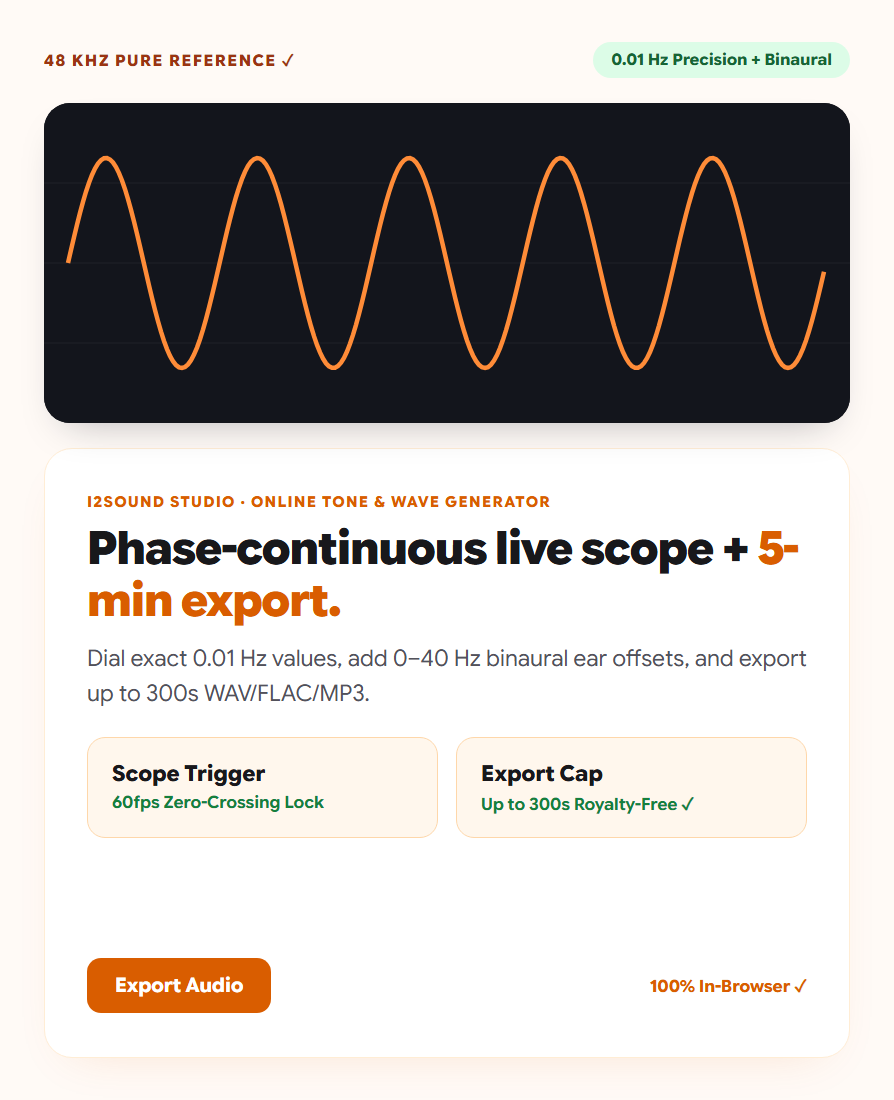

Open Online Tone & Wave Generator whenever you need fast, studio-accurate results directly in your browser without uploading private files. Driven directly by your browser's hardware-clocked floating-point audio engine, Tone Generator produces phase-continuous Sine, Triangle, Sawtooth, and Square waves from 1 Hz to 22,000 Hz with a live phase-locked oscilloscope.
Select preset or reference signal
Open Online Tone & Wave Generator—because synthesis runs directly on your browser's hardware-clocked Web Audio stream, the glowing 60fps oscilloscope stage opens immediately with no file upload required.
Start from a calibrated preset pill such as Sub 50 Hz and set your speaker or headphone volume to a comfortable level before clicking Play Tone (or pressing Spacebar).
Studio tip: Always start playback at a gentle speaker or headphone volume when testing low subwoofer frequencies (< 60 Hz) or high-frequency tones (> 8 kHz).
Dial Sub 50 Hz & audition live
Adjust Sub 50 Hz and Water Eject 165 Hz alongside C4 · 261.63 Hz in the studio control dock. Hold Shift while dragging any rotary dial for fine precision, or double-click any control to snap back to its calibrated default.
Watch the phase-locked oscilloscope and Harmonics FFT respond at 60 frames per second to verify overtone balance and stereo routing.
Subwoofer, room mode & L/R tests
Sweep low sine frequencies to locate room resonances or cabinet rattles, and route tones to Left Only or Right Only to verify stereo wiring.
440 Hz, 432 Hz & physics demos
Snap to Concert A4 (440 Hz), 432 Hz, or C4, and toggle between Sine, Triangle, Sawtooth, and Square on the Harmonics FFT view to visualize overtones.
Binaural beats & sample export
Dial a 1–40 Hz Binaural Beat offset between Left and Right ears and export click-free 48 kHz WAV or 320 kbps MP3 files up to 5 minutes long.
Verify levels and export cleanly
Confirm headroom on the stereo output meter so peaks remain safely below 0.0 dBFS. Select your target format—such as MP3 · 320 kbps, WAV · 24-bit Studio, or FLAC · 16-bit Lossless—and click Export Audio.
Need multi-step mastering or multi-track stem layering afterward? Click Continue in (or Pro Studio in the upper module bar) to pass your processed audio straight to the next studio tool without re-uploading.
Verified Studio Recipe — Online Tone & Wave Generator
Input Support : 1 Hz – 22,000 Hz Frequency, Musical Note Presets & Binaural Offset
Key Controls  : Sub 50 Hz  |  Water Eject 165 Hz  |  C4 · 261.63 Hz  |  432 Hz Verdi A4  |  440 Hz Concert A4
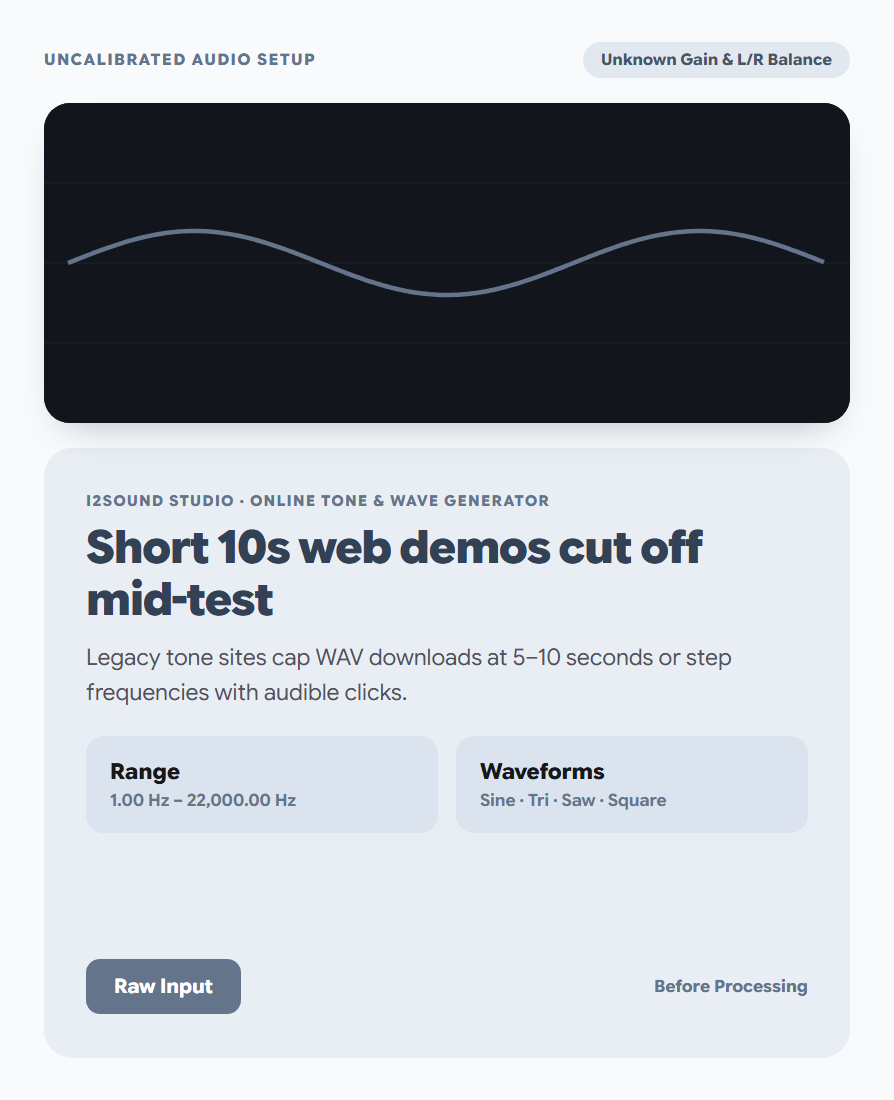
Before -> Now : Unknown Gain & L/R Balance  -->  0.01 Hz Precision + Binaural
Output Export : Real-Time Hardware Stream + Up to 5-Minute WAV, FLAC & MP3 (100% Client-Side Browser DSP)Common questions
How do Binaural Beats work in Tone Generator?
When Binaural Beat Offset is above 0 Hz (with Stereo Routing set to L + R), the Left channel plays your exact base frequency (e.g., 200 Hz) while the Right channel plays base + offset (e.g., 206 Hz), creating a perceived 6 Hz Theta pulse over headphones.
Why does the oscilloscope wave stay completely still instead of flickering?
i2Sound uses rising-edge zero-crossing synchronization on the 60fps scope buffer, locking onto the exact start of each wave cycle just like a benchtop laboratory oscilloscope.
Are exported test tone WAV and MP3 files royalty-free?
Yes. Every pure tone or binaural bed synthesized in your browser is 100% royalty-free for calibration discs, videos, games, and commercial audio production.
Try Online Tone & Wave Generator in your browser
Synthesize 1 Hz–22 kHz hardware-clocked waveforms on a phase-locked 60fps oscilloscope.