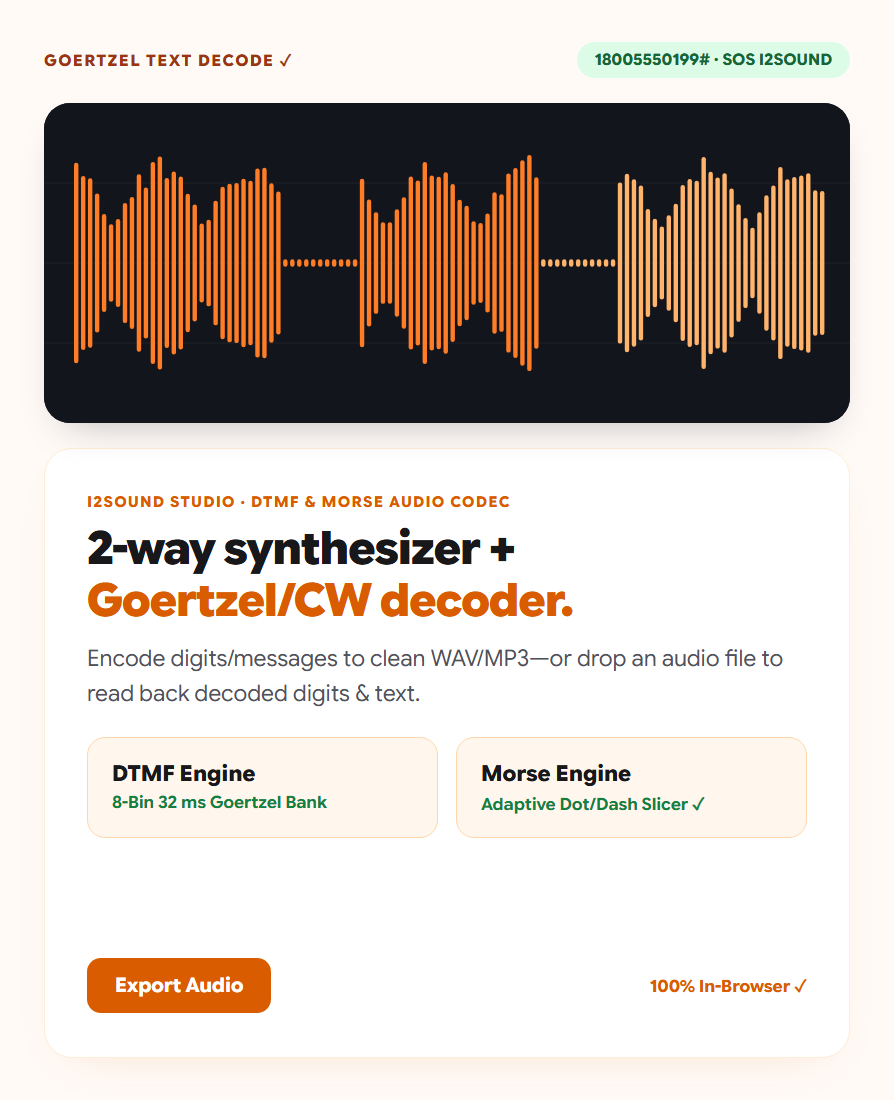

Open DTMF & Morse Audio Codec whenever you need fast, studio-accurate results directly in your browser without uploading private files. Dial numbers on an interactive 4×4 ITU-T Q.23 dual-tone telephone keypad, synthesize clean 5–40 WPM International Morse CW beacons, or upload an audio recording to automatically decode DTMF digits and Morse pulses back into plain text.
Open your audio or video locally
Click Choose Audio or Video in DTMF & Morse Audio Codec (or drag and drop Phone Digits / Text String OR Uploaded / Recorded Tone Audio) to render an interactive Retina waveform directly in local browser memory—or click Try Studio Demo to test immediately.
Press Spacebar to start playback and use the Waveform / Spectrogram / Live FFT view tabs or mouse-wheel zoom (up to 40×) to inspect exact transients and noise floors.
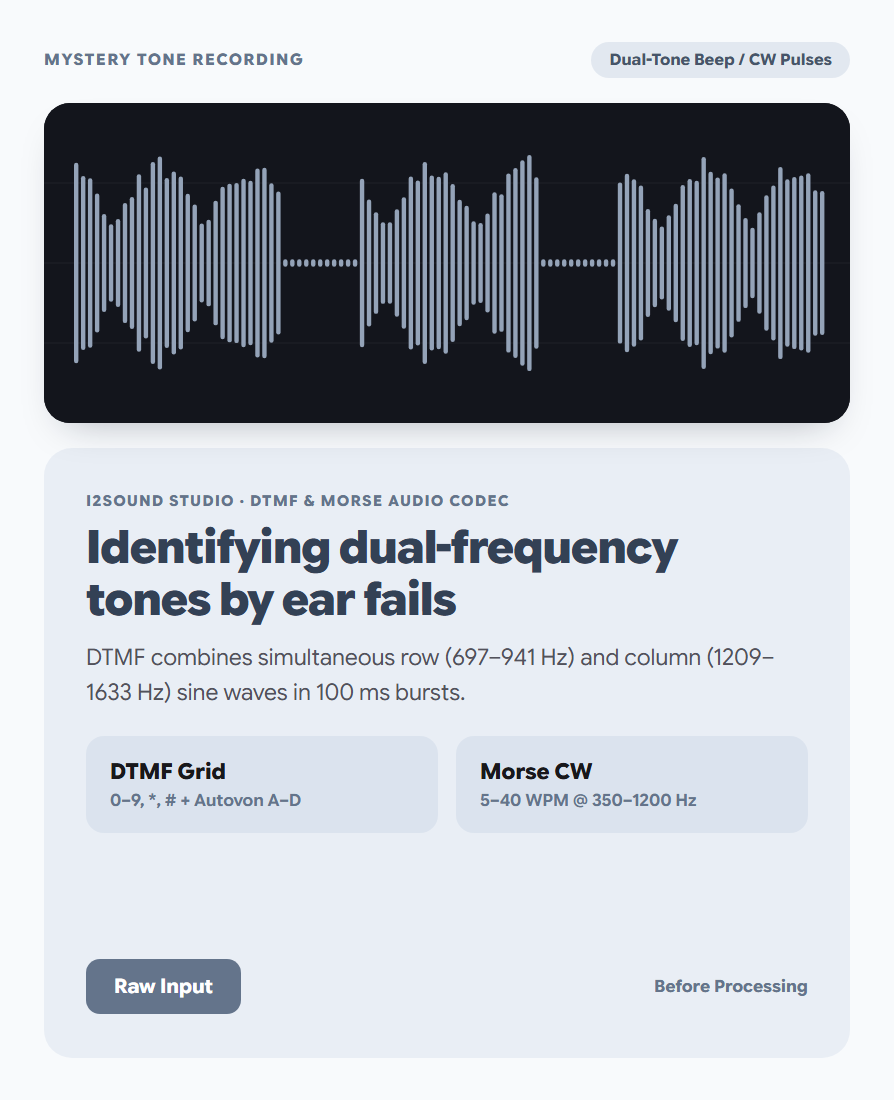
Studio tip: Have a mystery voicemail beep or radio puzzle recording? Click Upload Audio to Decode—our 8-frequency Goertzel filter bank and CW envelope slicer extract the hidden digits or message automatically.
Dial Phone Keypad Dial (1-800-555-0199#) & audition live
Adjust Phone Keypad Dial (1-800-555-0199#) and Morse SOS Beacon (... --- ...) alongside High-Speed 28 WPM CW Telegraph in the studio control dock. Hold Shift while dragging any rotary dial for fine precision, or double-click any control to snap back to its calibrated default.
Press B on your keyboard (or click the FX Active (A/B) switch) while audio plays to crossfade click-free in 15 ms between your dry original and processed signal.
Calibrated ITU-T Q.23 dual tones
Includes standard 0–9, *, # plus military/autovon A, B, C, D column frequencies (1633 Hz).
5–40 WPM Morse practice & decode
Practice copy speed at custom pitch (350–1,200 Hz) or decode recorded CW transmissions.
Encode & solve audio ciphers
Generate clean WAV/MP3 clues or decode DTMF/Morse puzzles directly in your browser.
Verify levels and export cleanly
Confirm headroom on the stereo output meter so peaks remain safely below 0.0 dBFS. Select your target format—such as MP3 · 320 kbps, WAV · 24-bit Studio, or FLAC · 16-bit Lossless—and click Export Audio.
Need multi-step mastering or multi-track stem layering afterward? Click Continue in (or Pro Studio in the upper module bar) to pass your processed audio straight to the next studio tool without re-uploading.
Verified Studio Recipe — DTMF & Morse Audio Codec
Input Support : Phone Digits / Text String OR Uploaded / Recorded Tone Audio
Key Controls  : Phone Keypad Dial (1-800-555-0199#)  |  Morse SOS Beacon (... --- ...)  |  High-Speed 28 WPM CW Telegraph  |  Signal Standard  |  DTMF Touch-Tone (ITU Q.23)
Before -> Now : Dual-Tone Beep / CW Pulses  -->  18005550199# · SOS I2SOUND
Output Export : Clean DTMF / Morse .WAV & .MP3 + Decoded Plain-Text Readout (100% Client-Side Browser DSP)Common questions
How does the DTMF audio decoder identify keypad digits?
Each keypad press combines one row frequency (697, 770, 852, or 941 Hz) and one column frequency (1209, 1336, 1477, or 1633 Hz). i2Sound runs an 8-bin Goertzel resonator bank in 32 ms windows to pinpoint the exact row/column pair.
What speed in WPM is standard for beginner vs. experienced Morse CW?
12–15 WPM is comfortable for beginners learning rhythm, while 18–28 WPM is standard conversational amateur radio CW.
Can I tap individual telephone keypad buttons live?
Yes—clicking any of the 16 ITU keypad buttons (0–9, *, #, A–D) plays its dual-tone pair immediately and appends the digit to your sequence.
Try DTMF & Morse Audio Codec in your browser
Dial on a 16-key ITU-T Q.23 keypad, synthesize 5–40 WPM Morse CW, or decode audio back to text.