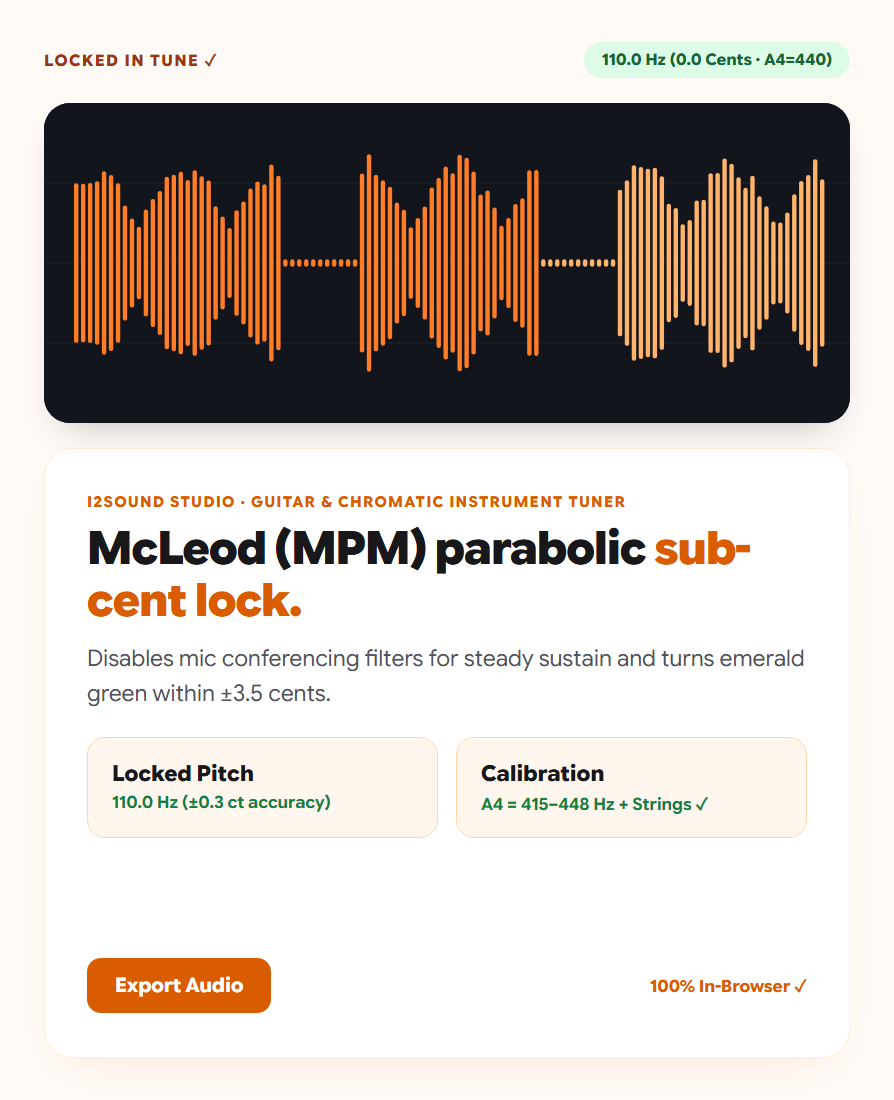

Open Guitar & Chromatic Instrument Tuner whenever you need fast, studio-accurate results directly in your browser without uploading private files. Click Start Live Mic Pitch Tuner to activate McLeod Normalized Square Difference (MPM) autocorrelation pitch tracking—or tap any Guitar, Ukulele, Bass, or Violin string chip to tune by ear with calibrated A4 (415–448 Hz).
Select preset or reference signal
Open Guitar & Chromatic Instrument Tuner—because synthesis runs directly on your browser's hardware-clocked Web Audio stream, the glowing 60fps oscilloscope stage opens immediately with no file upload required.
Start from a calibrated preset pill such as Instrument Reference Strings and set your speaker or headphone volume to a comfortable level before clicking Play Tone (or pressing Spacebar).
Studio tip: Disable noisy fans nearby and pluck a single string cleanly near your laptop or phone mic—the needle turns emerald green within ±3.5 cents of dead-center pitch.
Dial Instrument Reference Strings & audition live
Adjust Instrument Reference Strings and Guitar (EADGBE) alongside Ukulele (GCEA) in the studio control dock. Hold Shift while dragging any rotary dial for fine precision, or double-click any control to snap back to its calibrated default.
Watch the phase-locked oscilloscope and Harmonics FFT respond at 60 frames per second to verify overtone balance and stereo routing.
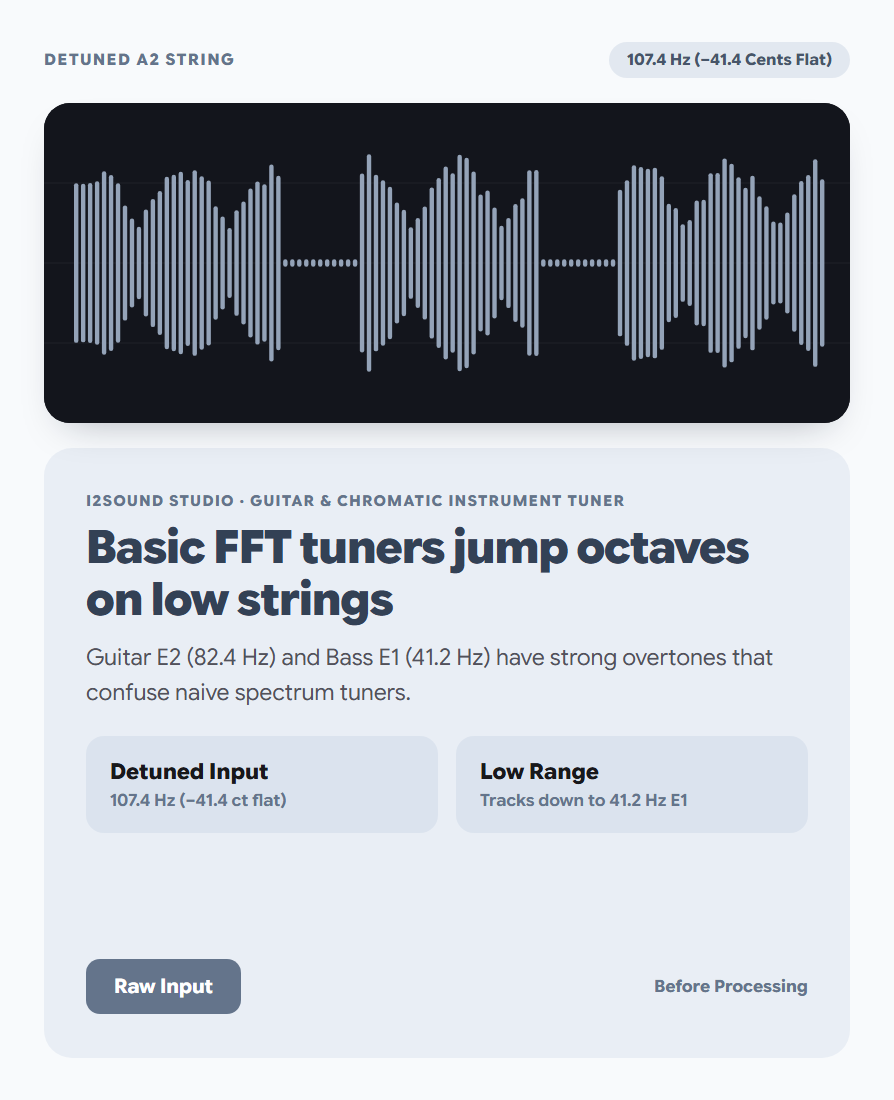
Accurate down to low Bass E1 (41.2 Hz)
MPM peak selection avoids octave-jumping errors common in basic FFT tuners.
1-click reference string plucks
Hear harmonic-rich reference plucks for GCEA Ukulele and GDAE Violin.
Custom 415–448 Hz calibration
Tune effortlessly to 442 Hz orchestral, 432 Hz, or 415 Hz Baroque pitch.
Verify levels and export cleanly
Confirm headroom on the stereo output meter so peaks remain safely below 0.0 dBFS. Select your target format—such as MP3 · 320 kbps, WAV · 24-bit Studio, or FLAC · 16-bit Lossless—and click Export Audio.
Need multi-step mastering or multi-track stem layering afterward? Click Continue in (or Pro Studio in the upper module bar) to pass your processed audio straight to the next studio tool without re-uploading.
Verified Studio Recipe — Guitar & Chromatic Instrument Tuner
Input Support : Live Microphone Input + Plucked String References (A4 = 415–448 Hz)
Key Controls  : Instrument Reference Strings  |  Guitar (EADGBE)  |  Ukulele (GCEA)  |  Bass (EADG)  |  Violin (GDAE)
Before -> Now : 107.4 Hz (−41.4 Cents Flat)  -->  110.0 Hz (0.0 Cents · A4=440)
Output Export : Real-Time Sub-Cent Pitch Needle + Reference Tone Export (100% Client-Side Browser DSP)Common questions
Why does Chromatic Tuner disable browser noise-suppression on the mic?
Browser conferencing filters treat sustained guitar notes as 'background hum' and mute them! Requesting raw mic audio keeps sustained strings clear and steady.
What is standard tuning for a 6-string guitar?
From thickest (6th) to thinnest (1st) string: E2 (82.41 Hz), A2 (110.00 Hz), D3 (146.83 Hz), G3 (196.00 Hz), B3 (246.94 Hz), and E4 (329.63 Hz).
How close in cents is considered 'in tune'?
Within ±3.5 cents (where the note display turns emerald green) is indistinguishable from dead-center pitch to almost all listeners.
Try Guitar & Chromatic Instrument Tuner in your browser
Track pitch to ±0.3 cents using McLeod autocorrelation or pluck calibrated reference strings.