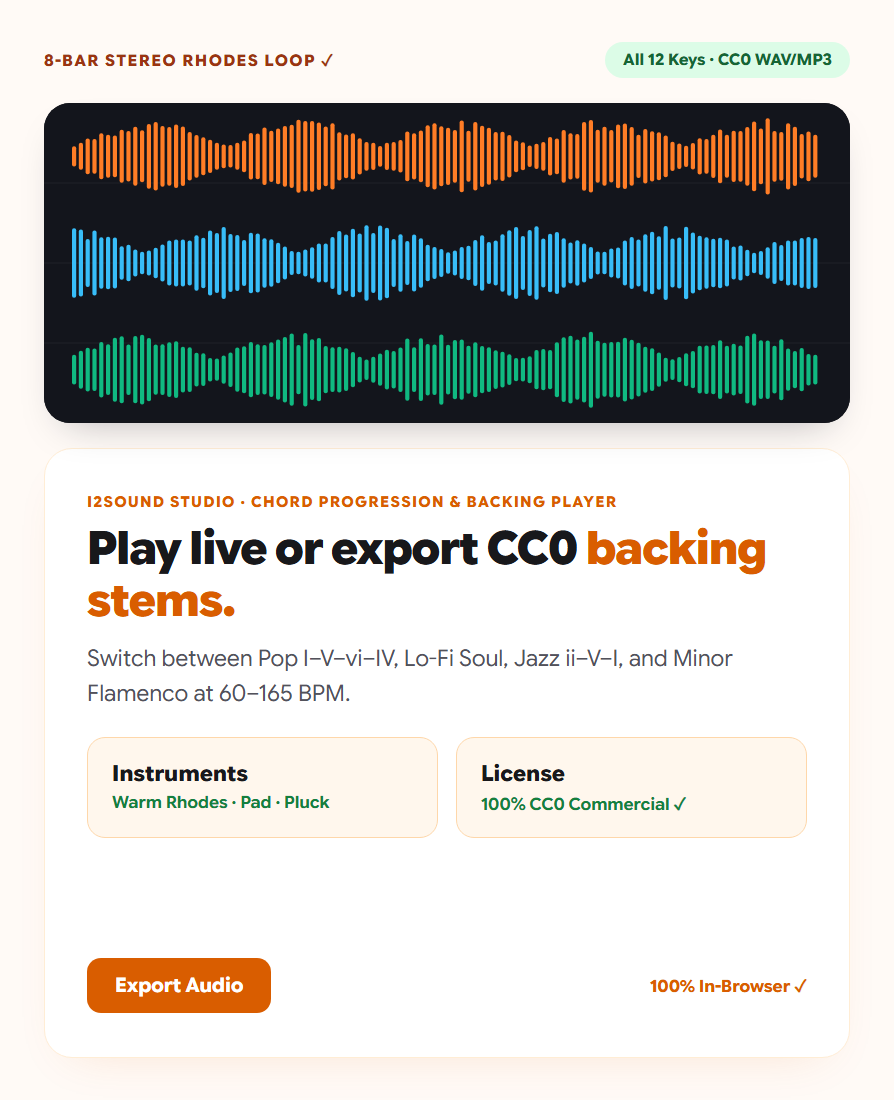

Open Chord Progression & Backing Player whenever you need fast, studio-accurate results directly in your browser without uploading private files. Pick any key from C to B, choose Pop (I–V–vi–IV), Lo-Fi Neo-Soul, Jazz ii9–V13–Imaj9, or Cinematic Minor, set your BPM and instrument voicing, and export ready-to-use stereo backing loops.
Select preset or reference signal
Open Chord Progression & Backing Player—because synthesis runs directly on your browser's hardware-clocked Web Audio stream, the glowing 60fps oscilloscope stage opens immediately with no file upload required.
Start from a calibrated preset pill such as Pop Anthem (I – V – vi – IV) and set your speaker or headphone volume to a comfortable level before clicking Play Tone (or pressing Spacebar).
Studio tip: Click Continue in after exporting or send your chord loop straight into Slowed + Reverb or Lo-Fi Equalizer to craft an instant beat starter!
Dial Pop Anthem (I – V – vi – IV) & audition live
Adjust Pop Anthem (I – V – vi – IV) and Jazz Club (ii9 – V13 – Imaj9 – VI7) alongside C Major Pop (I–V–vi–IV) in the studio control dock. Hold Shift while dragging any rotary dial for fine precision, or double-click any control to snap back to its calibrated default.
Watch the phase-locked oscilloscope and Harmonics FFT respond at 60 frames per second to verify overtone balance and stereo routing.
Audition melodies in every key
Transpose a progression across all 12 keys in one click to find your best vocal sweet spot.
ii–V–I & Minor jam tracks
Practice improvisation over lush 9th and 13th jazz/neo-soul voicings.
CC0 royalty-free chord stems
Export clean WAV/FLAC chord beds to sample, chop, or layer with drums.
Verify levels and export cleanly
Confirm headroom on the stereo output meter so peaks remain safely below 0.0 dBFS. Select your target format—such as MP3 · 320 kbps, WAV · 24-bit Studio, or FLAC · 16-bit Lossless—and click Export Audio.
Need multi-step mastering or multi-track stem layering afterward? Click Continue in (or Pro Studio in the upper module bar) to pass your processed audio straight to the next studio tool without re-uploading.
Verified Studio Recipe — Chord Progression & Backing Player
Input Support : All 12 Keys · Pop, Lo-Fi Soul, Jazz ii–V–I & Minor Progressions
Key Controls  : Pop Anthem (I – V – vi – IV)  |  Jazz Club (ii9 – V13 – Imaj9 – VI7)  |  C Major Pop (I–V–vi–IV)  |  F Lo-Fi Neo-Soul (86 BPM)  |  B♭ Jazz Lounge (ii–V–I)
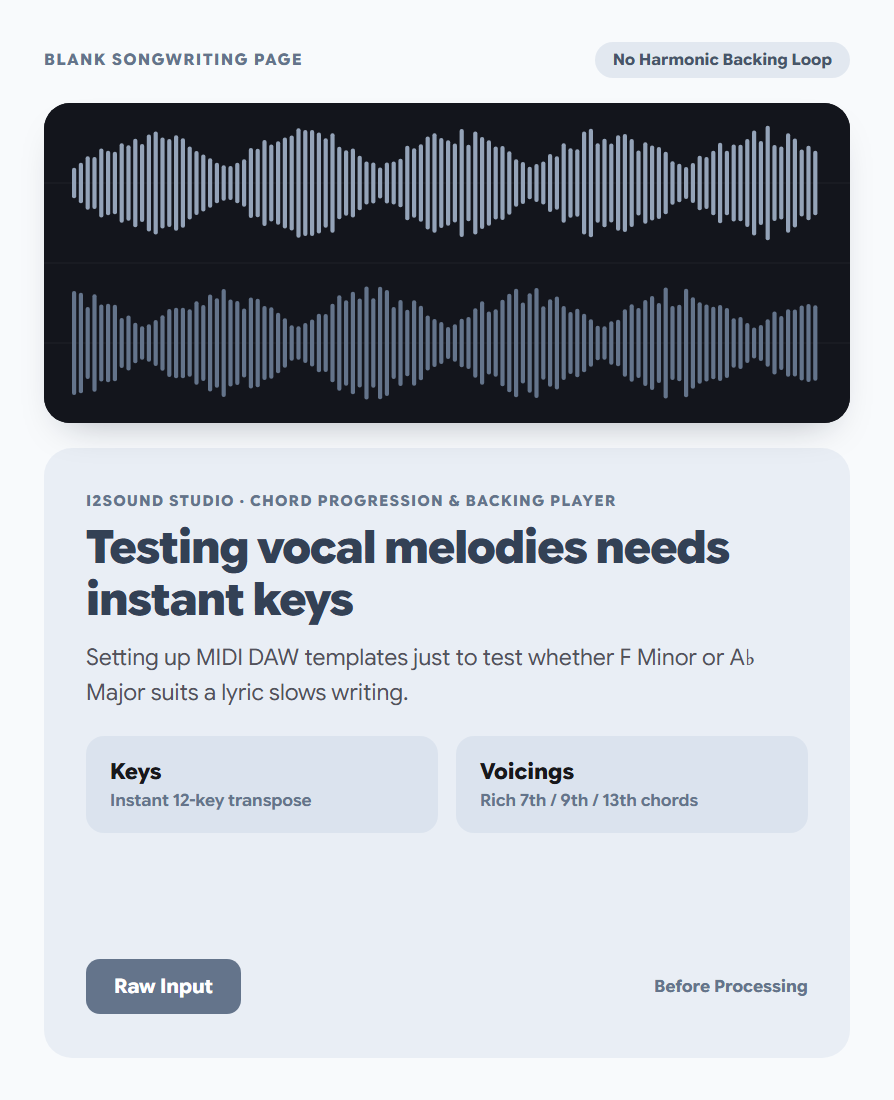
Before -> Now : No Harmonic Backing Loop  -->  All 12 Keys · CC0 WAV/MP3
Output Export : Royalty-Free Stereo Backing Track Loops (MP3, WAV, FLAC) (100% Client-Side Browser DSP)Common questions
Can I use exported chord loops in commercial songs or YouTube videos?
Yes—100% of synthesized chord progressions are CC0 royalty-free for commercial releases, beats, and videos.
Why is I – V – vi – IV so popular in modern songwriting?
In C Major (C – G – Am – F), it balances bright major resolution with emotional minor movement—forming the backbone of hundreds of pop, rock, and acoustic hits.
Can I change the key to match a singer's vocal range?
Yes—click any of the 12 Key Signature Root buttons (C through B) to transpose the entire chord voicing instantly.
Try Chord Progression & Backing Player in your browser
Audition extended 7th, 9th, and 13th voicings on Rhodes, Analog Pad, or Acoustic Pluck.