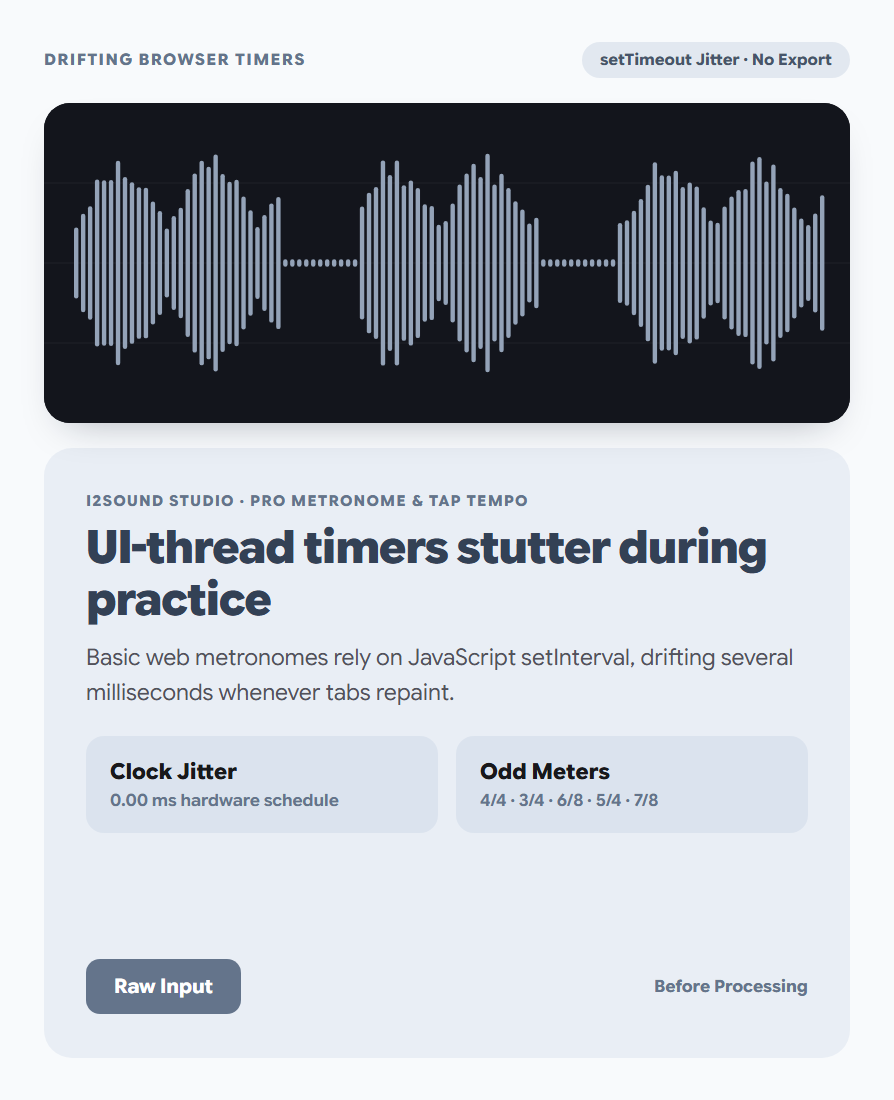

Open Pro Metronome & Tap Tempo whenever you need fast, studio-accurate results directly in your browser without uploading private files. Ordinary JavaScript timers stutter whenever a browser tab repaints. i2Sound schedules clicks ahead on your audio hardware sample clock—supporting 30–280 BPM, Tap Tempo (T key), odd time signatures, subdivisions, and multi-bar WAV/MP3 click-track export.
Select preset or reference signal
Open Pro Metronome & Tap Tempo—because synthesis runs directly on your browser's hardware-clocked Web Audio stream, the glowing 60fps oscilloscope stage opens immediately with no file upload required.
Start from a calibrated preset pill such as 120 BPM · 4/4 Studio Click and set your speaker or headphone volume to a comfortable level before clicking Play Tone (or pressing Spacebar).
Studio tip: Need a click track for a drummer's headphones or video edit? Set Export Click Length (e.g., 32 bars) and click Export Audio!
Dial 120 BPM · 4/4 Studio Click & audition live
Adjust 120 BPM · 4/4 Studio Click and 90 BPM · Eighth-Note Groove alongside 140 BPM · 3/4 Waltz in the studio control dock. Hold Shift while dragging any rotary dial for fine precision, or double-click any control to snap back to its calibrated default.
Watch the phase-locked oscilloscope and Harmonics FFT respond at 60 frames per second to verify overtone balance and stereo routing.
Triplet & 16th-note subdivisions
Lock in swing shuffles and fast sixteenth runs from 30 to 280 BPM.
5/4, 6/8 & 7/8 odd meters
Clear golden downbeat accent keeps odd time signatures effortless to count.
Downloadable studio click tracks
Export sample-accurate Woodblock, Rimshot, or MPC Beep WAV/MP3 click tracks.
Verify levels and export cleanly
Confirm headroom on the stereo output meter so peaks remain safely below 0.0 dBFS. Select your target format—such as MP3 · 320 kbps, WAV · 24-bit Studio, or FLAC · 16-bit Lossless—and click Export Audio.
Need multi-step mastering or multi-track stem layering afterward? Click Continue in (or Pro Studio in the upper module bar) to pass your processed audio straight to the next studio tool without re-uploading.
Verified Studio Recipe — Pro Metronome & Tap Tempo
Input Support : 30–280 BPM, Tap Tempo (T), Time Signature & Subdivision
Key Controls  : 120 BPM · 4/4 Studio Click  |  90 BPM · Eighth-Note Groove  |  140 BPM · 3/4 Waltz  |  120 BPM · Shuffle Triplets  |  Tempo (BPM)
Before -> Now : setTimeout Jitter · No Export  -->  30–280 BPM + WAV/MP3 Export
Output Export : Sample-Accurate Live Click + Multi-Bar WAV/MP3 Click Tracks (100% Client-Side Browser DSP)Common questions
How do I find the BPM of a song playing in the room?
Tap the Tap Tempo button (or press T on your keyboard) four or more times along with the beat—the metronome averages your tap intervals immediately.
Does the metronome keep accurate time if my computer is busy?
Yes. Clicks are scheduled ahead directly on the Web Audio hardware sample clock rather than main-thread UI timers, eliminating rhythmic jitter.
What do the colored beat lights indicate?
Beat 1 (downbeat) lights up in warm gold with a higher-pitched accent click, while remaining beats pulse in burnt orange.
Try Pro Metronome & Tap Tempo in your browser
Lock in timing from 30–280 BPM across 4/4, 3/4, 6/8, 5/4, and 7/8 with zero timer drift.