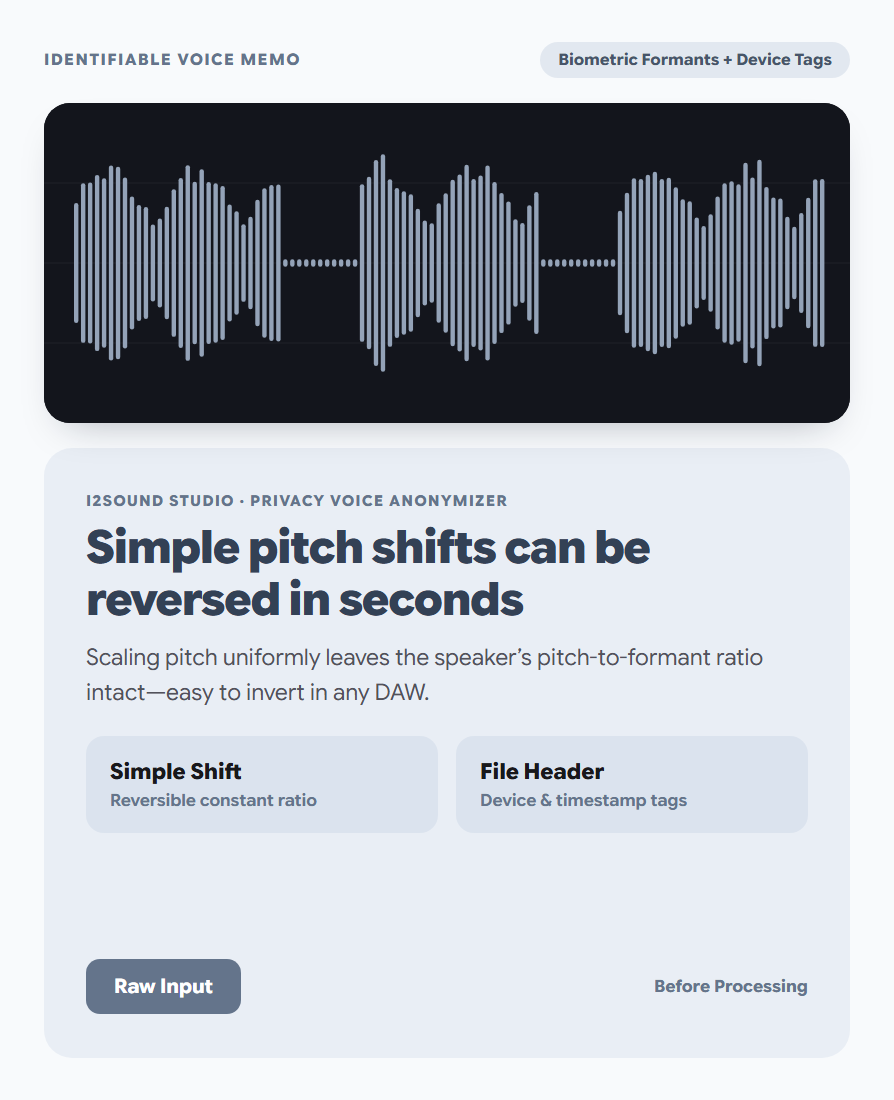
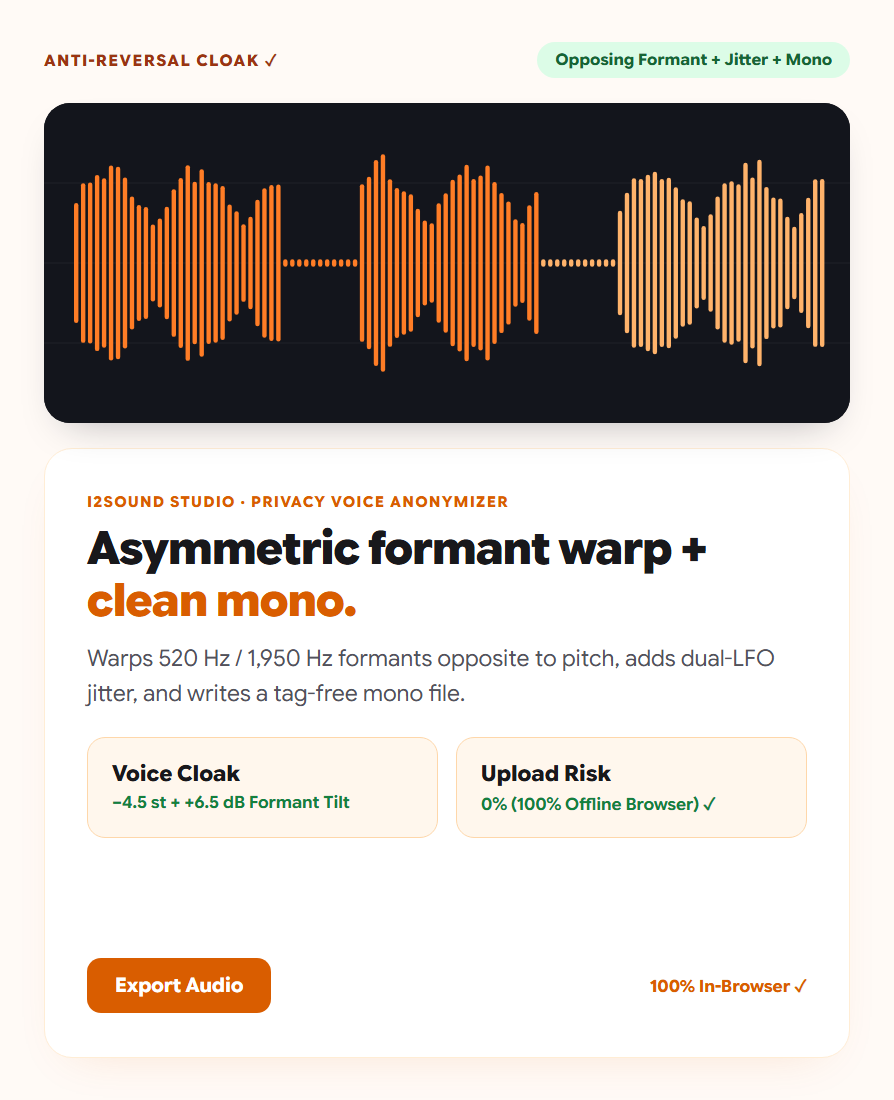

Open Privacy Voice Anonymizer whenever you need fast, studio-accurate results directly in your browser without uploading private files. Journalists and researchers know that ordinary pitch-shifting is unsafe: anyone can pitch-shift the audio back to unmask the speaker. i2Sound warps vocal-tract formants in the opposite direction of pitch, injects dual-LFO micro-jitter, band-limits biometric highs, and writes a brand-new mono file stripped of metadata.
Open your audio or video locally
Click Choose Audio or Video in Privacy Voice Anonymizer (or drag and drop Confidential Interviews, Whistleblower Statements, or Mic Takes) to render an interactive Retina waveform directly in local browser memory—or click Try Studio Demo to test immediately.
Press Spacebar to start playback and use the Waveform / Spectrogram / Live FFT view tabs or mouse-wheel zoom (up to 40×) to inspect exact transients and noise floors.
Studio tip: Because Voice Anonymizer runs 100% locally inside your browser with server uploads disabled, confidential source recordings never leave your computer.
Dial Investigative TV Witness Mask (Deep) & audition live
Adjust Investigative TV Witness Mask (Deep) and Gender-Neutral Biometric Cloak alongside High-Pitch Whistleblower Shield in the studio control dock. Hold Shift while dragging any rotary dial for fine precision, or double-click any control to snap back to its calibrated default.
Press B on your keyboard (or click the FX Active (A/B) switch) while audio plays to crossfade click-free in 15 ms between your dry original and processed signal.
Zero-upload source protection
Disguise whistleblower interviews completely offline after the page loads.
Anti-reversal formant warping
Opposing F1/F2 vocal-tract filtering + LFO jitter defeats simple varispeed reversal.
Strips stereo & container metadata
Renders a fresh 1-channel PCM/MP3 stream containing zero original device or timestamp tags.
Verify levels and export cleanly
Confirm headroom on the stereo output meter so peaks remain safely below 0.0 dBFS. Select your target format—such as MP3 · 320 kbps, WAV · 24-bit Studio, or FLAC · 16-bit Lossless—and click Export Audio.
Need multi-step mastering or multi-track stem layering afterward? Click Continue in (or Pro Studio in the upper module bar) to pass your processed audio straight to the next studio tool without re-uploading.
Verified Studio Recipe — Privacy Voice Anonymizer
Input Support : Confidential Interviews, Whistleblower Statements, or Mic Takes
Key Controls  : Investigative TV Witness Mask (Deep)  |  Gender-Neutral Biometric Cloak  |  High-Pitch Whistleblower Shield  |  Maximum Anti-Reversal Cloak  |  Pitch Mask Shift
Before -> Now : Biometric Formants + Device Tags  -->  Opposing Formant + Jitter + Mono
Output Export : 1-Channel Metadata-Clean Anonymized WAV or MP3 (100% Client-Side Browser DSP)Common questions
Why isn't normal pitch shifting enough to anonymize a voice?
A uniform pitch shift scales fundamental frequency and formants by a single constant—reversing that constant restores the original voice. Adding opposing formant tilt, non-stationary dual-LFO delay jitter, and narrowband filtering breaks direct inversion.
Does exporting strip original recording timestamps and phone model tags?
Yes. Voice Anonymizer synthesizes a brand-new 1-channel mono PCM/MP3 file from raw audio samples, leaving zero original container metadata behind.
Which preset should I use if my natural voice is deep vs. high?
If your natural voice is high, pick a negative Pitch Mask (−4.5 st) with positive Formant Asymmetry; if your natural voice is deep, try +2.5 to +5.0 st with negative Formant Asymmetry.
Try Privacy Voice Anonymizer in your browser
Combine opposing pitch + vocal-tract formant warping, dual-LFO jitter, and metadata scrubbing.