
Open Voice Changer & Character Lab whenever you need fast, studio-accurate results directly in your browser without uploading private files. Click any character card—Robot Droid, Helium Balloon, Cinema Villain, Walkie-Talkie, Stadium Megaphone, Retro Landline, Alien Transmission, or Cave Titan—and fine-tune pitch, radio crunch, and echo live.
Open your audio or video locally
Click Choose Audio or Video in Voice Changer & Character Lab (or drag and drop Live Microphone Recording or Existing Audio File) to render an interactive Retina waveform directly in local browser memory—or click Try Studio Demo to test immediately.
Press Spacebar to start playback and use the Waveform / Spectrogram / Live FFT view tabs or mouse-wheel zoom (up to 40×) to inspect exact transients and noise floors.
Studio tip: Click Record Mic in the upload bar to perform a line in your own voice, then click through all 8 character cards while playback loops!
Dial Character Pitch & audition live
Adjust Character Pitch and Radio / Grit Crunch alongside Environment Echo in the studio control dock. Hold Shift while dragging any rotary dial for fine precision, or double-click any control to snap back to its calibrated default.
Press B on your keyboard (or click the FX Active (A/B) switch) while audio plays to crossfade click-free in 15 ms between your dry original and processed signal.
Skits, memes & character voices
Jump from Walkie-Talkie tactical comms to Cave Titan or Helium in one click.
Droid & Alien transmissions
Combine 55 Hz / 185 Hz ring modulation with metallic plate reflections for authentic sci-fi dialogue.
Phone & PA loudspeaker simulation
Make clean voiceover lines sound like they are coming through a telephone or stadium horn.
Verify levels and export cleanly
Confirm headroom on the stereo output meter so peaks remain safely below 0.0 dBFS. Select your target format—such as MP3 · 320 kbps, WAV · 24-bit Studio, or FLAC · 16-bit Lossless—and click Export Audio.
Need multi-step mastering or multi-track stem layering afterward? Click Continue in (or Pro Studio in the upper module bar) to pass your processed audio straight to the next studio tool without re-uploading.
Verified Studio Recipe — Voice Changer & Character Lab
Input Support : Live Microphone Recording or Existing Audio File
Key Controls  : Character Pitch  |  Radio / Grit Crunch  |  Environment Echo
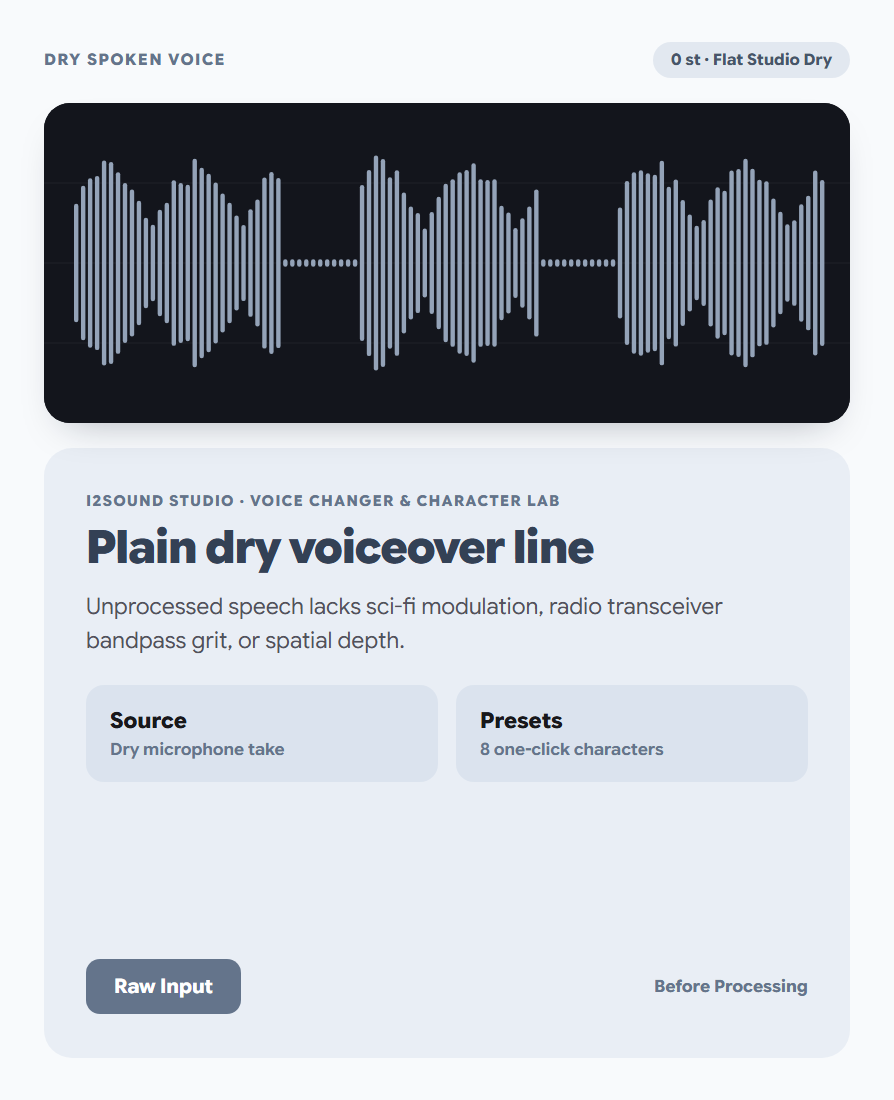
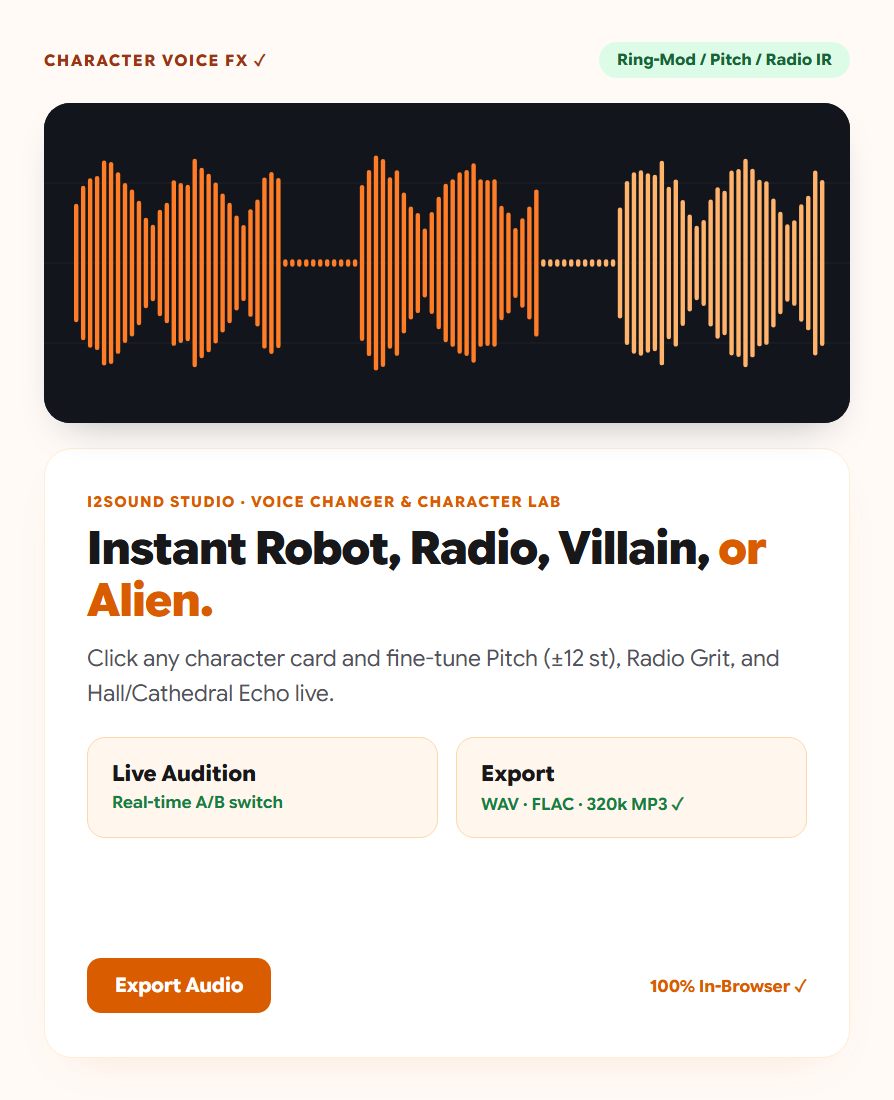
Before -> Now : 0 st · Flat Studio Dry  -->  Ring-Mod / Pitch / Radio IR
Output Export : Character-Morphed MP3, WAV, or Lossless FLAC (100% Client-Side Browser DSP)Common questions
Can I customize a character preset after clicking it?
Yes. Every character card sets the underlying Pitch, Radio Grit, and Environment Echo knobs, which you can tweak further to dial in your own signature voice.
Can I record my own voice directly inside Voice Changer?
Yes! Click Record Mic in the upload bar, speak a sentence, and immediately audition all 8 character cards on your recording.
How do I get a convincing Walkie-Talkie or Police Radio voice?
Click the Walkie-Talkie card—it combines a steep 1.35 kHz bandpass filter with 85% harmonic crunch to mimic a handheld two-way radio.
Try Voice Changer & Character Lab in your browser
Combine pitch shifting, ring modulation, walkie-talkie crunch, and cave convolution.