
Open Audio Bleeper & Word Censor whenever you need fast, studio-accurate results directly in your browser without uploading private files. Drag the waveform handles over any word, click + Bleep Highlighted Selection to stack as many redactions as needed, and choose between a classic 1,000 Hz broadcast bleep, silent radio mute, hip-hop reverse-word flip, or static.
Open your audio or video locally
Click Choose Audio or Video in Audio Bleeper & Word Censor (or drag and drop Podcasts, Videos, Interviews, or Clean Radio Edits) to render an interactive Retina waveform directly in local browser memory—or click Try Studio Demo to test immediately.
Press Spacebar to start playback and use the Waveform / Spectrogram / Live FFT view tabs or mouse-wheel zoom (up to 40×) to inspect exact transients and noise floors.
Studio tip: Need to redact multiple names or swear words across a long interview? Highlight the first word and click + Bleep Highlighted Selection, then move the handles to the next word and click again!
Dial Classic 1,000 Hz TV Bleep & audition live
Adjust Classic 1,000 Hz TV Bleep and Clean Radio Mute (Silence) alongside Hip-Hop Reverse-Word Flip in the studio control dock. Hold Shift while dragging any rotary dial for fine precision, or double-click any control to snap back to its calibrated default.
Press B on your keyboard (or click the FX Active (A/B) switch) while audio plays to crossfade click-free in 15 ms between your dry original and processed signal.
Ad-friendly 1,000 Hz TV bleeps
Keep monetization safe or add comedic timing with classic 1 kHz broadcast bleeps.
Hip-hop reverse-word clean edits
Flip individual explicit words backwards in-place without losing the beat.
Redact phone numbers & credit cards
Mute or static-mask sensitive PII inside call recordings 100% locally.
Verify levels and export cleanly
Confirm headroom on the stereo output meter so peaks remain safely below 0.0 dBFS. Select your target format—such as MP3 · 320 kbps, WAV · 24-bit Studio, or FLAC · 16-bit Lossless—and click Export Audio.
Need multi-step mastering or multi-track stem layering afterward? Click Continue in (or Pro Studio in the upper module bar) to pass your processed audio straight to the next studio tool without re-uploading.
Verified Studio Recipe — Audio Bleeper & Word Censor
Input Support : Podcasts, Videos, Interviews, or Clean Radio Edits
Key Controls  : Classic 1,000 Hz TV Bleep  |  Clean Radio Mute (Silence)  |  Hip-Hop Reverse-Word Flip  |  Static Pink/White Redaction  |  Censor Sound Style
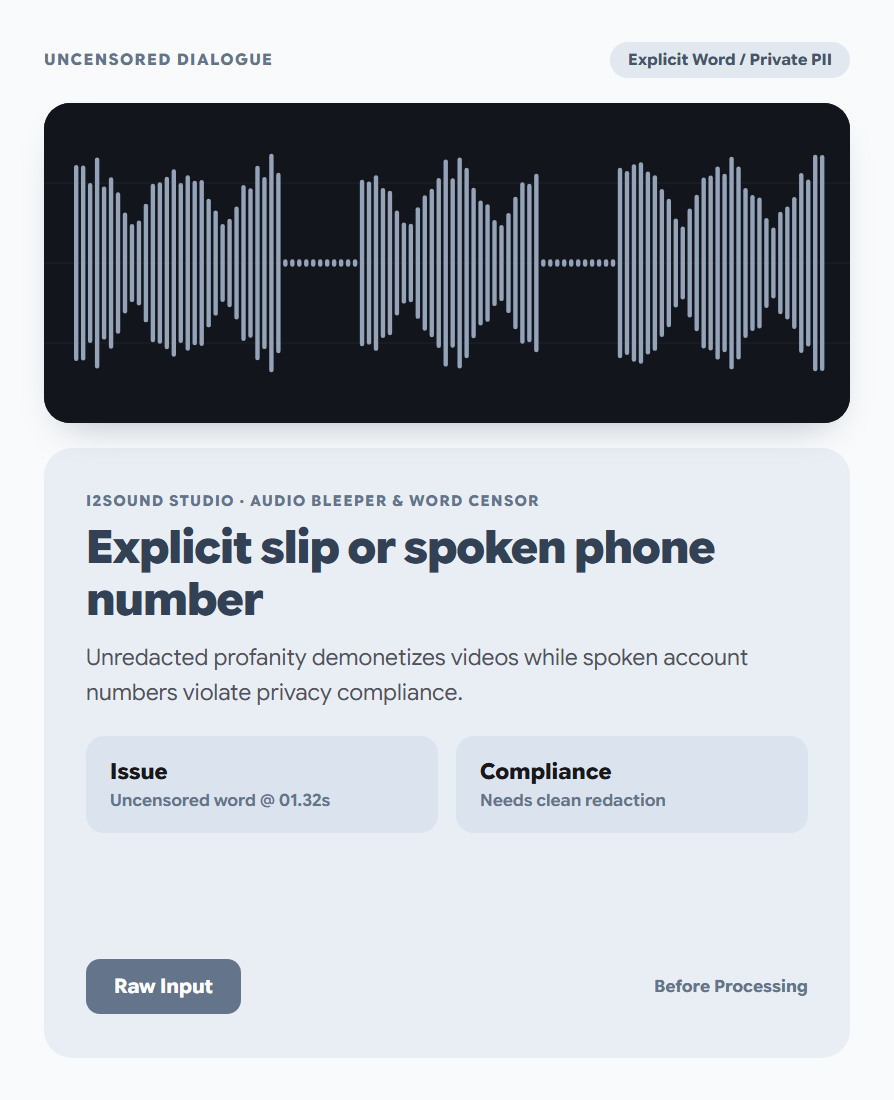
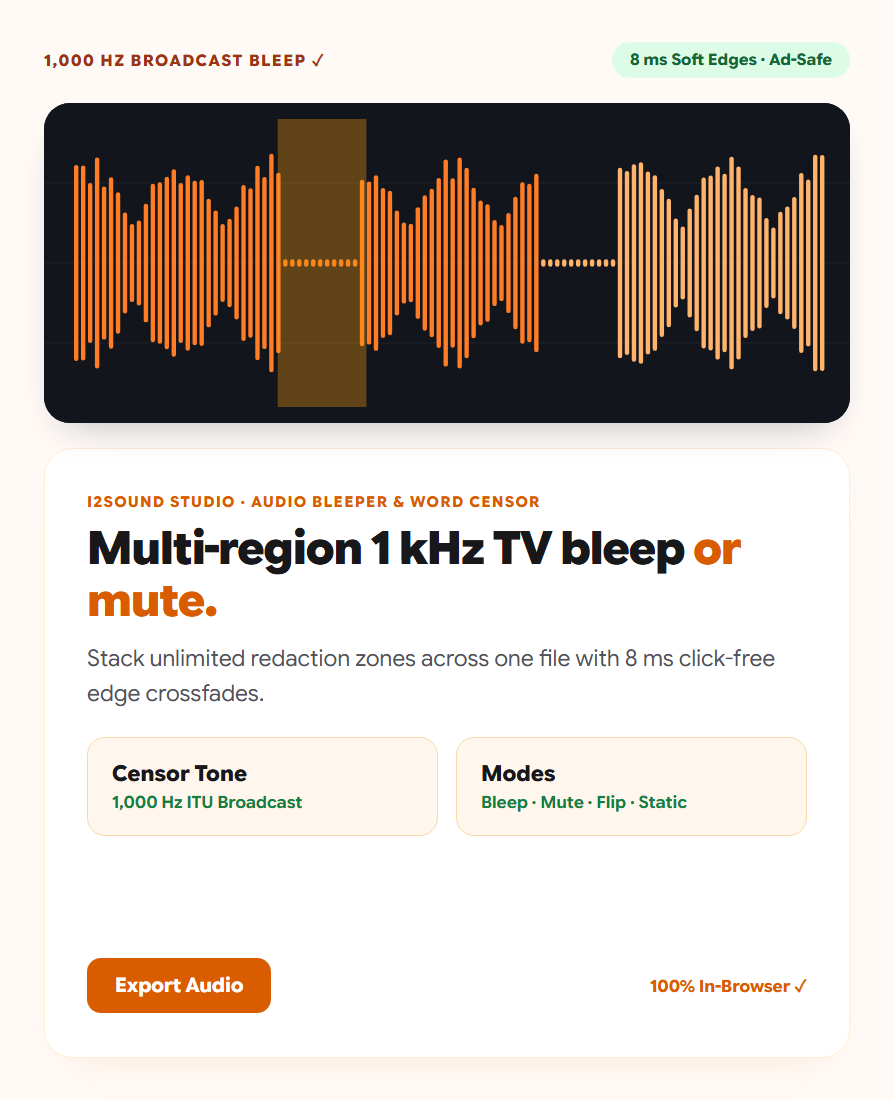
Before -> Now : Explicit Word / Private PII  -->  8 ms Soft Edges · Ad-Safe
Output Export : 1,000 Hz Bleeped, Muted, or Word-Flipped MP3, WAV, or FLAC (100% Client-Side Browser DSP)Common questions
What frequency is a standard television censor bleep?
Broadcast television traditionally uses a 1,000 Hz (1 kHz) pure sine wave—the exact default in Audio Bleeper—though you can tune Bleep Tone Pitch anywhere from 400 Hz to 2,000 Hz.
Can I censor five or ten separate words in one recording?
Yes. Drag the waveform handles around each word and click + Bleep Highlighted Selection to stack unlimited redactions before exporting once.
When is Radio Mute or Reverse Word better than a 1 kHz Bleep?
1 kHz TV Bleep signals an obvious redaction for comedy or news, whereas Radio Mute or Reverse Word keeps music edits smooth without a loud tone.
Try Audio Bleeper & Word Censor in your browser
Stack 1,000 Hz TV broadcast bleeps, silent radio mutes, or hip-hop word flips cleanly.