
Open Online Voice Recorder whenever you need fast, studio-accurate results directly in your browser without uploading private files. Capture microphone recordings directly in your browser with a built-in script notepad right above the Retina waveform, automatic start/end dead-air trimming, 85 Hz plosive filtering, and instant MP3, WAV, or FLAC export.
Prepare script and record mic
Click Choose Audio or Video in Online Voice Recorder (or drag and drop Browser Microphone Stream + Built-In Private Script Pad) to render an interactive Retina waveform directly in local browser memory—or click Try Studio Demo to test immediately.
Press Spacebar to start playback and use the Waveform / Spectrogram / Live FFT view tabs or mouse-wheel zoom (up to 40×) to inspect exact transients and noise floors.
Studio tip: Once recorded, click Continue in at the bottom right to send your fresh voice take straight into Podcast Enhancer, Voice Changer, or Audio Joiner.
Dial Natural Mic Take & audition live
Adjust Natural Mic Take and Broadcast Voiceover (+3 dB Clarity) alongside Distant Laptop Mic (+8 dB) in the studio control dock. Hold Shift while dragging any rotary dial for fine precision, or double-click any control to snap back to its calibrated default.
Press B on your keyboard (or click the FX Active (A/B) switch) while audio plays to crossfade click-free in 15 ms between your dry original and processed signal.
Read your script while recording
Keep your talking points right above the waveform so your eyes stay steady near the mic.
100% private local voice memos
Recordings live solely in your browser memory until you save them to disk.
Instant pronunciation playback
Record a phrase, press Spacebar to audition immediately, and trim edges cleanly.
Verify levels and export cleanly
Confirm headroom on the stereo output meter so peaks remain safely below 0.0 dBFS. Select your target format—such as MP3 · 320 kbps, WAV · 24-bit Studio, or FLAC · 16-bit Lossless—and click Export Audio.
Need multi-step mastering or multi-track stem layering afterward? Click Continue in (or Pro Studio in the upper module bar) to pass your processed audio straight to the next studio tool without re-uploading.
Verified Studio Recipe — Online Voice Recorder
Input Support : Browser Microphone Stream + Built-In Private Script Pad
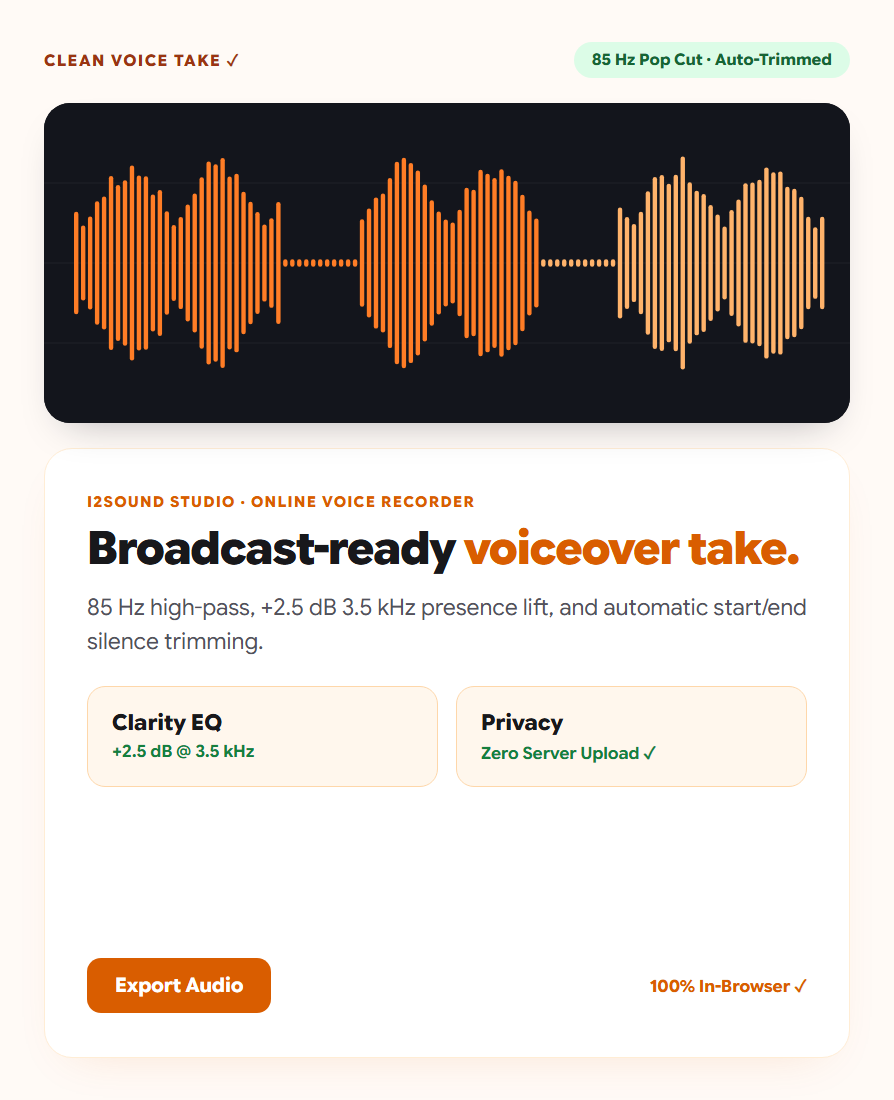
Key Controls  : Natural Mic Take  |  Broadcast Voiceover (+3 dB Clarity)  |  Distant Laptop Mic (+8 dB)  |  Mic Post-Gain  |  Vocal Presence (3.5 kHz)
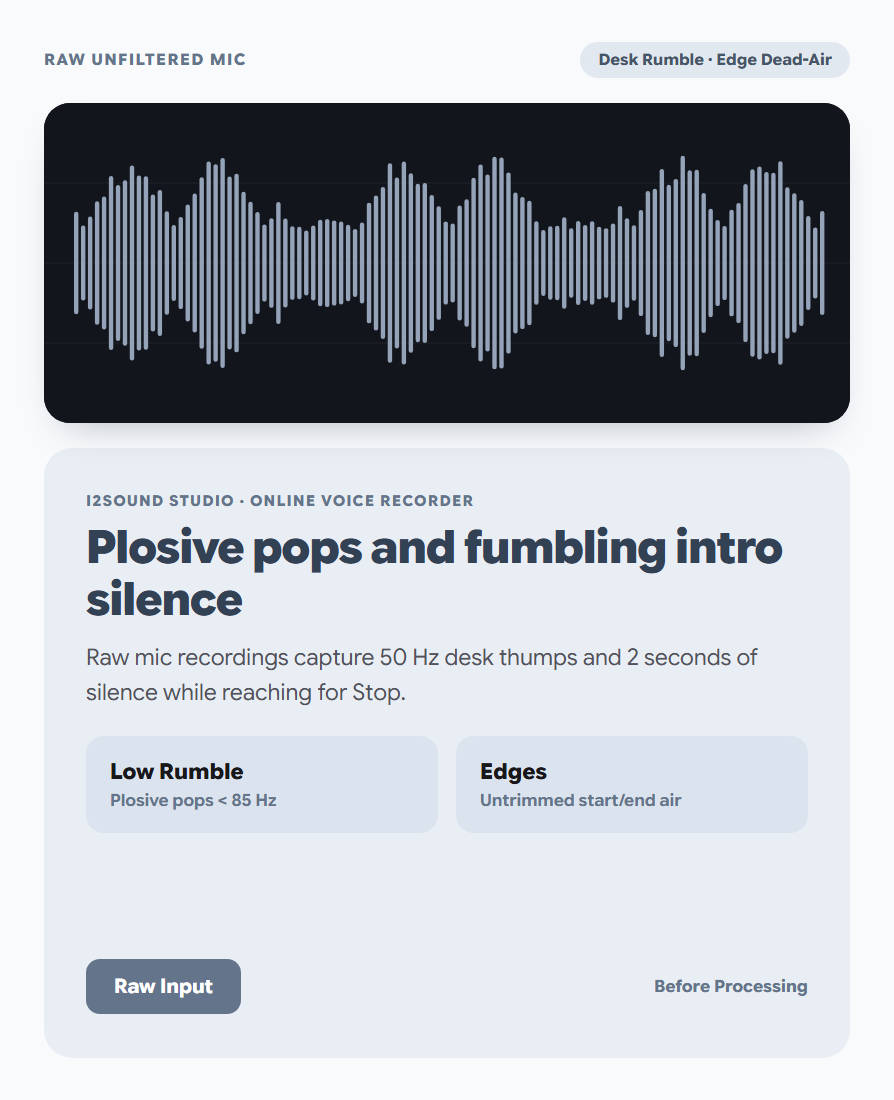
Before -> Now : Desk Rumble · Edge Dead-Air  -->  85 Hz Pop Cut · Auto-Trimmed
Output Export : MP3 (320/192/128k), 16/24/32-bit WAV, or Lossless FLAC (100% Client-Side Browser DSP)Common questions
Are my microphone recordings or script notes uploaded anywhere?
No. Both your microphone audio stream and everything typed into the teleprompter notepad remain 100% local inside your browser tab.
Why might my browser ask for microphone permission?
Browsers require explicit one-click user permission before granting microphone access over HTTPS; audio stays strictly in your local tab memory.
What does the 85 Hz Rumble & Pop Cut switch do?
It filters out low-frequency desk thumps, air-conditioner rumble, and 'P/B' breath plosives below 85 Hz without thinning vocal warmth.
Try Online Voice Recorder in your browser
Read from a private built-in teleprompter while filtering plosives and edge dead air.