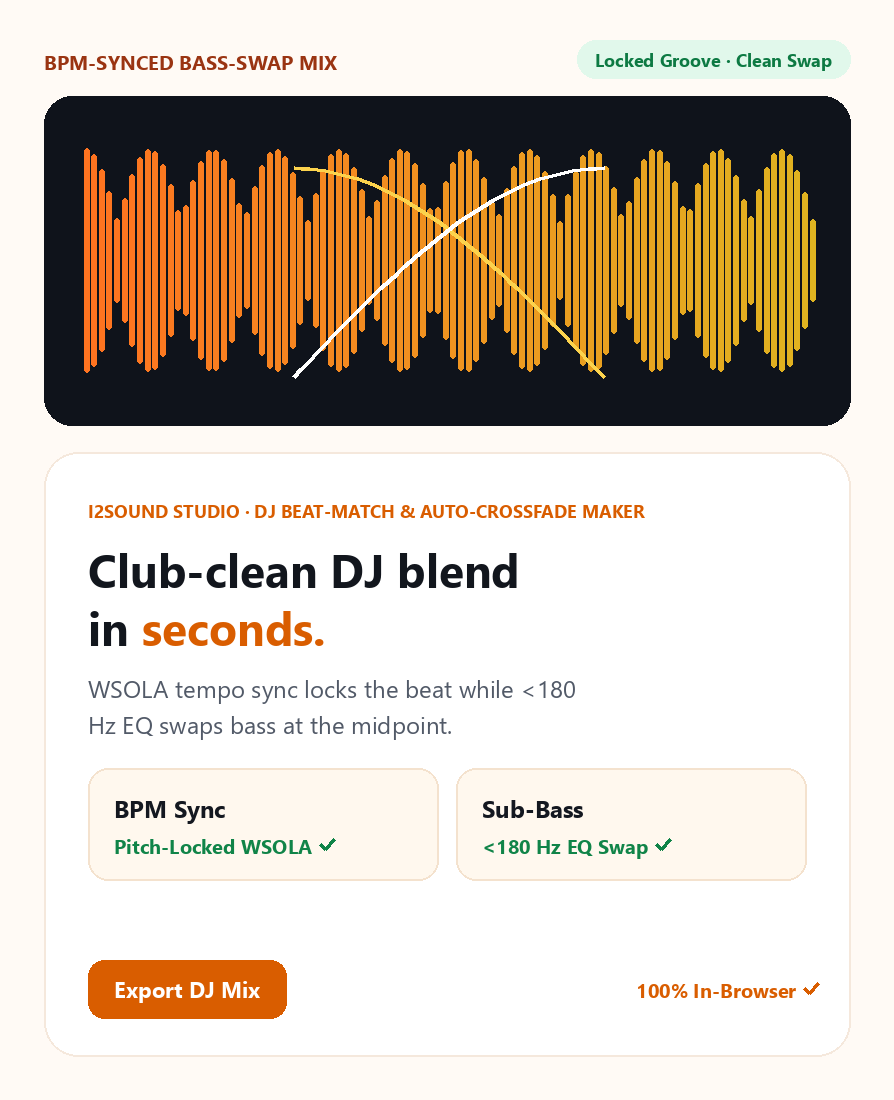

Open DJ Beat-Match & Auto-Crossfade Maker whenever you want a workout playlist, wedding dance medley, podcast intro handoff, or party mix where Song A flows seamlessly into Song B without clashing beats.
Load Deck A & Deck B (BPM & Camelot Key auto-detected)
Select two songs at once in DJ Beat-Match & Auto-Crossfade Maker (or load Deck A and Deck B individually)—or click Try Studio Demo.
Both decks immediately display their detected BPM and Camelot Key (for example, 120 BPM · Key 8B), and you can click Swap Deck A & Deck B anytime to test the reverse order.
Studio tip: Click Audition Transition Zone to jump the playhead 1 second before the crossfade so you can verify the beat handoff immediately!
Pick 8, 16, or 32 beats & enable DJ EQ Bass-Swap
Choose 8 Beats for snappy radio cuts, 16 Beats for standard club phrasing, or 32 Beats for progressive house blends.
Keep Sync Deck B to Deck A BPM enabled to time-stretch Deck B cleanly via pitch-preserving WSOLA, and keep Clean Sub-Bass Swap (<180 Hz) active so two basslines never collide.
Pitch-locked WSOLA BPM sync
Matches Deck B to Deck A's tempo without shifting vocal pitch or musical key.
<180 Hz DJ EQ Bass-Swap
Holds Deck B's sub-bass back until the midpoint so kick drums never phase-cancel.
Camelot harmonic key readout
Displays Camelot codes (8A, 8B, 9B) on both decks for harmonic mixing.
Export your continuous DJ mix in 320k MP3, WAV, or FLAC
Choose MP3 · 320 kbps, WAV · 16/24-bit, or FLAC and click Export Audio to save your seamless transition.
Want to check streaming loudness before uploading your mix to YouTube or SoundCloud? Open LUFS & True Peak Loudness Meter.
Verified Studio Recipe — DJ Beat-Match & Auto-Crossfade Maker
Input Support : Deck A + Deck B (MP3, WAV, FLAC, M4A, OGG, WMA, MP4, MOV)
Key Controls  : 8 / 16 / 32-Beat Blend  |  WSOLA BPM Sync  |  <180 Hz Bass-Swap
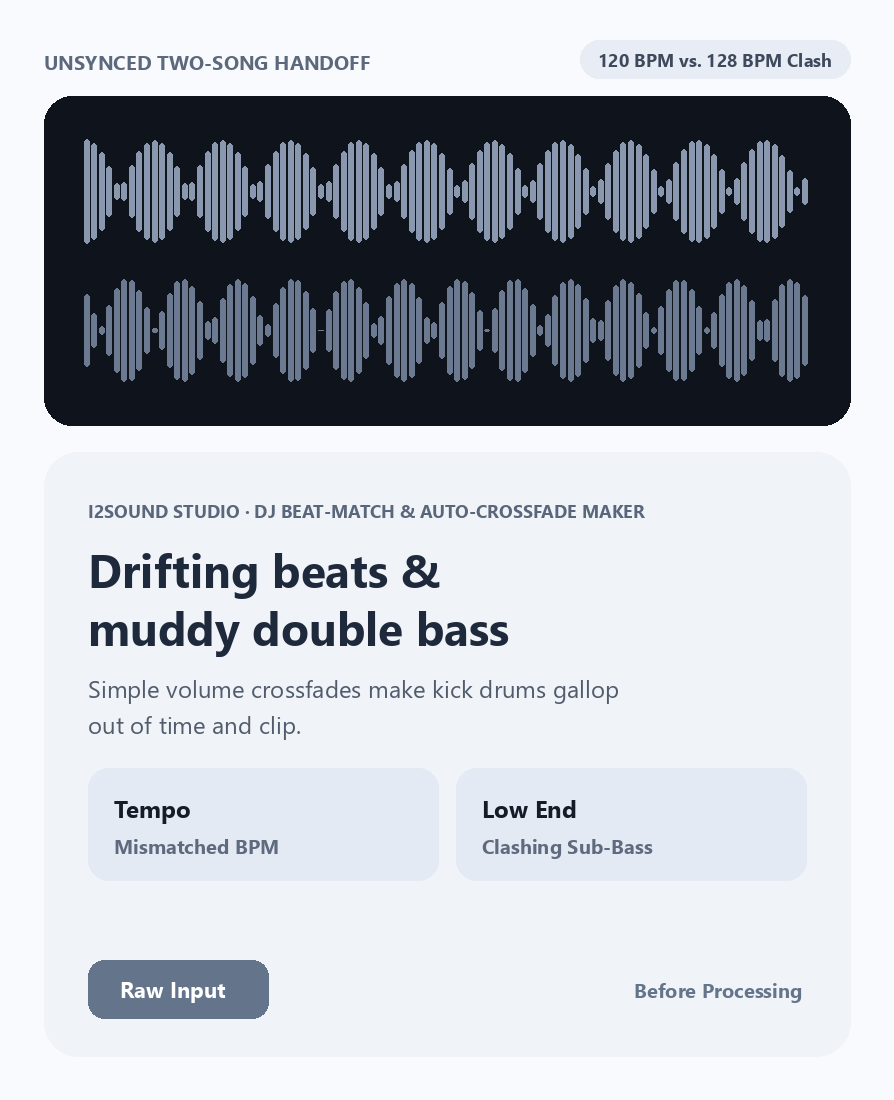
Before -> Now : 120 BPM + 128 BPM Clash  -->  Locked 120 BPM Club Transition
Output Export : 320 kbps MP3 | 16/24-bit WAV | Lossless FLACCommon questions
Does syncing Deck B's tempo change the singer's voice pitch?
No—WSOLA time-stretching adjusts tempo while keeping the original pitch and musical key intact.
Why do ordinary crossfades sound muddy in the middle?
When two songs play their sub-bass and kick drums at full volume simultaneously, low frequencies clip and cancel each other; EQ Bass-Swap solves this cleanly.
Can I mix more than two tracks?
Export your 2-song transition and drop it back onto Deck A to chain a 3rd or 4th song—or arrange up to 8 lanes inside Pro Studio.
Try DJ Beat-Match & Auto-Crossfade Maker in your browser
Automatically tempo-sync and bass-swap crossfade two songs in your browser.