
Open Audio Speed & Tempo Changer whenever you need fast, studio-accurate results directly in your browser without uploading private files. Speed through long lectures, tighten voiceovers to fit a 60-second ad slot, or slow down fast instrument solos to 0.50× for transcription using stereo phase-locked WSOLA time-stretching.
Open your audio or video locally
Click Choose Audio or Video in Audio Speed & Tempo Changer (or drag and drop MP3, WAV, FLAC, M4A, AAC, OGG, OPUS, WebM, MP4, or Mic) to render an interactive Retina waveform directly in local browser memory—or click Try Studio Demo to test immediately.
Press Spacebar to start playback and use the Waveform / Spectrogram / Live FFT view tabs or mouse-wheel zoom (up to 40×) to inspect exact transients and noise floors.
Studio tip: Want the classic deepened pitch of a slowed-down vinyl record instead? Toggle Pitch Lock off to switch into smooth Analog Tape Mode.
Dial 1.50× Fast Lecture & audition live
Adjust 1.50× Fast Lecture and 2.00× Double Speed alongside 1.25× Brisk Podcast in the studio control dock. Hold Shift while dragging any rotary dial for fine precision, or double-click any control to snap back to its calibrated default.
Press B on your keyboard (or click the FX Active (A/B) switch) while audio plays to crossfade click-free in 15 ms between your dry original and processed signal.
Learn fast passages at 0.50×–0.75×
Slow down complex guitar solos, piano runs, or choreography tracks without shifting the song out of its original musical key.
Fit voiceovers into exact time limits
Nudge narration to 1.08× or 1.15× so a 34-second script lands cleanly inside a 30-second broadcast or social spot.
Export 1.5×–2.0× study audio
Render accelerated MP3 lectures for offline players and car stereos that lack built-in variable-speed playback.
Verify levels and export cleanly
Confirm headroom on the stereo output meter so peaks remain safely below 0.0 dBFS. Select your target format—such as MP3 · 320 kbps, WAV · 24-bit Studio, or FLAC · 16-bit Lossless—and click Export Audio.
Need multi-step mastering or multi-track stem layering afterward? Click Continue in (or Pro Studio in the upper module bar) to pass your processed audio straight to the next studio tool without re-uploading.
Verified Studio Recipe — Audio Speed & Tempo Changer
Input Support : MP3, WAV, FLAC, M4A, AAC, OGG, OPUS, WebM, MP4, or Mic
Key Controls  : 1.50× Fast Lecture  |  2.00× Double Speed  |  1.25× Brisk Podcast  |  0.75× Practice Slow-Mo  |  0.50× Half-Speed Study
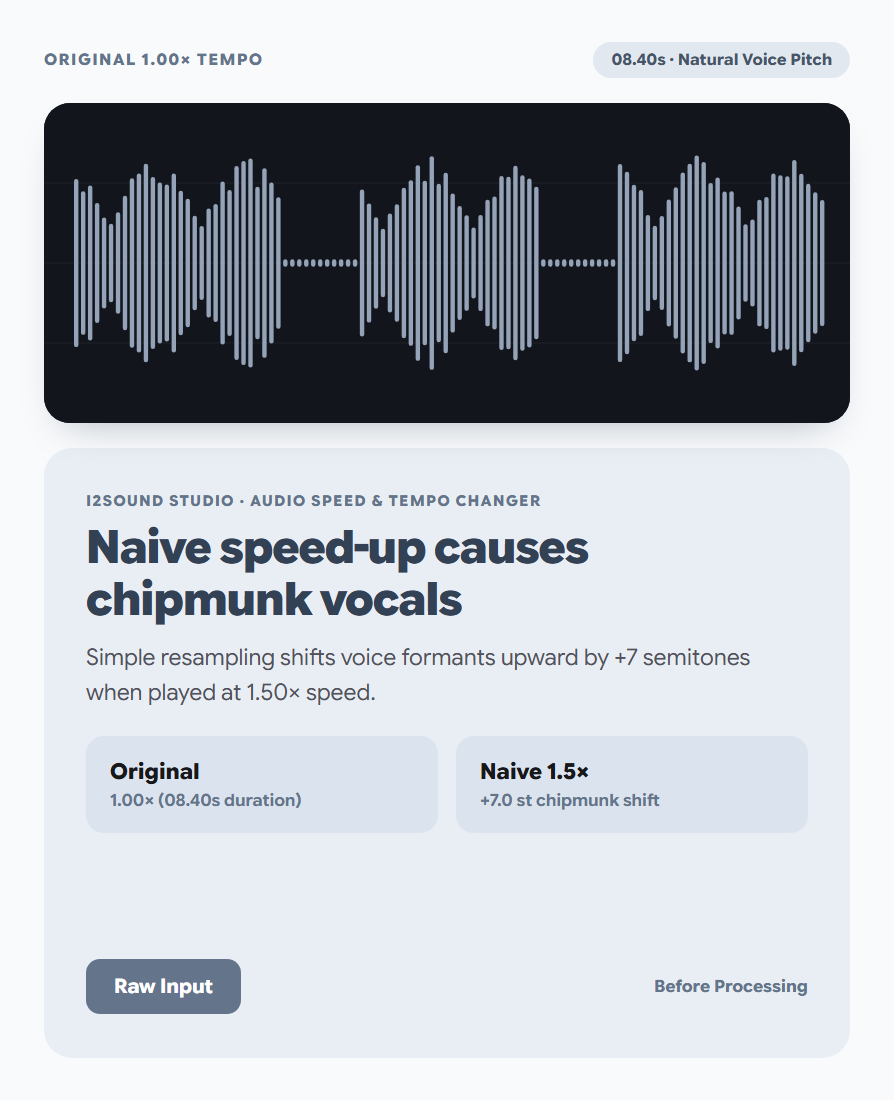
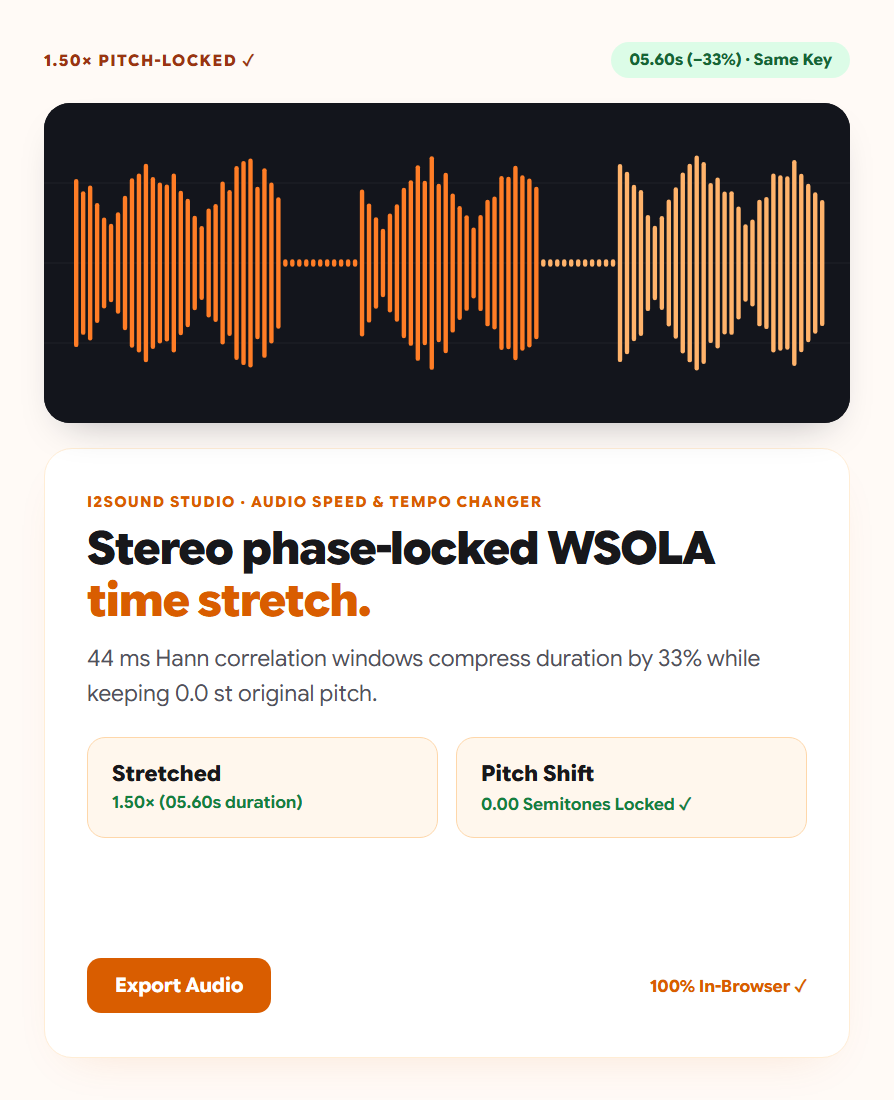
Before -> Now : 08.40s · Natural Voice Pitch  -->  05.60s (−33%) · Same Key
Output Export : 320/192/128 kbps MP3, 16/24/32-bit WAV, Lossless FLAC (100% Client-Side Browser DSP)Common questions
How does i2Sound change speed without making voices sound like chipmunks?
With Pitch Lock enabled, i2Sound uses Stereo Waveform Similarity Overlap-Add (WSOLA)—slicing audio into overlapping 44 ms Hann windows aligned at peak phase correlation so tempo changes cleanly while vocal pitch stays unchanged.
Does stereo imaging stay centered when stretching music?
Yes. Similarity alignment is computed on the combined mid signal and applied identically to Left and Right channels, preventing stereo phase drift.
What speed works best for spoken podcasts vs. music practice?
1.20×–1.50× with Pitch Lock enabled keeps spoken podcasts crisp and intelligible, while 0.50×–0.75× lets musicians transcribe fast notes in the original key.
Try Audio Speed & Tempo Changer in your browser
Stretch tempo from 0.25× to 3.00× using stereo phase-locked WSOLA—or switch to analog tape.