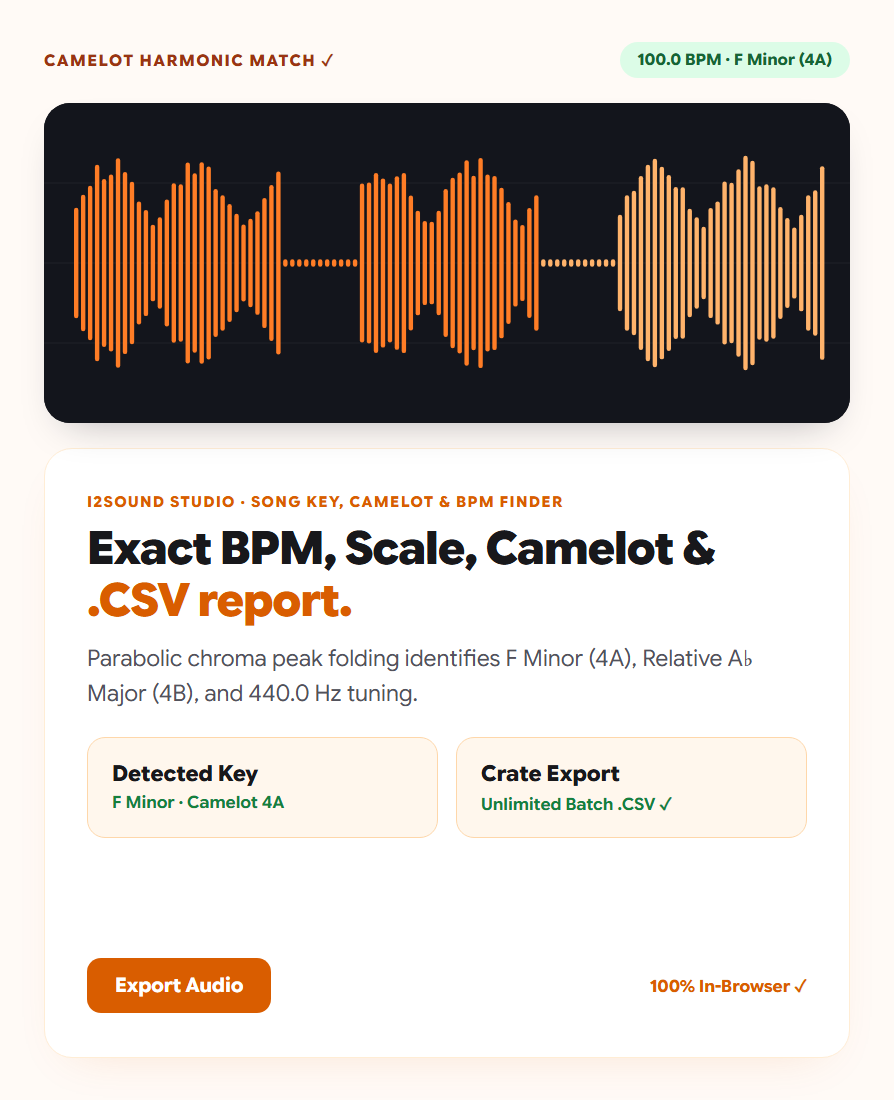

Open Song Key, Camelot & BPM Finder whenever you need fast, studio-accurate results directly in your browser without uploading private files. Drop a single song or an entire folder of DJ tracks—i2Sound computes onset-autocorrelation BPM, 4096-point chroma pitch classes correlated against Krumhansl-Kessler profiles, Camelot codes, and cent tuning offsets with .CSV crate export.
Open your audio or video locally
Click Choose Audio or Video in Song Key, Camelot & BPM Finder (or drag and drop Single Track or Multi-Song DJ Crate (MP3, WAV, FLAC, M4A, OGG)) to render an interactive Retina waveform directly in local browser memory—or click Try Studio Demo to test immediately.
Press Spacebar to start playback and use the Waveform / Spectrogram / Live FFT view tabs or mouse-wheel zoom (up to 40×) to inspect exact transients and noise floors.
Studio tip: Harmonic mixing tip: on the Camelot Wheel, move ±1 number (e.g., 4A → 3A or 5A) or switch A↔B on the same number (4A ↔ 4B) for clash-free DJ transitions.
Dial Key Notation Display & audition live
Adjust Key Notation Display and Standard + Camelot alongside Camelot DJ Wheel in the studio control dock. Hold Shift while dragging any rotary dial for fine precision, or double-click any control to snap back to its calibrated default.
Press B on your keyboard (or click the FX Active (A/B) switch) while audio plays to crossfade click-free in 15 ms between your dry original and processed signal.
Unlimited Camelot crate prep
Analyze dozens of tracks at once with zero daily limits and export a clean .CSV sheet.
Match acapellas to instrumentals
Find exact key, relative major/minor, and micro-tuning offsets before pitching stems.
Sort playlists by BPM & energy
Identify 128 BPM warmups vs. 170 BPM drum-and-bass sprints instantly.
Verify levels and export cleanly
Confirm headroom on the stereo output meter so peaks remain safely below 0.0 dBFS. Select your target format—such as MP3 · 320 kbps, WAV · 24-bit Studio, or FLAC · 16-bit Lossless—and click Export Audio.
Need multi-step mastering or multi-track stem layering afterward? Click Continue in (or Pro Studio in the upper module bar) to pass your processed audio straight to the next studio tool without re-uploading.
Verified Studio Recipe — Song Key, Camelot & BPM Finder
Input Support : Single Track or Multi-Song DJ Crate (MP3, WAV, FLAC, M4A, OGG)
Key Controls  : Key Notation Display  |  Standard + Camelot  |  Camelot DJ Wheel  |  Musical Scale  |  Tempo Octave View
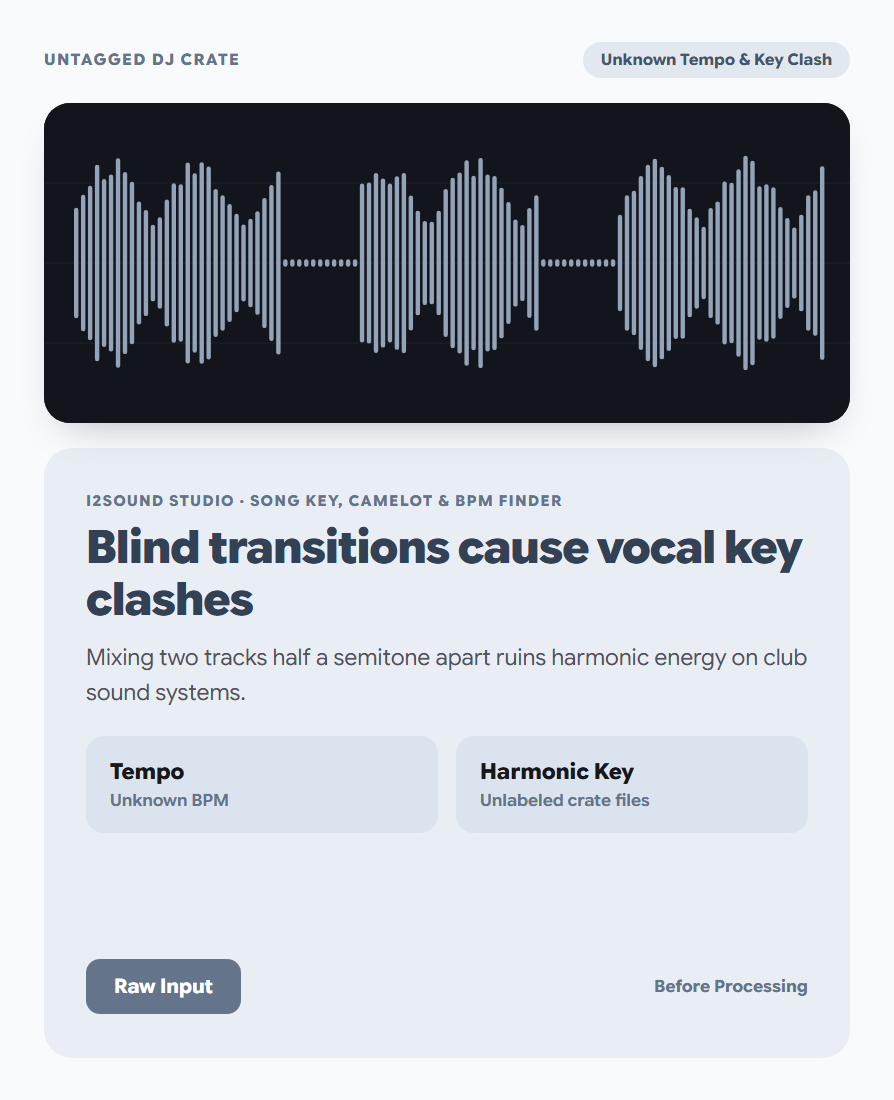
Before -> Now : Unknown Tempo & Key Clash  -->  100.0 BPM · F Minor (4A)
Output Export : BPM, Musical Key, Camelot Wheel, Tuning Hz, & Batch .CSV Report (100% Client-Side Browser DSP)Common questions
Why does Tempo Octave View offer Half-Time (÷2) and Double-Time (×2)?
Genres like hip-hop, trap, and drum-and-bass can be counted at either 70 BPM or 140 BPM depending on snare feel. Toggle ÷2 or ×2 to view your preferred DJ convention.
How do Camelot codes like 4A and 4B help DJs mix in key?
Adjacent numbers on the Camelot wheel (3A, 4A, 5A) and matching inner/outer letters (4A F Minor ↔ 4B A♭ Major) share 6 of 7 scale notes, guaranteeing harmonic transitions.
Can I export the BPM and Key results for a whole folder of songs?
Yes. Drop multiple tracks at once and click Export DJ Crate (.CSV) to save a spreadsheet of Filename, BPM, Key, Camelot, Tuning Hz, and Energy %.
Try Song Key, Camelot & BPM Finder in your browser
Batch-analyze tracks locally with 4096-point chroma correlation and export a .CSV DJ crate.