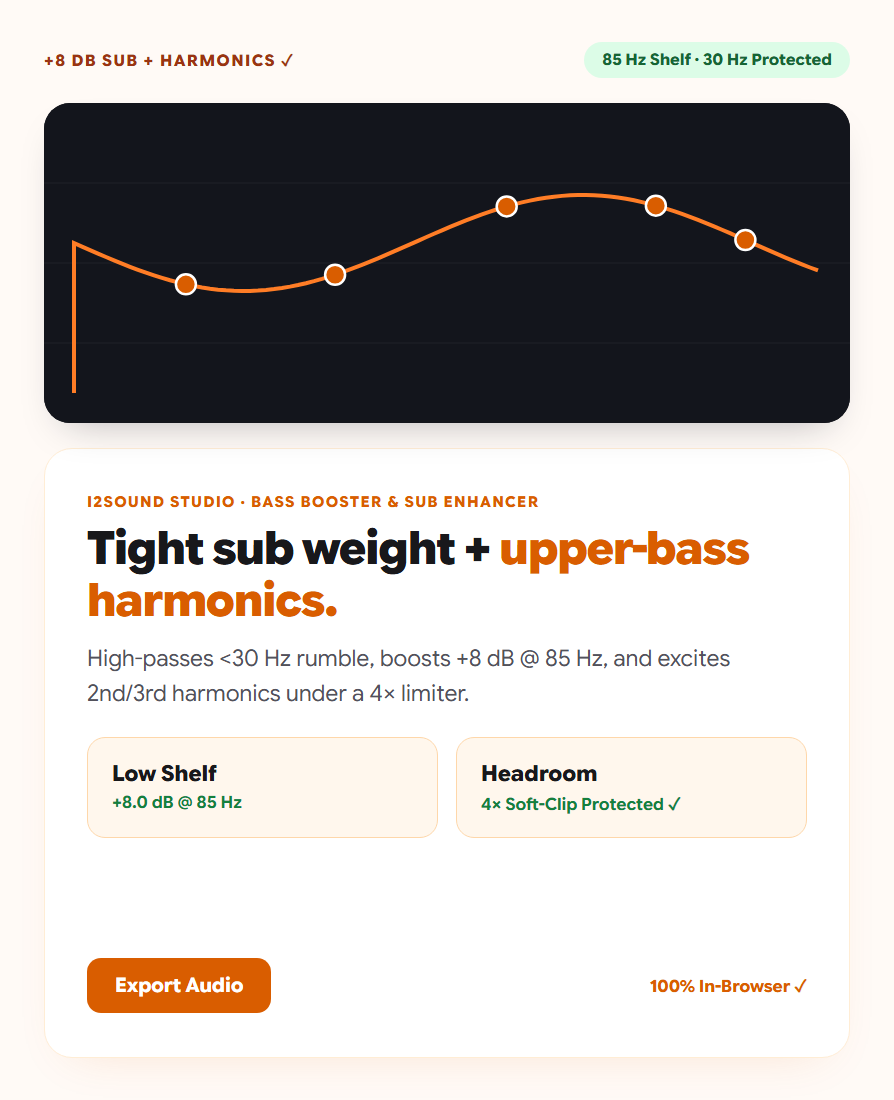

Open Bass Booster & Sub Enhancer whenever you need fast, studio-accurate results directly in your browser without uploading private files. Ordinary bass boosters simply crank 60 Hz until the mix clips and turns muddy. i2Sound pairs a tunable Low-Shelf filter with a parallel 2nd/3rd Harmonic Exciter, a 30 Hz subsonic cone filter, and 4× True-Peak limiting.
Open your audio or video locally
Click Choose Audio or Video in Bass Booster & Sub Enhancer (or drag and drop MP3, WAV, FLAC, M4A, AAC, OGG, OPUS, WebM, MP4, or Demo Groove) to render an interactive Retina waveform directly in local browser memory—or click Try Studio Demo to test immediately.
Press Spacebar to start playback and use the Waveform / Spectrogram / Live FFT view tabs or mouse-wheel zoom (up to 40×) to inspect exact transients and noise floors.
Studio tip: Using small earbuds or phone speakers? Try the Phone / Laptop Bass Harmonic preset—upper-bass harmonics trick the ear into perceiving deep sub fundamentals.
Dial Warm Low-End (+4.5 dB) & audition live
Adjust Warm Low-End (+4.5 dB) and Club 808 Punch (+8 dB) alongside Car Subwoofer (+11 dB) in the studio control dock. Hold Shift while dragging any rotary dial for fine precision, or double-click any control to snap back to its calibrated default.
Press B on your keyboard (or click the FX Active (A/B) switch) while audio plays to crossfade click-free in 15 ms between your dry original and processed signal.
Hard-hitting 808 & kick weight
Focus +8 dB at 70–85 Hz while trimming −2 dB of headroom so drops hit hard in car stereos without clipping.
Psychoacoustic harmonic punch
Generate warm 2nd and 3rd overtones above the sub fundamental so basslines cut clearly through tiny speakers.
30 Hz subsonic cone protection
Strip inaudible DC offset and turntable/wind rumble below 30 Hz to preserve clean amplifier headroom.
Verify levels and export cleanly
Confirm headroom on the stereo output meter so peaks remain safely below 0.0 dBFS. Select your target format—such as MP3 · 320 kbps, WAV · 24-bit Studio, or FLAC · 16-bit Lossless—and click Export Audio.
Need multi-step mastering or multi-track stem layering afterward? Click Continue in (or Pro Studio in the upper module bar) to pass your processed audio straight to the next studio tool without re-uploading.
Verified Studio Recipe — Bass Booster & Sub Enhancer
Input Support : MP3, WAV, FLAC, M4A, AAC, OGG, OPUS, WebM, MP4, or Demo Groove
Key Controls  : Warm Low-End (+4.5 dB)  |  Club 808 Punch (+8 dB)  |  Car Subwoofer (+11 dB)  |  Phone / Laptop Bass Harmonic  |  Maximum Sub (+15 dB Safe)
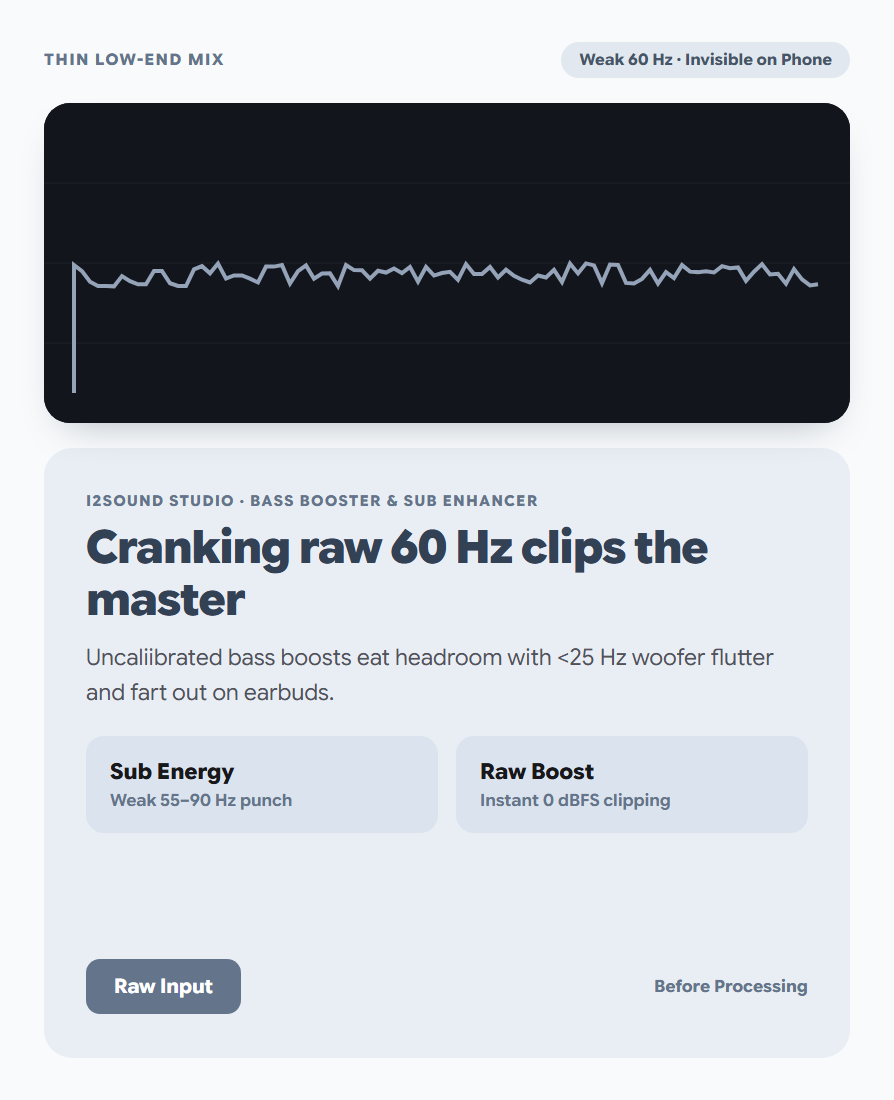
Before -> Now : Weak 60 Hz · Invisible on Phone  -->  85 Hz Shelf · 30 Hz Protected
Output Export : 320/192/128 kbps MP3, 16/24/32-bit WAV, Lossless FLAC (100% Client-Side Browser DSP)Common questions
Why should I pull down Headroom Trim when adding +10 dB of bass?
Low frequencies carry the largest waveform excursion in music. Pulling Headroom Trim down by 2–4 dB gives your boosted kicks room to breathe cleanly before hitting the True-Peak limiter.
What does the 30 Hz Rumble Filter do?
Most headphones and speakers cannot reproduce frequencies below 28–30 Hz, yet subsonic energy eats up headroom and causes speaker woofer flutter. Filtering below 30 Hz tightens the entire low end.
Why does Harmonic Punch make bass audible on phone speakers?
Tiny phone speakers physically cannot move air at 50 Hz, so adding controlled 2nd and 3rd upper-bass harmonics (100–180 Hz) triggers your ear's missing-fundamental perception.
Try Bass Booster & Sub Enhancer in your browser
Pair a tunable Low-Shelf boost with parallel 2nd/3rd harmonic punch and a 30 Hz rumble cut.