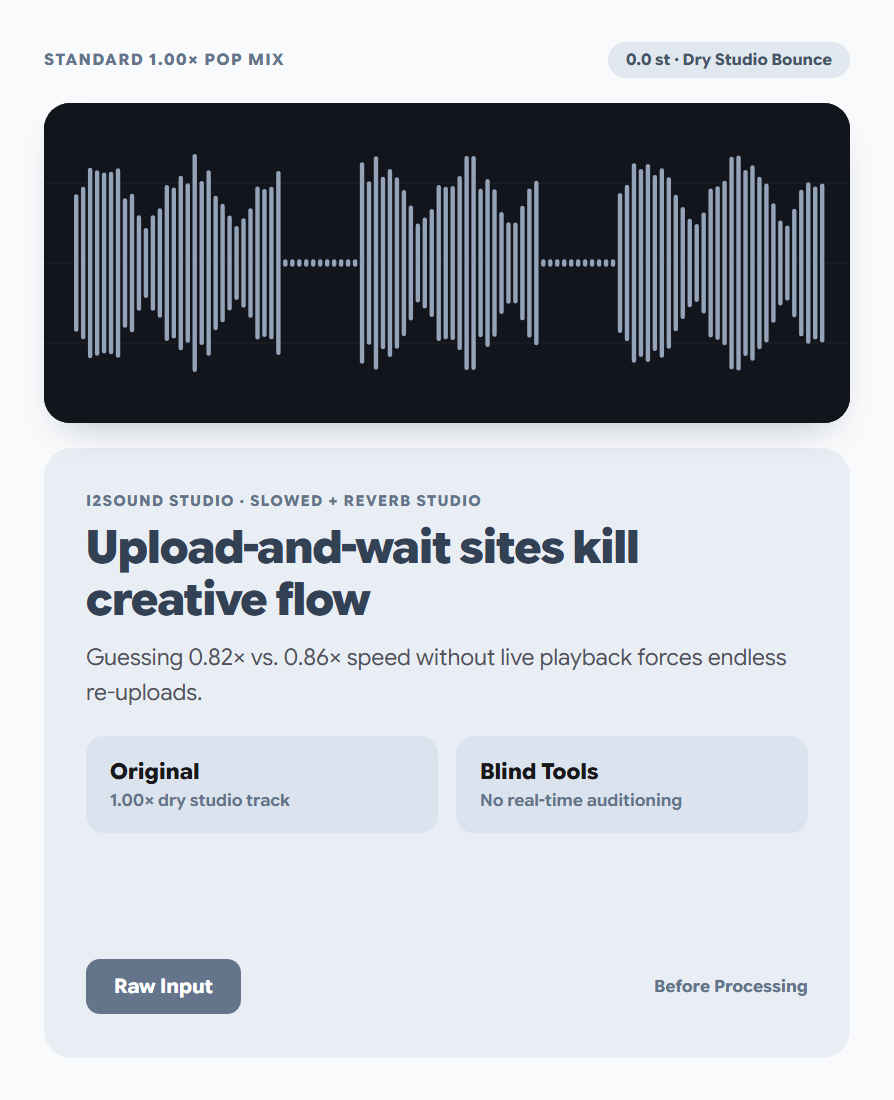
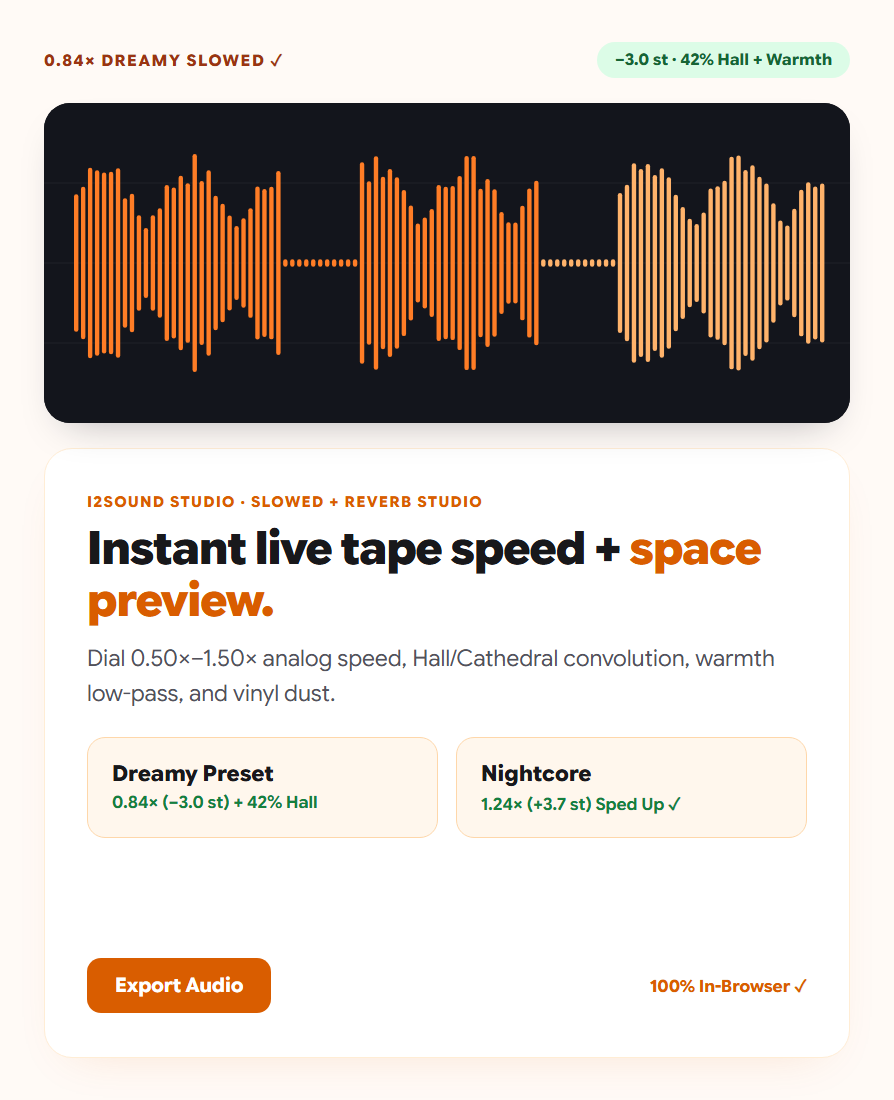

Open Slowed + Reverb Studio whenever you need fast, studio-accurate results directly in your browser without uploading private files. Instead of uploading a song and waiting in a server queue just to hear how 0.84× speed sounds, dial in tape speed, studio convolution spaces, warmth filtering, and vinyl crackle in real time while the track plays.
Open your audio or video locally
Click Choose Audio or Video in Slowed + Reverb Studio (or drag and drop MP3, WAV, FLAC, M4A, AAC, OGG, OPUS, WebM, MP4, or Demo Groove) to render an interactive Retina waveform directly in local browser memory—or click Try Studio Demo to test immediately.
Press Spacebar to start playback and use the Waveform / Spectrogram / Live FFT view tabs or mouse-wheel zoom (up to 40×) to inspect exact transients and noise floors.
Studio tip: Press B on your keyboard (or click the FX Active A/B pill) at any moment to compare your original track against your Slowed + Reverb mix with zero playback interruption.
Dial Dreamy Slowed & audition live
Adjust Dreamy Slowed and 80s Vaporwave alongside Late Night Lo-Fi in the studio control dock. Hold Shift while dragging any rotary dial for fine precision, or double-click any control to snap back to its calibrated default.
Press B on your keyboard (or click the FX Active (A/B) switch) while audio plays to crossfade click-free in 15 ms between your dry original and processed signal.
Slowed + Reverb & Sped-Up Nightcore
Jump between 0.84× Dreamy Slowed, 0.76× Vaporwave, 1.12× Crisp Edit, and 1.24× Nightcore with exact semitone readout in the stage HUD.
Lo-Fi tape warmth & vinyl dust
Roll off harsh digital highs with the logarithmic Warmth Filter, add subtle low-shelf sub weight, and blend gentle vinyl crackle.
Lush Cathedral convolution
Wash vocals, synths, or guitar loops in a 4.3-second damped Cathedral impulse response with automatic reverb tail preservation on export.
Verify levels and export cleanly
Confirm headroom on the stereo output meter so peaks remain safely below 0.0 dBFS. Select your target format—such as MP3 · 320 kbps, WAV · 24-bit Studio, or FLAC · 16-bit Lossless—and click Export Audio.
Need multi-step mastering or multi-track stem layering afterward? Click Continue in (or Pro Studio in the upper module bar) to pass your processed audio straight to the next studio tool without re-uploading.
Verified Studio Recipe — Slowed + Reverb Studio
Input Support : MP3, WAV, FLAC, M4A, AAC, OGG, OPUS, WebM, MP4, or Demo Groove
Key Controls  : Dreamy Slowed  |  80s Vaporwave  |  Late Night Lo-Fi  |  Ethereal Wash  |  Nightcore (Sped Up)
Before -> Now : 0.0 st · Dry Studio Bounce  -->  −3.0 st · 42% Hall + Warmth
Output Export : 320/192/128 kbps MP3, 16/24/32-bit WAV, Lossless FLAC (100% Client-Side Browser DSP)Common questions
Why does slowing tape speed naturally deepen the pitch?
Just like analog reel-to-reel tape or vinyl turntables, changing playback speed scales frequency proportionally—0.84× lowers pitch by roughly 3 semitones, giving vocals and synths warm, resonant weight.
Does exported audio keep the full reverb decay tail at the end of the song?
Yes. During offline rendering, i2Sound automatically extends the export buffer so Hall and Cathedral reverb tails decay naturally to silence instead of cutting off abruptly.
Will boosting Sub Warmth cause digital clipping?
No. Every render passes through a 4× oversampled soft-knee True-Peak limiter so warm sub-bass stays punchy and distortion-free below 0 dBFS.
Try Slowed + Reverb Studio in your browser
Audition tape speed, pitch semitones, Cathedral wash, and Lo-Fi vinyl crackle in real time.