
Open Pitch & Key Shifter whenever you need fast, studio-accurate results directly in your browser without uploading private files. Shift backing tracks into your comfortable singing range, retune guitar/horn practice tracks by semitones, or dial exact ±100 cent micro-pitch adjustments while locking original BPM and duration.
Open your audio or video locally
Click Choose Audio or Video in Pitch & Key Shifter (or drag and drop MP3, WAV, FLAC, M4A, AAC, OGG, OPUS, WebM, MP4, or Mic) to render an interactive Retina waveform directly in local browser memory—or click Try Studio Demo to test immediately.
Press Spacebar to start playback and use the Waveform / Spectrogram / Live FFT view tabs or mouse-wheel zoom (up to 40×) to inspect exact transients and noise floors.
Studio tip: Blend in 25%–40% Harmony Dry Blend with a +12 or −12 semitone shift to create lush octave-doubled vocal or guitar layers.
Dial −5 Semitones (Deep Cinema Voice) & audition live
Adjust −5 Semitones (Deep Cinema Voice) and +7 Semitones (Helium / Fifth Up) alongside −2 Semitones (Lower Song Key) in the studio control dock. Hold Shift while dragging any rotary dial for fine precision, or double-click any control to snap back to its calibrated default.
Press B on your keyboard (or click the FX Active (A/B) switch) while audio plays to crossfade click-free in 15 ms between your dry original and processed signal.
Match backing tracks to your voice
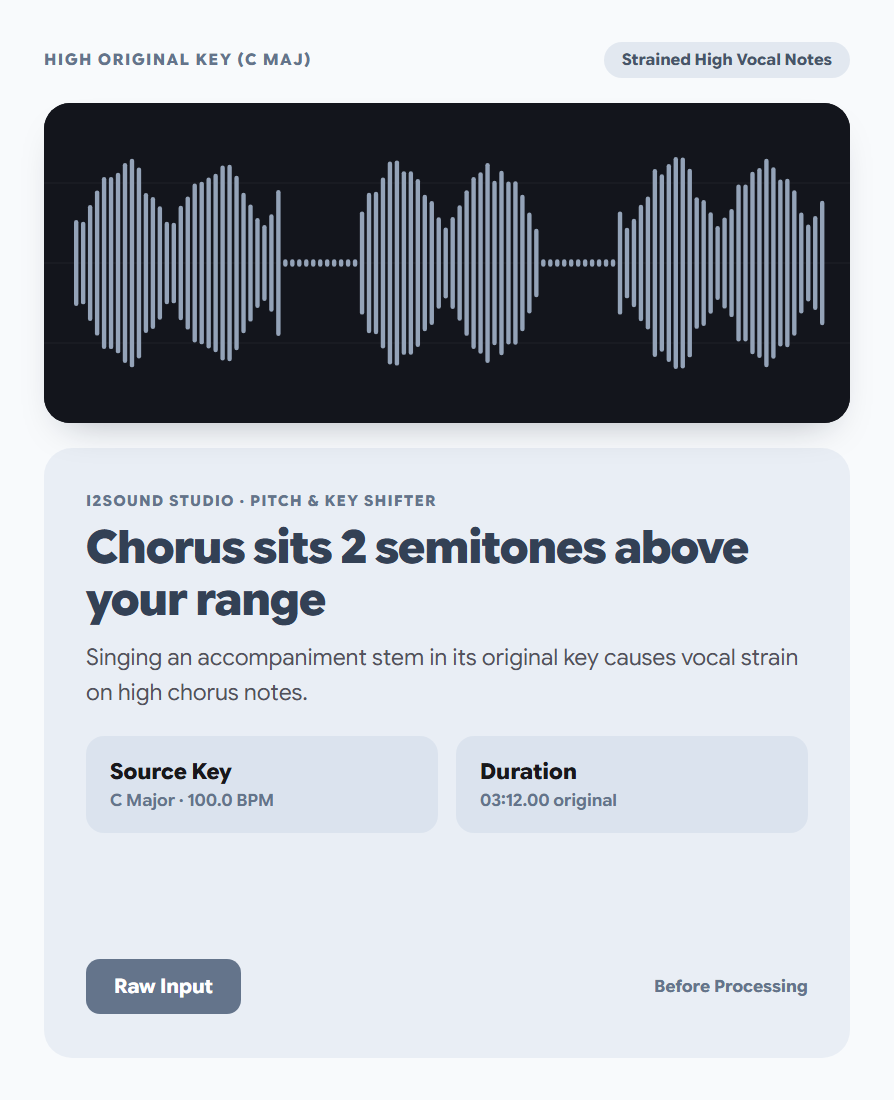
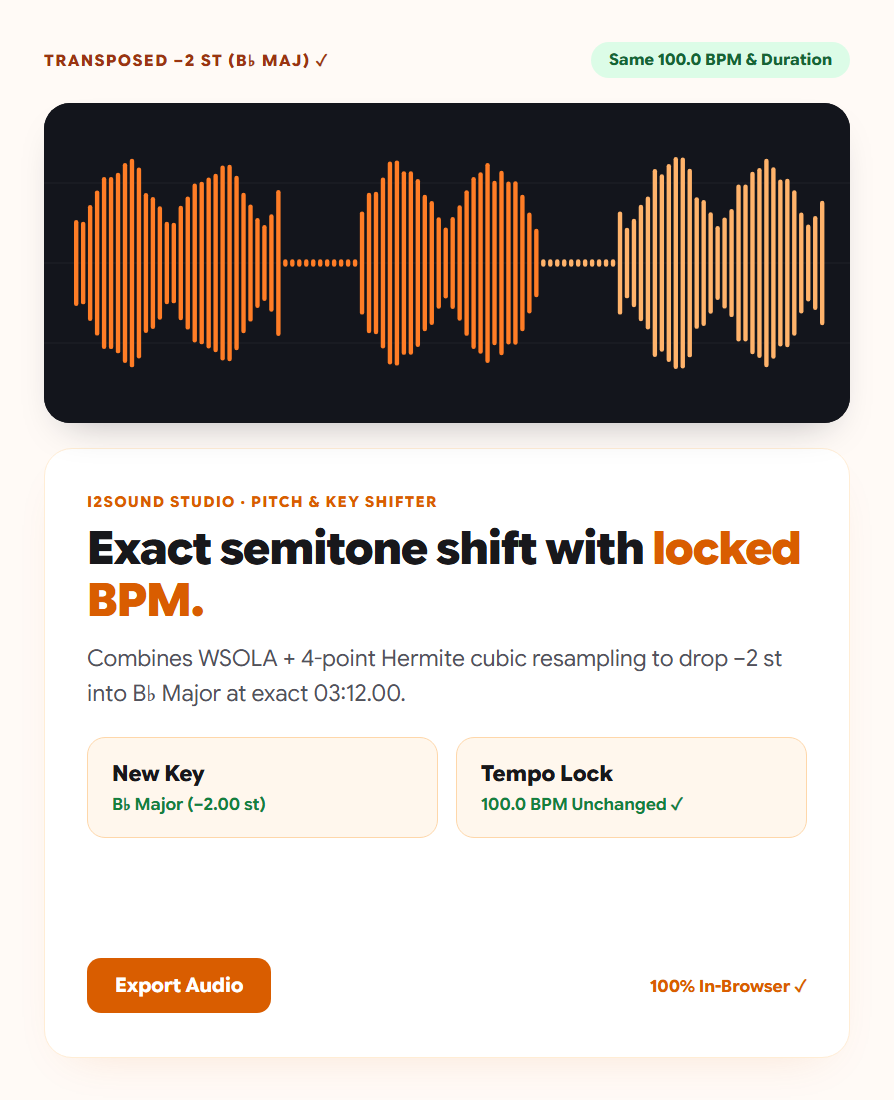
Drop karaoke or instrumental stems down 1–3 semitones to eliminate vocal strain while keeping the exact original groove.
Skip retuning your instrument
Transpose E-flat (half-step down) recordings up +1 semitone so you can play along in standard E tuning immediately.
Octave layers & monster/helium FX
Drop voice recordings −12 semitones for cinematic sub-octaves or blend +7 semitones for fifth harmonies.
Verify levels and export cleanly
Confirm headroom on the stereo output meter so peaks remain safely below 0.0 dBFS. Select your target format—such as MP3 · 320 kbps, WAV · 24-bit Studio, or FLAC · 16-bit Lossless—and click Export Audio.
Need multi-step mastering or multi-track stem layering afterward? Click Continue in (or Pro Studio in the upper module bar) to pass your processed audio straight to the next studio tool without re-uploading.
Verified Studio Recipe — Pitch & Key Shifter
Input Support : MP3, WAV, FLAC, M4A, AAC, OGG, OPUS, WebM, MP4, or Mic
Key Controls  : −5 Semitones (Deep Cinema Voice)  |  +7 Semitones (Helium / Fifth Up)  |  −2 Semitones (Lower Song Key)  |  +2 Semitones (Brighter Song Key)  |  −12 Semitones (Monster Sub-Octave)
Before -> Now : Strained High Vocal Notes  -->  Same 100.0 BPM & Duration
Output Export : 320/192/128 kbps MP3, 16/24/32-bit WAV, Lossless FLAC (100% Client-Side Browser DSP)Common questions
How many cents equal one musical semitone?
Exactly 100 cents equal 1 semitone (half-step), and 12 semitones (1,200 cents) equal one full octave (2× or 0.5× frequency).
Does Pitch Shifter change the length or BPM of my song?
Not when Lock Original Tempo is enabled (default). Switch to Varispeed only if you want tempo and pitch to scale together like analog tape.
How do I create a vocal harmony layer using Pitch Shifter?
Shift by +7 semitones (perfect fifth) or −12/+12 semitones (octave) and raise Harmony Dry Blend to 30%–45% so your original and transposed voices play together.
Try Pitch & Key Shifter in your browser
Shift backing tracks ±12 semitones and ±100 fine cents to fit your vocal or instrument range.