
Open MIDI to MP3 & WAV Converter whenever you export a .mid score from MuseScore, FL Studio, Logic, or a classic game soundtrack and need a real stereo MP3 or WAV that plays everywhere.
Drop one or multiple .MID / .MIDI files
Click Choose Audio or Video in MIDI to MP3 & WAV Converter and select one or dozens of .mid / .midi files—or click Try Studio Demo to hear a 4-bar chord & drum arrangement immediately.
Our parser reads multi-track Format 0 and Format 1 events, variable tempo changes, CC64 sustain pedals, note velocities, and Channel 10 percussion.
Studio tip: You can also drag .mid files directly onto Pro Studio to layer live vocals or guitar over your rendered MIDI backing track!
Choose an Instrument Sound Bank & Hall Reverb
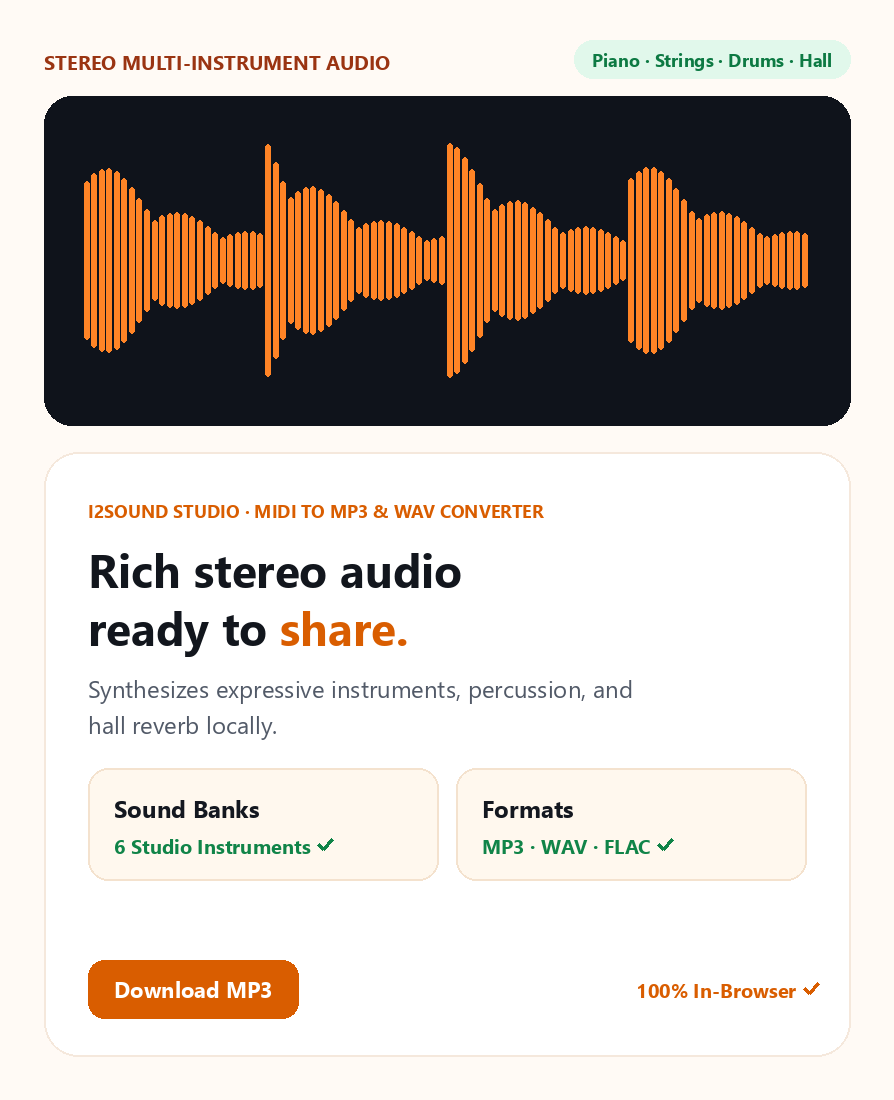
Switch between GM Auto + Drums, Grand Piano, Electric Piano, Strings, Synth, and Music Box—the waveform re-renders automatically so you can audition each timbre.
Dial in Concert Hall Reverb to add natural stereo room depth.
Multi-instrument General MIDI
Honors program changes and Channel 10 Kick, Snare, and Hi-Hat percussion.
Solo Piano & Strings modes
Override any MIDI score into a Concert Grand Piano or Symphonic Strings performance.
Batch folder .ZIP rendering
Convert entire folders of .MID files in one pass locally.
Download stereo MP3, WAV, FLAC, or Batch .ZIP
Pick MP3 · 320 kbps, WAV · 16/24-bit, or FLAC · Lossless and click Export Audio (multiple queued MIDI files automatically bundle into a single .ZIP download).
Want to add custom album art and artist metadata to your rendered MP3? Continue straight into MP3 ID3 Tag & Cover Art Editor.
Verified Studio Recipe — MIDI to MP3 & WAV Converter
Input Support : Standard MIDI Files (.MID, .MIDI, .KAR — Format 0 & Format 1)
Sound Banks   : GM Auto + Drums  |  Grand Piano  |  E-Piano  |  Strings  |  Synth
Before -> Now : Unplayable 4 KB .MID Score  -->  44.1 kHz Stereo Hall Audio
Output Export : 320 kbps MP3 | 16/24-bit WAV | Lossless FLAC | Batch .ZIPCommon questions
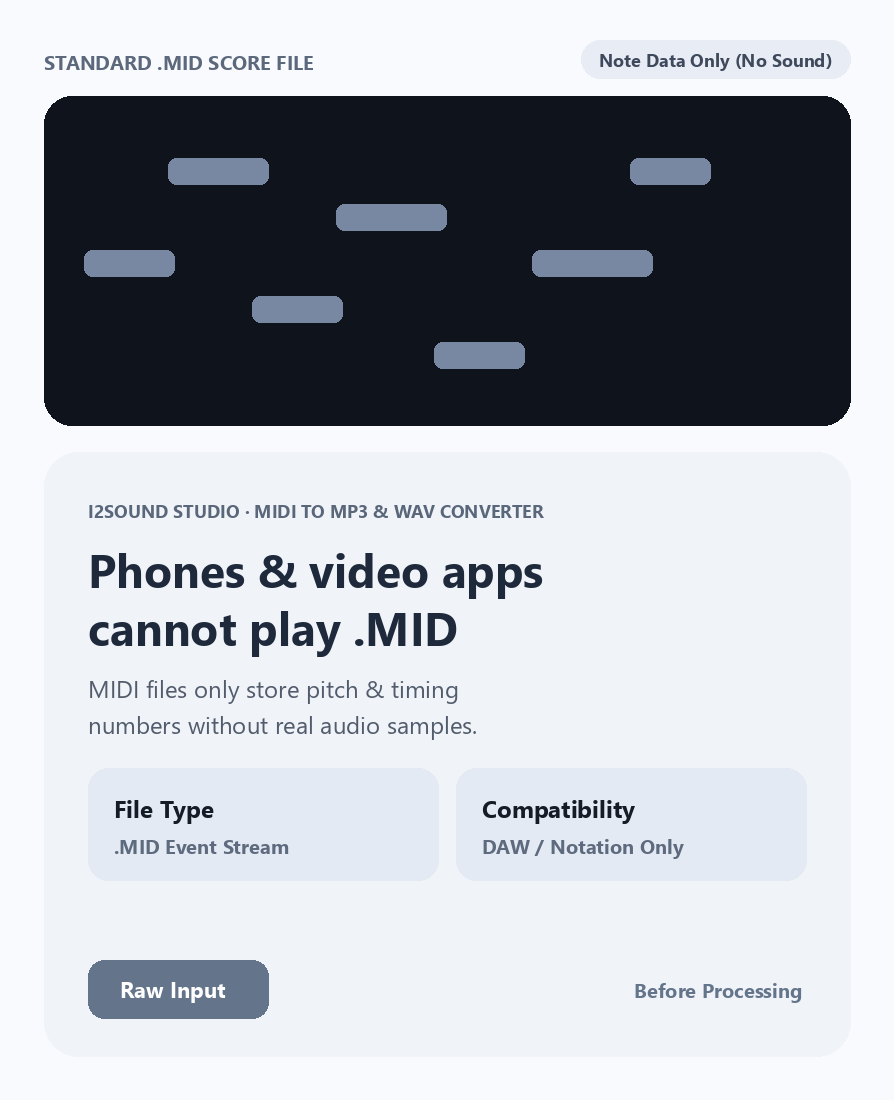
Why won't WhatsApp, iPhone, or video editors import .MID files?
MIDI files store note numbers and timing events rather than audio waveforms; converting to MP3 or WAV synthesizes real playable sound.
Are sustain pedal markings (CC64) preserved?
Yes—CC64 sustain hold and release envelopes are rendered accurately for natural piano phrasing.
Can I convert a whole folder of MIDI files at once?
Yes—select multiple .MID files and click Export Audio to download all rendered tracks in a single .ZIP archive.
Try MIDI to MP3 & WAV Converter in your browser
Render .MID compositions into expressive stereo MP3, WAV, or FLAC audio.