
Open Reverb & Acoustic Space whenever you need fast, studio-accurate results directly in your browser without uploading private files. Choose from six stereo convolution spaces—tight Podcast Booth, Wood Room, Studio Vocal Plate, Vintage Guitar Spring, Symphony Hall, and Vast Cathedral—with independent Pre-Delay, High-Damp, and Low-Cut controls.
Open your audio or video locally
Click Choose Audio or Video in Reverb & Acoustic Space (or drag and drop MP3, WAV, FLAC, M4A, AAC, OGG, OPUS, WebM, MP4, or Mic) to render an interactive Retina waveform directly in local browser memory—or click Try Studio Demo to test immediately.
Press Spacebar to start playback and use the Waveform / Spectrogram / Live FFT view tabs or mouse-wheel zoom (up to 40×) to inspect exact transients and noise floors.
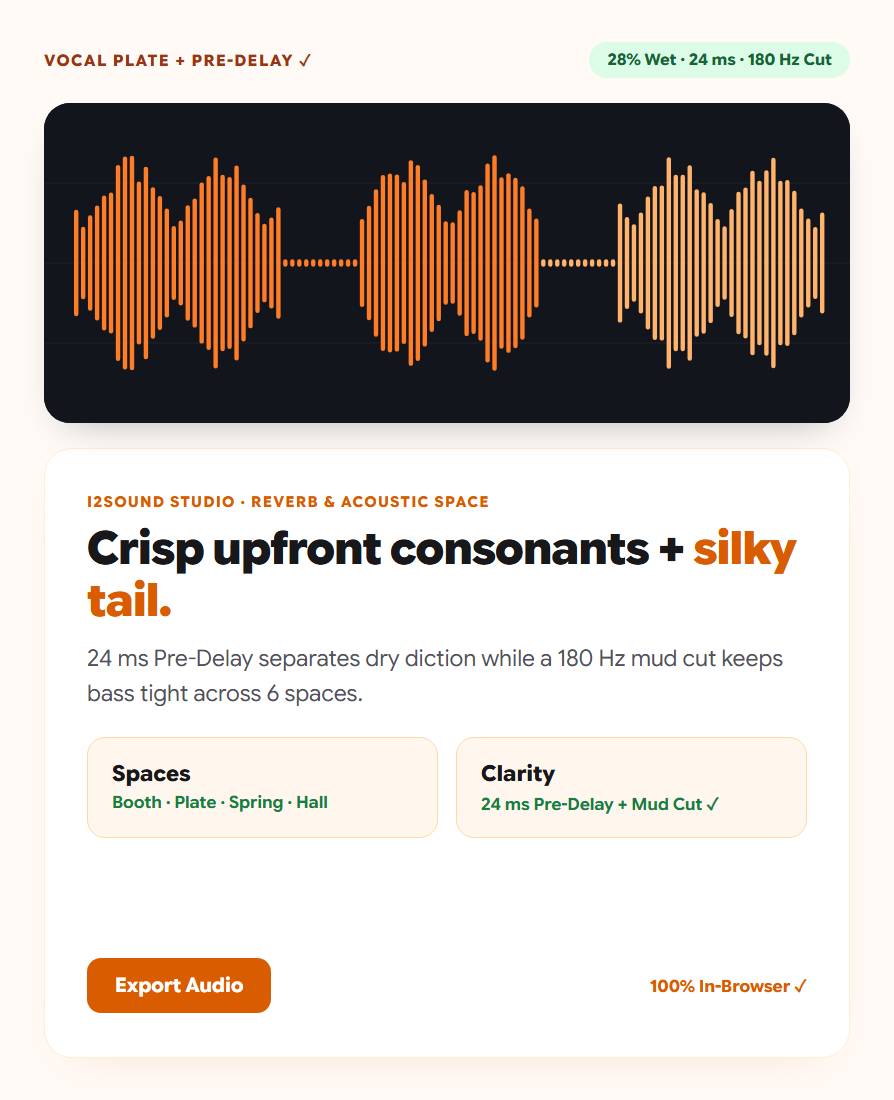
Studio tip: Dial 20–35 ms of Pre-Delay on lead vocals so consonants stay crisp and upfront before the lush reverb tail blooms behind them.
Dial Vast Stone Cathedral & audition live
Adjust Vast Stone Cathedral and Symphony Hall alongside Studio Vocal Plate in the studio control dock. Hold Shift while dragging any rotary dial for fine precision, or double-click any control to snap back to its calibrated default.
Press B on your keyboard (or click the FX Active (A/B) switch) while audio plays to crossfade click-free in 15 ms between your dry original and processed signal.
Silky Studio Vocal Plate
Add classic studio plate shimmer with a 180 Hz mud cut so vocal reverb never clouds bass and acoustic guitar.
Spring twang & Cathedral washes
Move from surf-amp Spring dispersion to 4.3-second stone Cathedral ambience with live A/B comparison.
Natural room matching
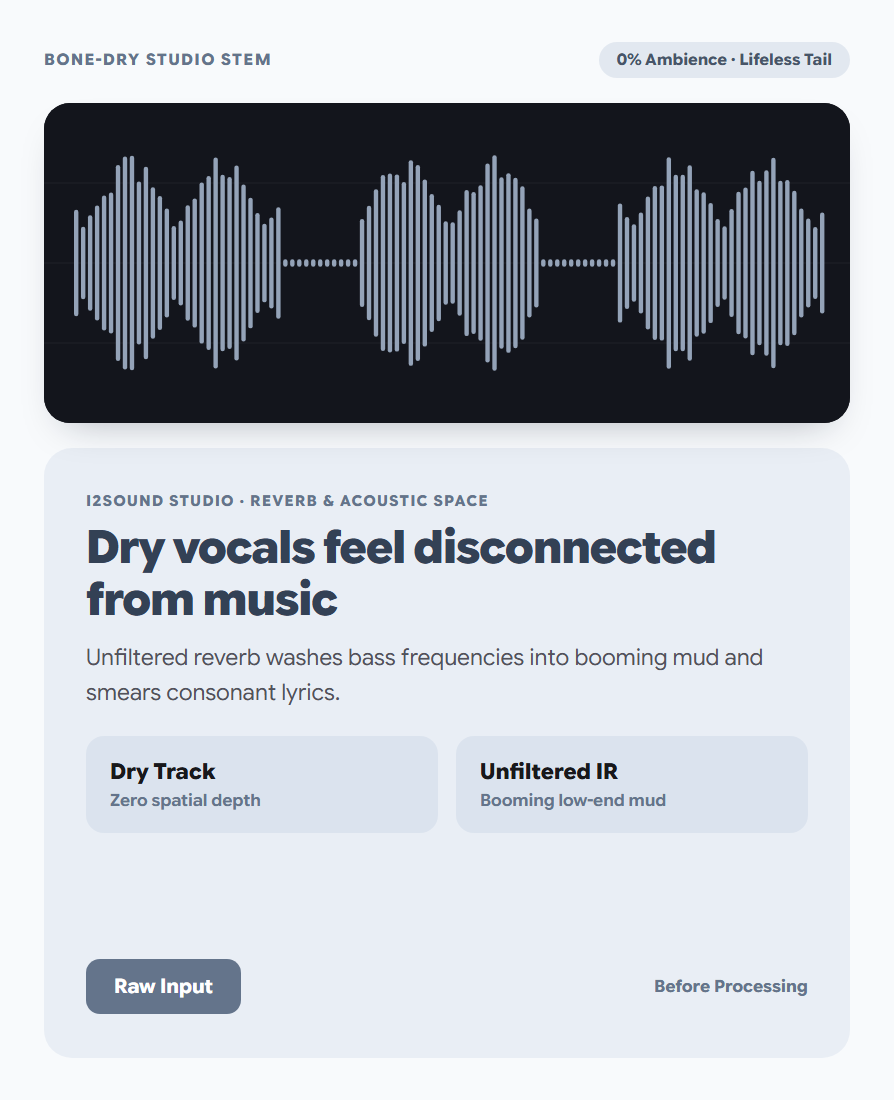
Blend 12%–18% Booth or Room ambience onto bone-dry ADR lines so dialogue sits naturally in a scene.
Verify levels and export cleanly
Confirm headroom on the stereo output meter so peaks remain safely below 0.0 dBFS. Select your target format—such as MP3 · 320 kbps, WAV · 24-bit Studio, or FLAC · 16-bit Lossless—and click Export Audio.
Need multi-step mastering or multi-track stem layering afterward? Click Continue in (or Pro Studio in the upper module bar) to pass your processed audio straight to the next studio tool without re-uploading.
Verified Studio Recipe — Reverb & Acoustic Space
Input Support : MP3, WAV, FLAC, M4A, AAC, OGG, OPUS, WebM, MP4, or Mic
Key Controls  : Vast Stone Cathedral  |  Symphony Hall  |  Studio Vocal Plate  |  Vintage Guitar Spring  |  Intimate Wood Room
Before -> Now : 0% Ambience · Lifeless Tail  -->  28% Wet · 24 ms · 180 Hz Cut
Output Export : 320/192/128 kbps MP3, 16/24/32-bit WAV, Lossless FLAC (100% Client-Side Browser DSP)Common questions
Why is Reverb Mud Cut (Low-Cut Hz) so helpful?
Applying long reverb to kick drums, bass notes, or deep chest frequencies creates booming mud. High-passing the reverb send around 150–220 Hz keeps your low end tight while lush mids and highs bloom.
What does Pre-Delay control?
Pre-Delay adds a short gap (0–140 ms) between your dry sound and the onset of the reverb reflections, making a room feel larger while keeping fast lyrics intelligible.
Which acoustic space suits vocals vs. ambient soundscapes?
Studio Vocal Plate (20–30% Wet, 24 ms Pre-Delay) keeps lyrics upfront and silky, whereas Stone Cathedral (45–60% Wet) creates wide cinematic decay tails.
Try Reverb & Acoustic Space in your browser
Use Vocal Pre-Delay and Reverb Low-Cut filtering across 6 damped stereo convolution spaces.