
Open WAV to MP3 Converter whenever you need fast, studio-accurate results directly in your browser without uploading private files. Shrink 50 MB+ uncompressed WAV files by up to 90% for email, client previews, and streaming uploads using client-side LAME MP3 encoding—keeping unreleased music strictly on your machine.
Open your audio or video locally
Click Choose Audio or Video in WAV to MP3 Converter (or drag and drop Uncompressed 16/24/32-bit Studio WAV Files (Batch Supported)) to render an interactive Retina waveform directly in local browser memory—or click Try Studio Demo to test immediately.
Press Spacebar to start playback and use the Waveform / Spectrogram / Live FFT view tabs or mouse-wheel zoom (up to 40×) to inspect exact transients and noise floors.
Studio tip: Use MP3 · 320 kbps for music distribution demos and MP3 · 128 kbps or Mono for spoken-word voiceovers.
Dial Preset & audition live
Adjust Preset in the studio control dock. Hold Shift while dragging any rotary dial for fine precision, or double-click any control to snap back to its calibrated default.
Press B on your keyboard (or click the FX Active (A/B) switch) while audio plays to crossfade click-free in 15 ms between your dry original and processed signal.
Private client mix previews
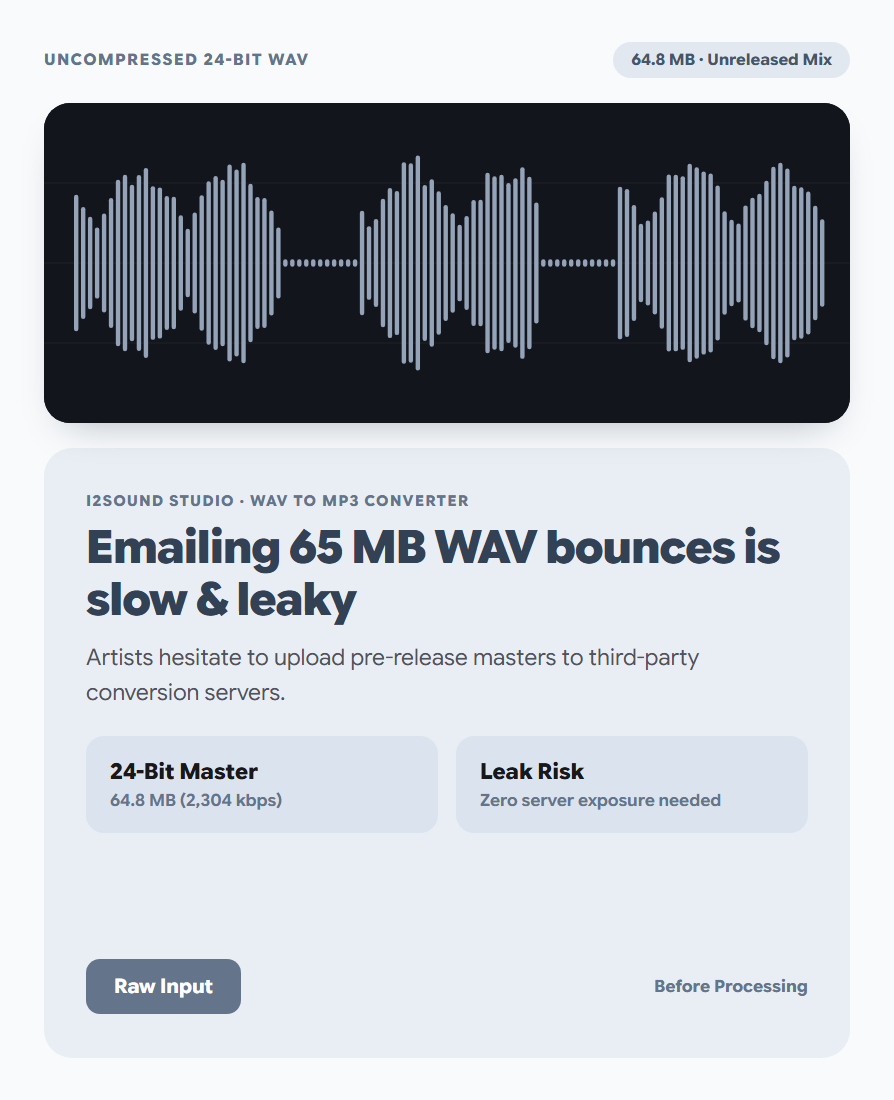
Convert 24-bit/32-bit DAW WAV bounces into 320 kbps MP3s without uploading unreleased masters.
Shrink field-recorder WAVs
Turn 600 MB Zoom/Tascam WAV sessions into compact MP3 episodes.
Batch asset compression
Encode whole folders of WAV sound effects into lightweight MP3s in one .ZIP.
Verify levels and export cleanly
Confirm headroom on the stereo output meter so peaks remain safely below 0.0 dBFS. Select your target format—such as MP3 · 320 kbps, WAV · 24-bit Studio, or FLAC · 16-bit Lossless—and click Export Audio.
Need multi-step mastering or multi-track stem layering afterward? Click Continue in (or Pro Studio in the upper module bar) to pass your processed audio straight to the next studio tool without re-uploading.
Verified Studio Recipe — WAV to MP3 Converter
Input Support : Uncompressed 16/24/32-bit Studio WAV Files (Batch Supported)
Key Controls  : Real-Time Studio Controls
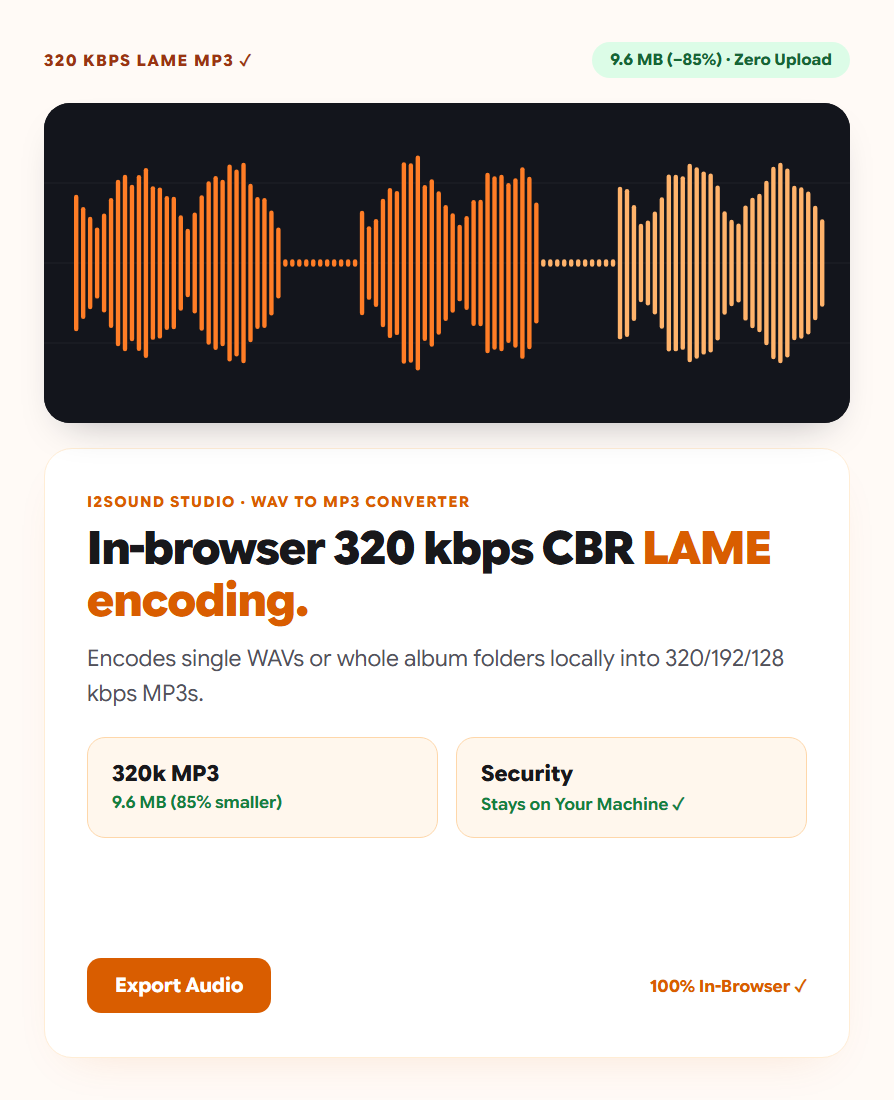
Before -> Now : 64.8 MB · Unreleased Mix  -->  9.6 MB (−85%) · Zero Upload
Output Export : 320/192/128 kbps CBR MP3 (Individual or Batch .ZIP) (100% Client-Side Browser DSP)Common questions
How much smaller is a 320 kbps MP3 compared to a CD-quality WAV?
Uncompressed 16-bit 44.1 kHz stereo WAV uses 1,411 kbps (~10.1 MB per minute), whereas 320 kbps MP3 uses ~2.3 MB per minute—a 77% size reduction with near-transparent fidelity.
Does WAV to MP3 support 24-bit and 32-bit float DAW bounces?
Yes. Uncompressed 16-bit, 24-bit, and 32-bit IEEE float WAV masters decode cleanly in your browser prior to 320 kbps LAME encoding.
Are my unreleased WAV masters kept private?
100%—encoding runs locally inside your browser tab with server uploads disabled, so unreleased tracks never leave your computer.
Try WAV to MP3 Converter in your browser
Shrink uncompressed 16/24/32-bit DAW bounces by 77%–90% while keeping unreleased music on your PC.