
Open Audio File Size Compressor whenever you need fast, studio-accurate results directly in your browser without uploading private files. Hitting an 8 MB Discord limit, a 16 MB WhatsApp cap, or a 20 MB email attachment ceiling? Preview your exact estimated compressed size before encoding using speech-optimized bitrates and mono downmixing.
Open your audio or video locally
Click Choose Audio or Video in Audio File Size Compressor (or drag and drop MP3, WAV, FLAC, M4A, OGG, OPUS, or Video Audio) to render an interactive Retina waveform directly in local browser memory—or click Try Studio Demo to test immediately.
Press Spacebar to start playback and use the Waveform / Spectrogram / Live FFT view tabs or mouse-wheel zoom (up to 40×) to inspect exact transients and noise floors.
Studio tip: For spoken-word recordings (meetings, lectures, podcasts), switching Mono Voice Mode ON at 64 kbps sounds noticeably cleaner than 64 kbps Stereo because all bits focus on one centered voice channel.
Dial Discord / Upload (< 8 MB · 96 kbps) & audition live
Adjust Discord / Upload (< 8 MB · 96 kbps) and Voice / WhatsApp (64 kbps Mono) alongside Ultra-Tiny Lecture (48 kbps Mono) in the studio control dock. Hold Shift while dragging any rotary dial for fine precision, or double-click any control to snap back to its calibrated default.
Press B on your keyboard (or click the FX Active (A/B) switch) while audio plays to crossfade click-free in 15 ms between your dry original and processed signal.
Stay under 8 MB / 16 MB limits
See the exact estimated KB/MB output size in the banner before clicking Export.
Compress 1-hour meetings under 20 MB
48 kbps Mono shrinks a full 60-minute recording down to ~21 MB.
Fast-loading web audio embeds
Cut page weight while auditioning high-frequency roll-off live with A/B bypass.
Verify levels and export cleanly
Confirm headroom on the stereo output meter so peaks remain safely below 0.0 dBFS. Select your target format—such as MP3 · 320 kbps, WAV · 24-bit Studio, or FLAC · 16-bit Lossless—and click Export Audio.
Need multi-step mastering or multi-track stem layering afterward? Click Continue in (or Pro Studio in the upper module bar) to pass your processed audio straight to the next studio tool without re-uploading.
Verified Studio Recipe — Audio File Size Compressor
Input Support : MP3, WAV, FLAC, M4A, OGG, OPUS, or Video Audio
Key Controls  : Discord / Upload (< 8 MB · 96 kbps)  |  Voice / WhatsApp (64 kbps Mono)  |  Ultra-Tiny Lecture (48 kbps Mono)  |  Balanced Music (128 kbps Stereo)  |  Target MP3 Bitrate
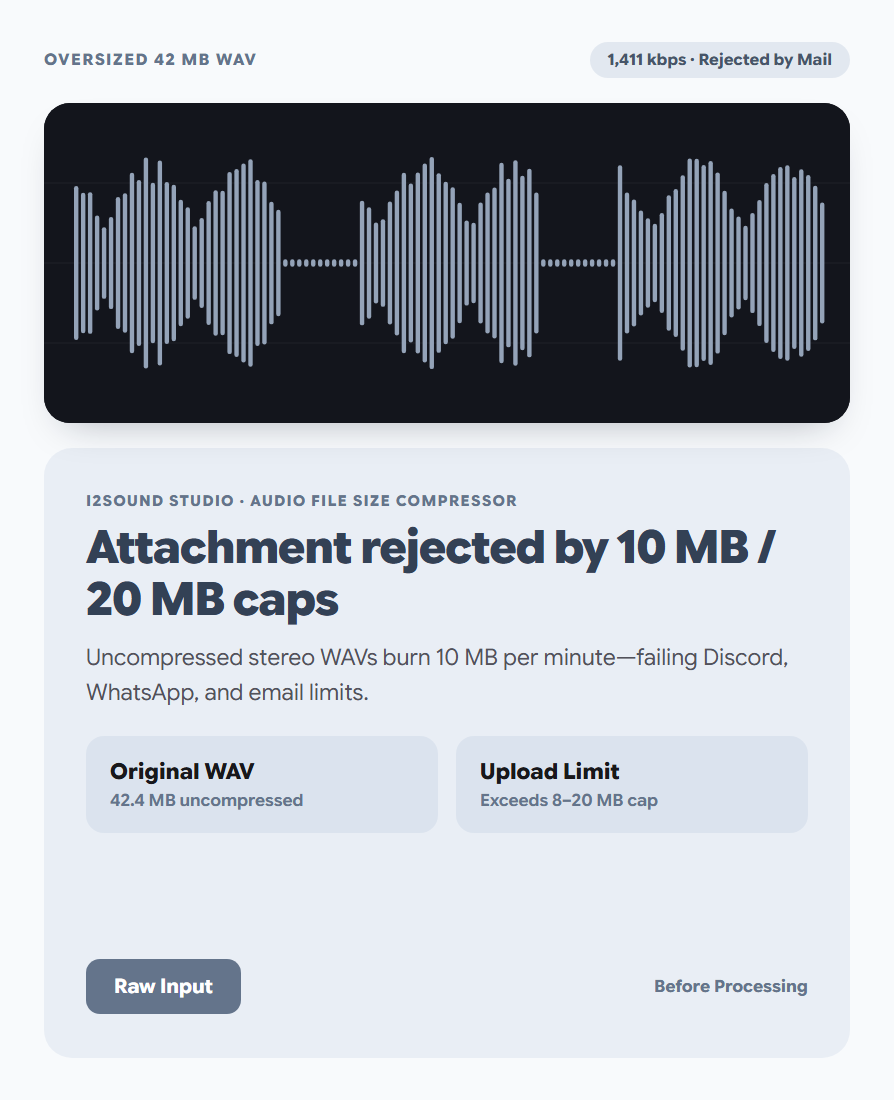
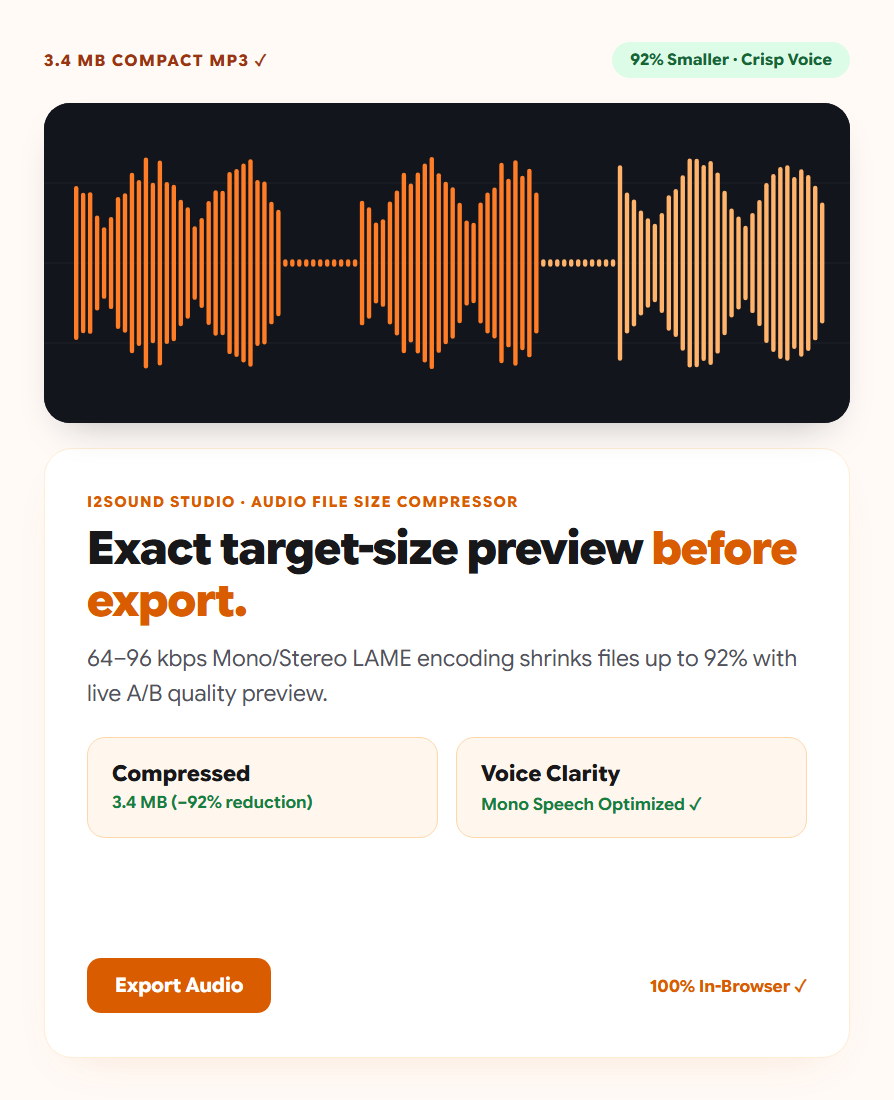
Before -> Now : 1,411 kbps · Rejected by Mail  -->  92% Smaller · Crisp Voice
Output Export : 48 / 64 / 96 / 128 / 160 kbps Size-Optimized MP3 (100% Client-Side Browser DSP)Common questions
How is the compressed MP3 file size calculated so accurately?
Constant-bitrate MP3 size equals (Duration in seconds × Bitrate in kbps) ÷ 8—allowing i2Sound to display the target size within ~1% before encoding begins.
What settings fit a 30-minute recording under Discord's 10 MB limit?
Select 48 kbps with Mono Voice Mode enabled—a 30-minute spoken recording compresses cleanly to roughly 10.5 MB (or ~7 MB at 20 minutes).
Can I listen to how the compressed bandwidth sounds before exporting?
Yes. Press Spacebar to audition the active bandwidth filter live and press B to toggle A/B against your uncompressed original.
Try Audio File Size Compressor in your browser
Preview exact output KB/MB before encoding with speech-optimized mono bitrates.