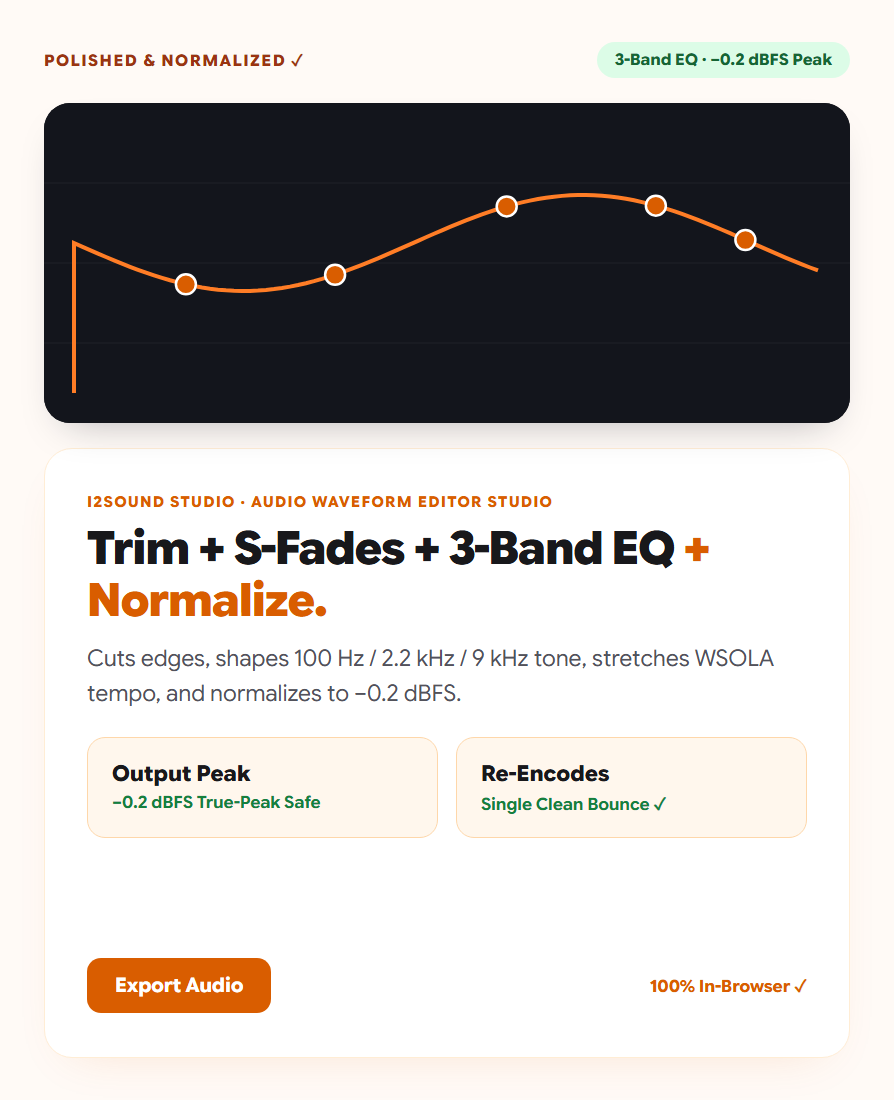

Open Audio Waveform Editor Studio whenever you need fast, studio-accurate results directly in your browser without uploading private files. When you want to finish multiple edits on one screen, Audio Waveform Editor combines frame-accurate region cutting or middle-splicing, Hermite S-curve fades, 3-band Bass/Presence/Air EQ, WSOLA pitch-locked tempo, and −0.2 dBFS peak normalization.
Open your audio or video locally
Click Choose Audio or Video in Audio Waveform Editor Studio (or drag and drop MP3, WAV, FLAC, M4A, AAC, OGG, OPUS, WebM, MP4, or Mic) to render an interactive Retina waveform directly in local browser memory—or click Try Studio Demo to test immediately.
Press Spacebar to start playback and use the Waveform / Spectrogram / Live FFT view tabs or mouse-wheel zoom (up to 40×) to inspect exact transients and noise floors.
Studio tip: Need deeper specialized processing afterward (like STFT Spectral Denoising or LUFS Metering)? Click Continue in right beside Export Audio!
Dial Clean Neutral Studio & audition live
Adjust Clean Neutral Studio and Selection Mode alongside Keep Region in the studio control dock. Hold Shift while dragging any rotary dial for fine precision, or double-click any control to snap back to its calibrated default.
Press B on your keyboard (or click the FX Active (A/B) switch) while audio plays to crossfade click-free in 15 ms between your dry original and processed signal.
Trim, cut rumble, speed up & normalize
Polish an interview from raw file to finished MP3 on a single screen.
Master demos with warmth & air
Add +2.5 dB low warmth and 9 kHz air shimmer with S-curve fades and peak protection.
Zero-install browser editing
Works on Chromebooks, iPads, Macs, and Windows PCs with zero uploads.
Verify levels and export cleanly
Confirm headroom on the stereo output meter so peaks remain safely below 0.0 dBFS. Select your target format—such as MP3 · 320 kbps, WAV · 24-bit Studio, or FLAC · 16-bit Lossless—and click Export Audio.
Need multi-step mastering or multi-track stem layering afterward? Click Continue in (or Pro Studio in the upper module bar) to pass your processed audio straight to the next studio tool without re-uploading.
Verified Studio Recipe — Audio Waveform Editor Studio
Input Support : MP3, WAV, FLAC, M4A, AAC, OGG, OPUS, WebM, MP4, or Mic
Key Controls  : Clean Neutral Studio  |  Selection Mode  |  Keep Region  |  Splice Out Middle  |  Fade In
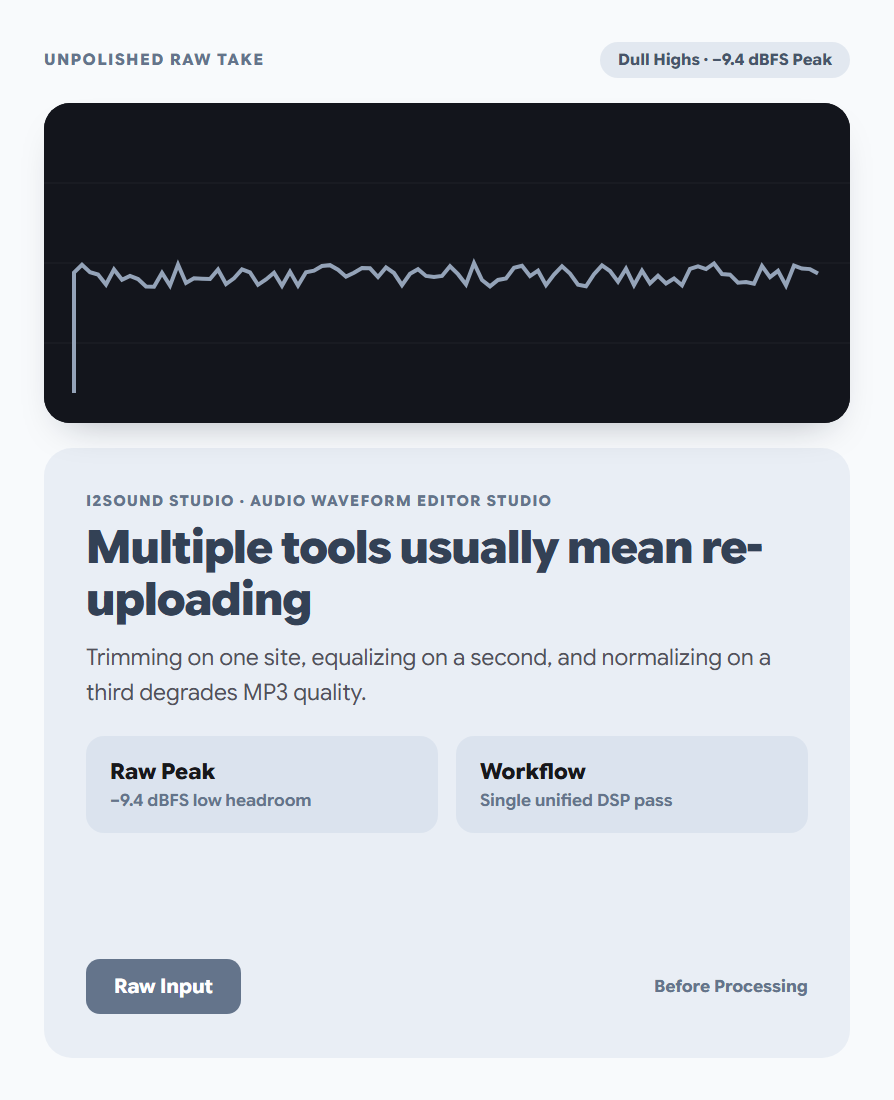
Before -> Now : Dull Highs · −9.4 dBFS Peak  -->  3-Band EQ · −0.2 dBFS Peak
Output Export : Multi-Stage Mastered MP3, 16/24/32-bit WAV, or FLAC (100% Client-Side Browser DSP)Common questions
In what order are edits applied when I export?
i2Sound applies Trim/Splice and S-Curve Fades first, runs WSOLA pitch-locked time-stretching second, and finishes with 3-Band EQ, Peak Normalization, and 4× True-Peak limiting.
When should I use Audio Waveform Editor vs. Pro Multi-Track Studio?
Use Audio Waveform Editor for fast single-file trim + fade + 3-band EQ + speed + normalize passes, and click Pro Studio whenever you need multiple layered tracks or 25-step region Undo.
Does Tempo stretching change the singer's voice pitch?
No—Audio Waveform Editor locks original pitch automatically using stereo WSOLA time-stretching.
Try Audio Waveform Editor Studio in your browser
Finish everyday single-track edits on one unified Retina waveform screen.