
Open Audio Metadata & Cover Art Editor whenever you need fast, studio-accurate results directly in your browser without uploading private files. Cloud tag editors force you to upload your entire MP3 to a remote server just to change 200 bytes in its header. i2Sound parses and writes ID3v2.3 frames and square JPEG cover art locally in memory—keeping your original MPEG audio frames 100% untouched.
Open your audio or video locally
Click Choose Audio or Video in Audio Metadata & Cover Art Editor (or drag and drop MP3, WAV, FLAC, M4A, OGG + Optional JPEG/PNG/WebP Cover Art) to render an interactive Retina waveform directly in local browser memory—or click Try Studio Demo to test immediately.
Press Spacebar to start playback and use the Waveform / Spectrogram / Live FFT view tabs or mouse-wheel zoom (up to 40×) to inspect exact transients and noise floors.
Studio tip: Sharing an anonymous voice recording? Click Scrub All Metadata and export to strip every embedded ID3v1/ID3v2 text frame and image.
Dial Preset & audition live
Adjust Preset in the studio control dock. Hold Shift while dragging any rotary dial for fine precision, or double-click any control to snap back to its calibrated default.
Press B on your keyboard (or click the FX Active (A/B) switch) while audio plays to crossfade click-free in 15 ms between your dry original and processed signal.
Embed crisp album & episode art
Auto-crops any JPEG, PNG, or WebP image into a player-compatible square Front Cover (APIC).
Fix messy Title, Artist & Year tags
Writes UTF-16 ID3v2.3 headers supported by Windows Explorer, Apple Music, car stereos, and CDJs.
Zero-upload metadata scrubbing
Strip comments, encoder tags, and embedded images in milliseconds on your own device.
Verify levels and export cleanly
Confirm headroom on the stereo output meter so peaks remain safely below 0.0 dBFS. Select your target format—such as MP3 · 320 kbps, WAV · 24-bit Studio, or FLAC · 16-bit Lossless—and click Export Audio.
Need multi-step mastering or multi-track stem layering afterward? Click Continue in (or Pro Studio in the upper module bar) to pass your processed audio straight to the next studio tool without re-uploading.
Verified Studio Recipe — Audio Metadata & Cover Art Editor
Input Support : MP3, WAV, FLAC, M4A, OGG + Optional JPEG/PNG/WebP Cover Art
Key Controls  : Real-Time Studio Controls
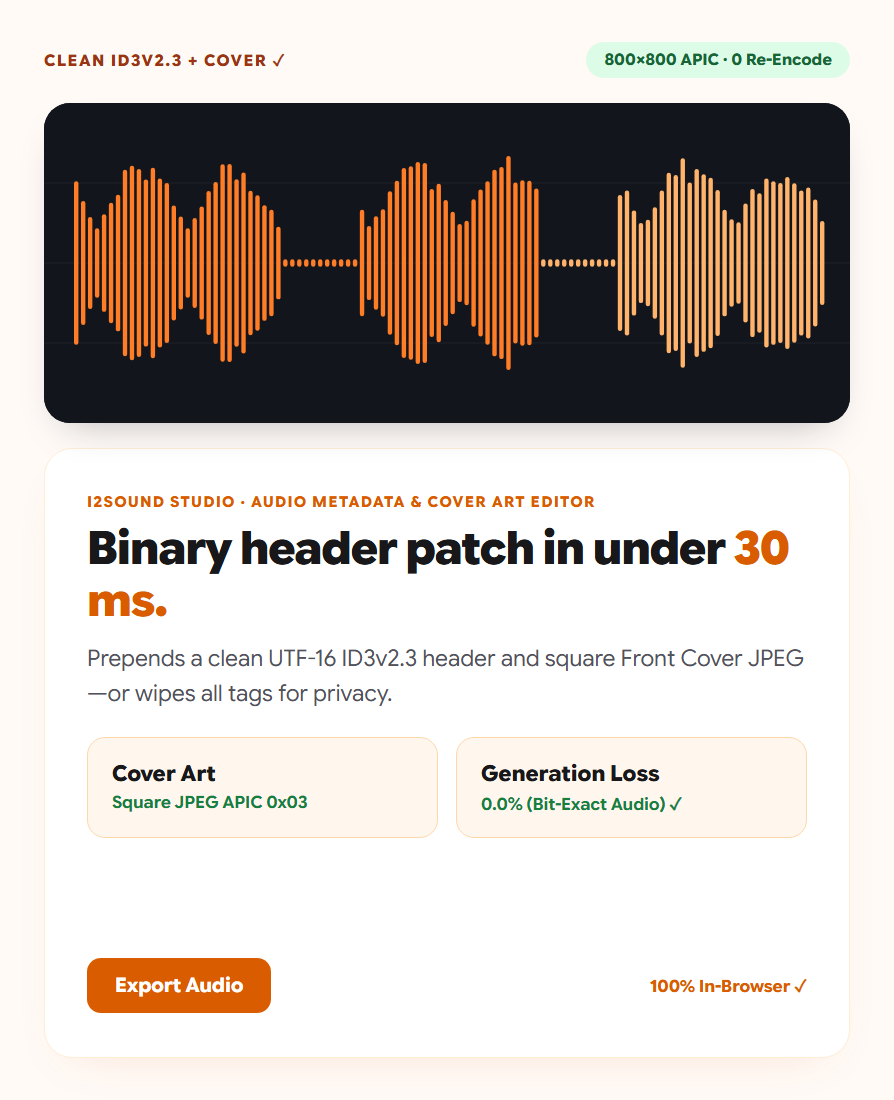
Before -> Now : Missing Cover · Stale Tags  -->  800×800 APIC · 0 Re-Encode
Output Export : Zero-Re-Encode ID3v2.3 Tagged (or Privacy-Scrubbed) .MP3 (100% Client-Side Browser DSP)Common questions
Does editing tags on an MP3 re-compress the audio?
Never! When you open an MP3 file, i2Sound slices out the exact compressed MPEG audio stream untouched and prepends a fresh binary ID3v2.3 header—preserving 100% original audio quality.
What image formats work for Album Cover Art?
Upload any JPEG, PNG, or WebP image—i2Sound center-crops and encodes a clean square Front Cover (APIC) JPEG for universal player compatibility.
Can I add tags to a WAV or M4A file while converting it to MP3?
Yes. Open any WAV, FLAC, or M4A file, fill in Title, Artist, Album, and Cover Art, and export a freshly encoded 320 kbps ID3v2.3 MP3.
Try Audio Metadata & Cover Art Editor in your browser
Update Title, Artist, Album, Year, and square APIC art—or privacy-scrub all metadata locally.