
Open White, Pink & Brown Noise Generator whenever you need fast, studio-accurate results directly in your browser without uploading private files. Synthesize deep waterfall Brown noise (−6 dB/octave), balanced rain-like Pink noise (−3 dB/octave), soothing 500 Hz Green noise, Grey noise, or pure White noise—with optional binaural focus/sleep beats and click-free loop export.
Select preset or reference signal
Open White, Pink & Brown Noise Generator—because synthesis runs directly on your browser's hardware-clocked Web Audio stream, the glowing 60fps oscilloscope stage opens immediately with no file upload required.
Start from a calibrated preset pill such as Balanced Pink Noise (−3 dB/oct Rain) and set your speaker or headphone volume to a comfortable level before clicking Play Tone (or pressing Spacebar).
Studio tip: Prefer deep rumble with zero high hiss for reading or coding? Select Deep Brown Noise—its −6 dB/octave slope + 1.8 kHz warmth filter feels like a distant cabin airplane hum.
Dial Balanced Pink Noise (−3 dB/oct Rain) & audition live
Adjust Balanced Pink Noise (−3 dB/oct Rain) and Calming Green Noise (500 Hz Forest) alongside Pink + 10 Hz Alpha Binaural Focus in the studio control dock. Hold Shift while dragging any rotary dial for fine precision, or double-click any control to snap back to its calibrated default.
Watch the phase-locked oscilloscope and Harmonics FFT respond at 60 frames per second to verify overtone balance and stereo routing.
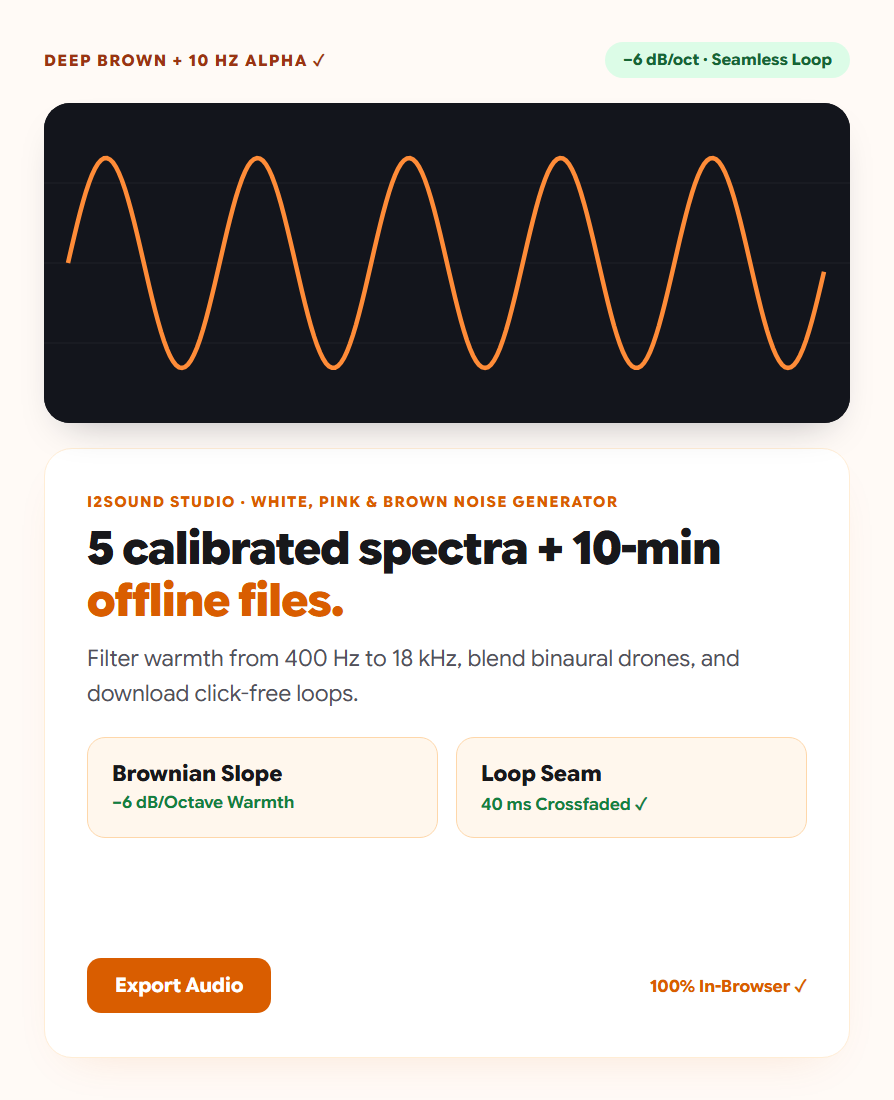
Brown noise + 10 Hz Alpha focus
Masks office chatter without distracting lyrics or loop seams.
Export 10-minute offline MP3s
Download seamless click-free noise files for airplane mode or dedicated sleep speakers.
Paul Kellet −3 dB/oct Pink reference
Equal energy per octave for studio monitor and EQ RTA pink-noise balancing.
Verify levels and export cleanly
Confirm headroom on the stereo output meter so peaks remain safely below 0.0 dBFS. Select your target format—such as MP3 · 320 kbps, WAV · 24-bit Studio, or FLAC · 16-bit Lossless—and click Export Audio.
Need multi-step mastering or multi-track stem layering afterward? Click Continue in (or Pro Studio in the upper module bar) to pass your processed audio straight to the next studio tool without re-uploading.
Verified Studio Recipe — White, Pink & Brown Noise Generator
Input Support : Brown, Pink, Green, Grey, or White Noise + Binaural Layer
Key Controls  : Balanced Pink Noise (−3 dB/oct Rain)  |  Calming Green Noise (500 Hz Forest)  |  Pink + 10 Hz Alpha Binaural Focus  |  Brown + 2.5 Hz Delta Deep Sleep  |  Pure White Tinnitus / Speech Masker
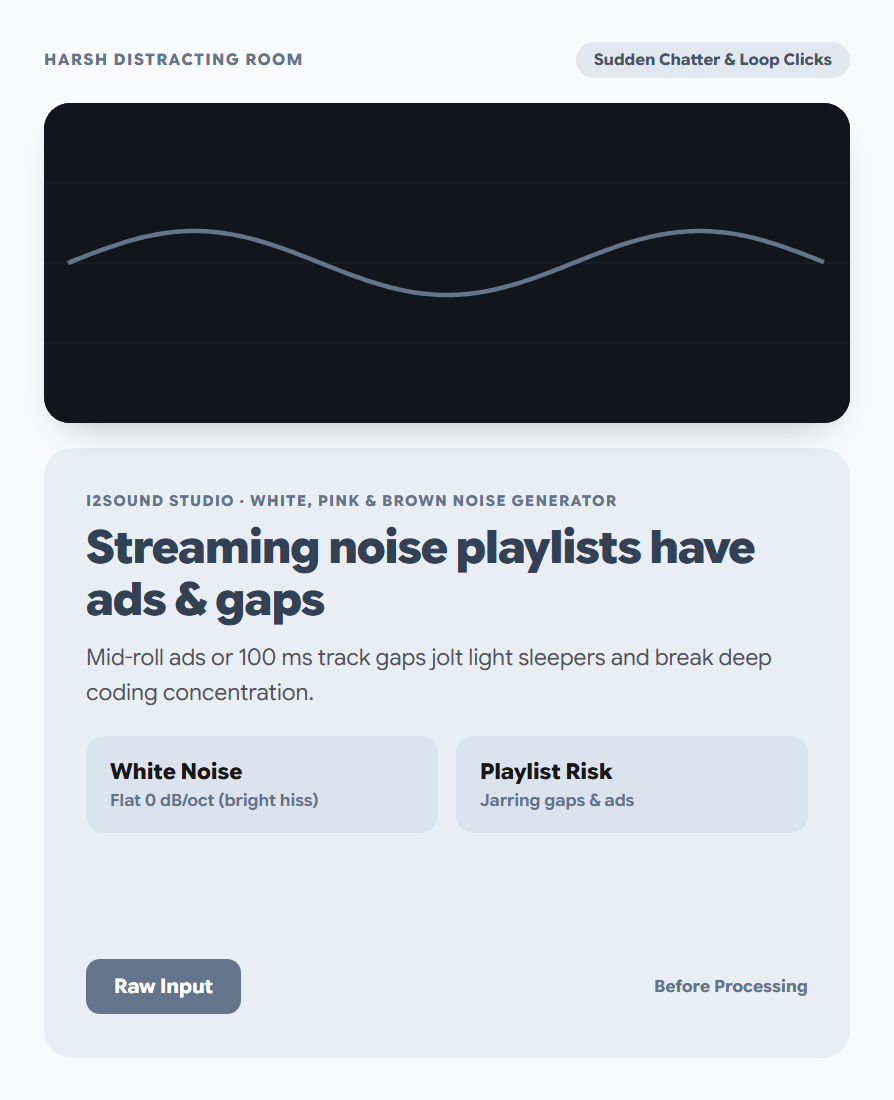
Before -> Now : Sudden Chatter & Loop Clicks  -->  −6 dB/oct · Seamless Loop
Output Export : Continuous Stream + Seamless Loops up to 10 Minutes (MP3/WAV/FLAC) (100% Client-Side Browser DSP)Common questions
What is the difference between White, Pink, and Brown noise?
White noise has equal energy per Hz (bright hiss); Pink noise drops −3 dB per octave (like steady rain); Brown noise drops −6 dB per octave (deep thunder/waterfall rumble).
Do I need headphones for the Binaural Beat layer?
Yes—binaural beats rely on presenting slightly different frequencies to Left and Right ears (e.g., 160 Hz Left and 170 Hz Right for 10 Hz Alpha), though the colored noise itself works great on speakers too.
Will exported noise MP3 or WAV files click when looped in my player?
No. Every noise buffer is synthesized with a 40 ms equal-amplitude seam crossfade for smooth continuous looping.
Try White, Pink & Brown Noise Generator in your browser
Layer Paul-Kellet Pink (−3 dB/oct) or Deep Brown (−6 dB/oct) noise with Alpha/Delta binaural beats.