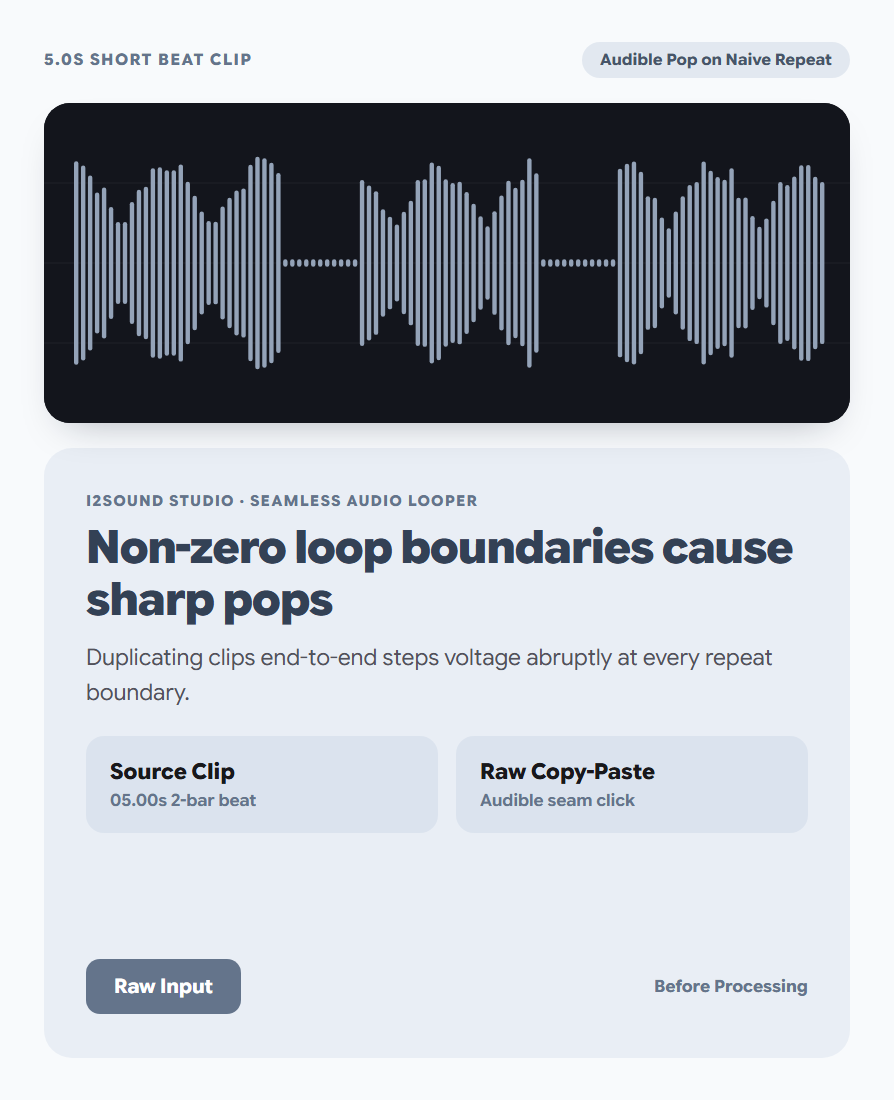
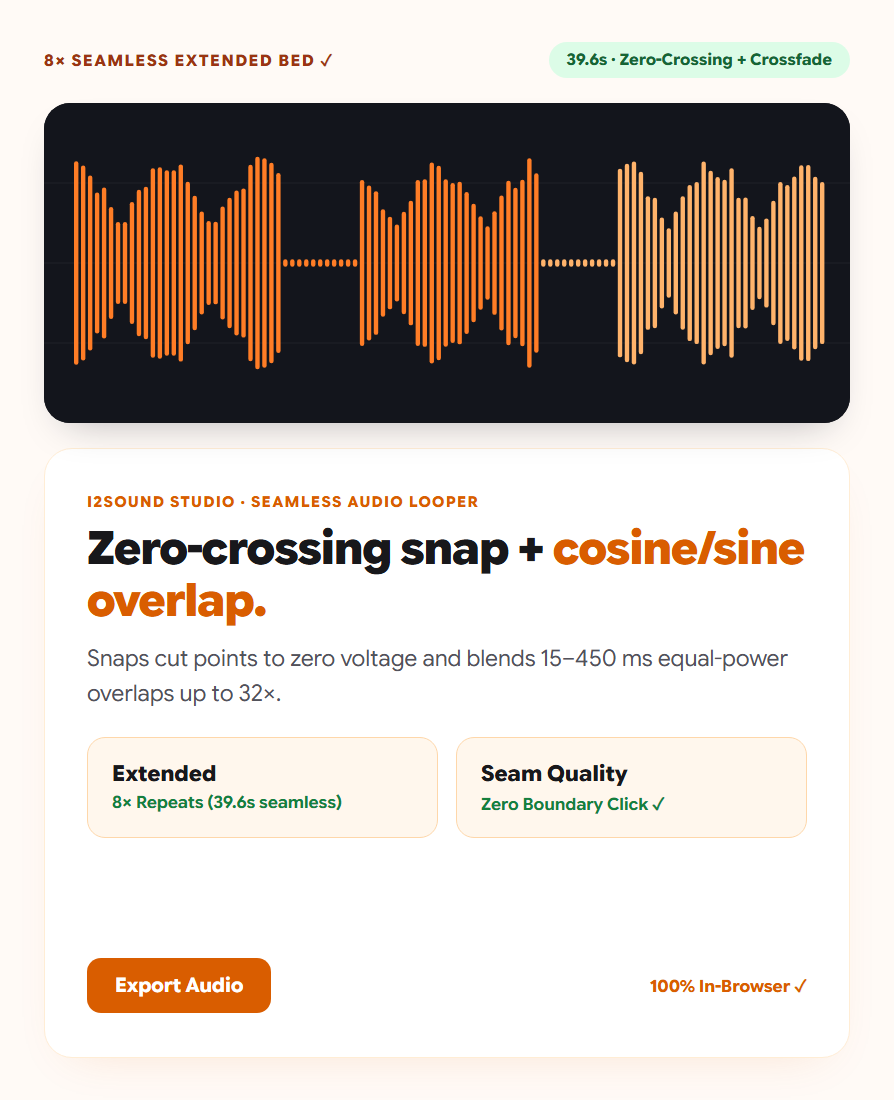

Open Seamless Audio Looper whenever you need fast, studio-accurate results directly in your browser without uploading private files. Simply pasting copies end-to-end often creates an audible pop at every seam. Seamless Audio Looper combines automatic zero-crossing snap with an adjustable 0–1,500 ms equal-power crossfade across up to 32 repeats.
Open your audio or video locally
Click Choose Audio or Video in Seamless Audio Looper (or drag and drop MP3, WAV, FLAC, M4A, AAC, OGG, OPUS, WebM, MP4, or Mic) to render an interactive Retina waveform directly in local browser memory—or click Try Studio Demo to test immediately.
Press Spacebar to start playback and use the Waveform / Spectrogram / Live FFT view tabs or mouse-wheel zoom (up to 40×) to inspect exact transients and noise floors.
Studio tip: Use a tight 10–25 ms Seam Crossfade for rhythmic drum beats so transients stay crisp, and a longer 300–800 ms crossfade for rain, drone, or synth pads.
Dial 2× Seamless Double & audition live
Adjust 2× Seamless Double and 4× Beat Loop (Tight 15 ms) alongside 8× Ambient Pad (450 ms Crossfade) in the studio control dock. Hold Shift while dragging any rotary dial for fine precision, or double-click any control to snap back to its calibrated default.
Press B on your keyboard (or click the FX Active (A/B) switch) while audio plays to crossfade click-free in 15 ms between your dry original and processed signal.
Stretch 8-bar beats to full video length
Trim an 8-second loop on the waveform and repeat it 4×–8× to cover an entire voiceover or product demo.
Zero-click ambient beds
Snap loop points to exact zero-crossings and overlap seams so background room tone or wind loops invisibly.
Smooth pad & nature extensions
Blend up to 1.5 seconds of equal-power cosine/sine overlap so ambient textures never betray a loop point.
Verify levels and export cleanly
Confirm headroom on the stereo output meter so peaks remain safely below 0.0 dBFS. Select your target format—such as MP3 · 320 kbps, WAV · 24-bit Studio, or FLAC · 16-bit Lossless—and click Export Audio.
Need multi-step mastering or multi-track stem layering afterward? Click Continue in (or Pro Studio in the upper module bar) to pass your processed audio straight to the next studio tool without re-uploading.
Verified Studio Recipe — Seamless Audio Looper
Input Support : MP3, WAV, FLAC, M4A, AAC, OGG, OPUS, WebM, MP4, or Mic
Key Controls  : 2× Seamless Double  |  4× Beat Loop (Tight 15 ms)  |  8× Ambient Pad (450 ms Crossfade)  |  16× Extended Background Bed  |  Loop Count
Before -> Now : Audible Pop on Naive Repeat  -->  39.6s · Zero-Crossing + Crossfade
Output Export : Up to 32× Extended MP3, WAV, or Lossless FLAC (100% Client-Side Browser DSP)Common questions
Why do ordinary audio loops click at the repeat point?
If a clip ends at a non-zero waveform voltage and restarts at zero (or an opposite voltage), the speaker cone jumps instantaneously, producing a sharp click. Zero-crossing snap + equal-power crossfading eliminates that jump completely.
Does crossfading slightly shorten the total repeated duration?
Yes—each seam overlaps by your chosen Seam Crossfade milliseconds, and the stage HUD displays the exact resulting total duration live.
How many times can I repeat a short beat or soundscape?
You can loop any selected clip from 2× up to 32× in a single pass—and chain it again if you need an hour-long ambient track.
Try Seamless Audio Looper in your browser
Repeat short loops 2× to 32× using zero-crossing snap and equal-power seam crossfades.