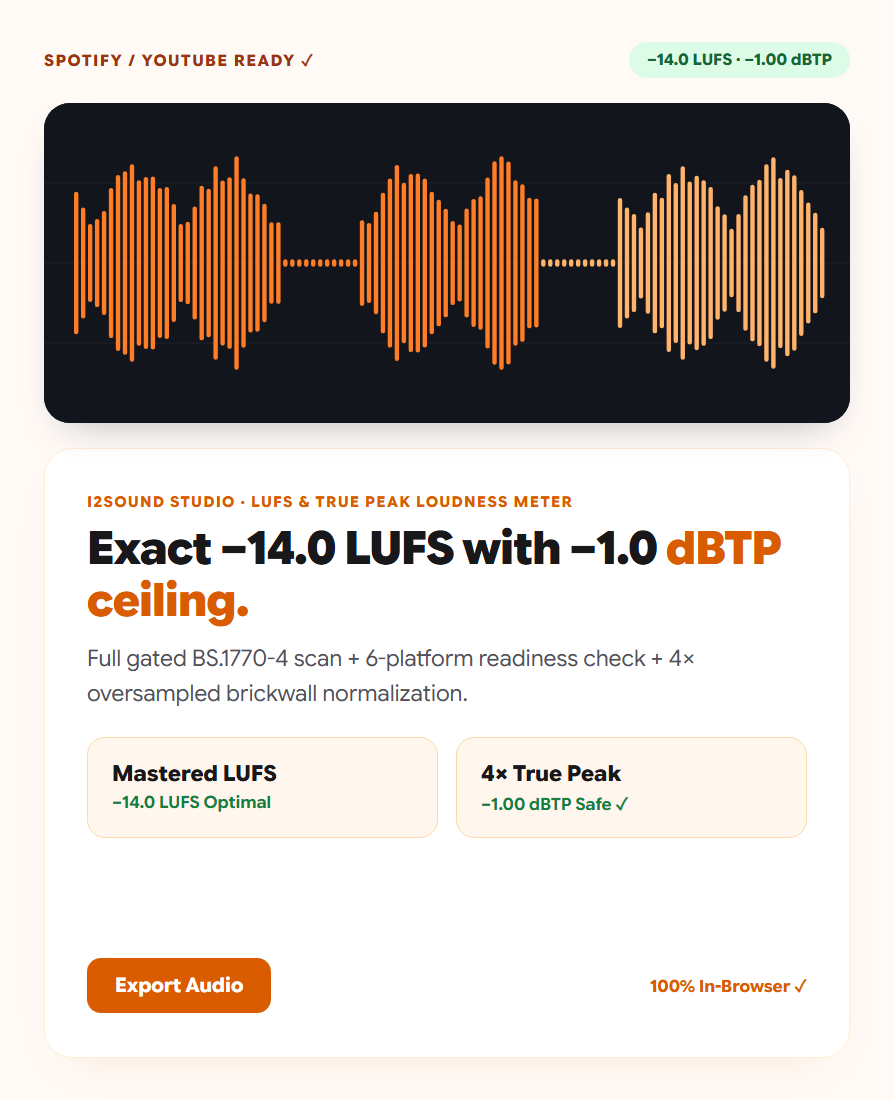

Open LUFS & True Peak Loudness Meter whenever you need fast, studio-accurate results directly in your browser without uploading private files. Other web meters lock Loudness Range (LRA) and True Peak behind monthly subscriptions. i2Sound computes full gated Integrated LUFS, Max Short-Term, Max Momentary, EBU Tech 3342 LRA, and 4× oversampled True Peak (dBTP) locally—with 1-click normalization.
Open your audio or video locally
Click Choose Audio or Video in LUFS & True Peak Loudness Meter (or drag and drop MP3, WAV, FLAC, M4A, AAC, OGG, OPUS, WebM, or Video Audio) to render an interactive Retina waveform directly in local browser memory—or click Try Studio Demo to test immediately.
Press Spacebar to start playback and use the Waveform / Spectrogram / Live FFT view tabs or mouse-wheel zoom (up to 40×) to inspect exact transients and noise floors.
Studio tip: Mastering for Spotify and YouTube? Select Master to Spotify / YouTube (−14 LUFS) with a −1.0 dBTP ceiling to prevent lossy AAC/Opus inter-sample clipping.
Dial Inspect Original (0 dB) & audition live
Adjust Inspect Original (0 dB) and Broadcast TV EBU R128 (−23 LUFS) alongside Club / DJ Loud Master (−9 LUFS) in the studio control dock. Hold Shift while dragging any rotary dial for fine precision, or double-click any control to snap back to its calibrated default.
Press B on your keyboard (or click the FX Active (A/B) switch) while audio plays to crossfade click-free in 15 ms between your dry original and processed signal.
Check Spotify & Apple penalties
See exact dB turn-down across Spotify (−14), Apple Music (−16), YouTube (−14), and TikTok before release day.
Hit −16 LUFS & −1.0 dBTP cleanly
Verify spoken-word episodes meet Apple & Spotify Podcast specs without paying per-hour cloud mastering fees.
EBU R128 (−23 LUFS) & LRA
Check commercial and broadcast delivery specs including Loudness Range (LU) in seconds.
Verify levels and export cleanly
Confirm headroom on the stereo output meter so peaks remain safely below 0.0 dBFS. Select your target format—such as MP3 · 320 kbps, WAV · 24-bit Studio, or FLAC · 16-bit Lossless—and click Export Audio.
Need multi-step mastering or multi-track stem layering afterward? Click Continue in (or Pro Studio in the upper module bar) to pass your processed audio straight to the next studio tool without re-uploading.
Verified Studio Recipe — LUFS & True Peak Loudness Meter
Input Support : MP3, WAV, FLAC, M4A, AAC, OGG, OPUS, WebM, or Video Audio
Key Controls  : Inspect Original (0 dB)  |  Broadcast TV EBU R128 (−23 LUFS)  |  Club / DJ Loud Master (−9 LUFS)  |  Loudness Action  |  Measure Only (0 dB)
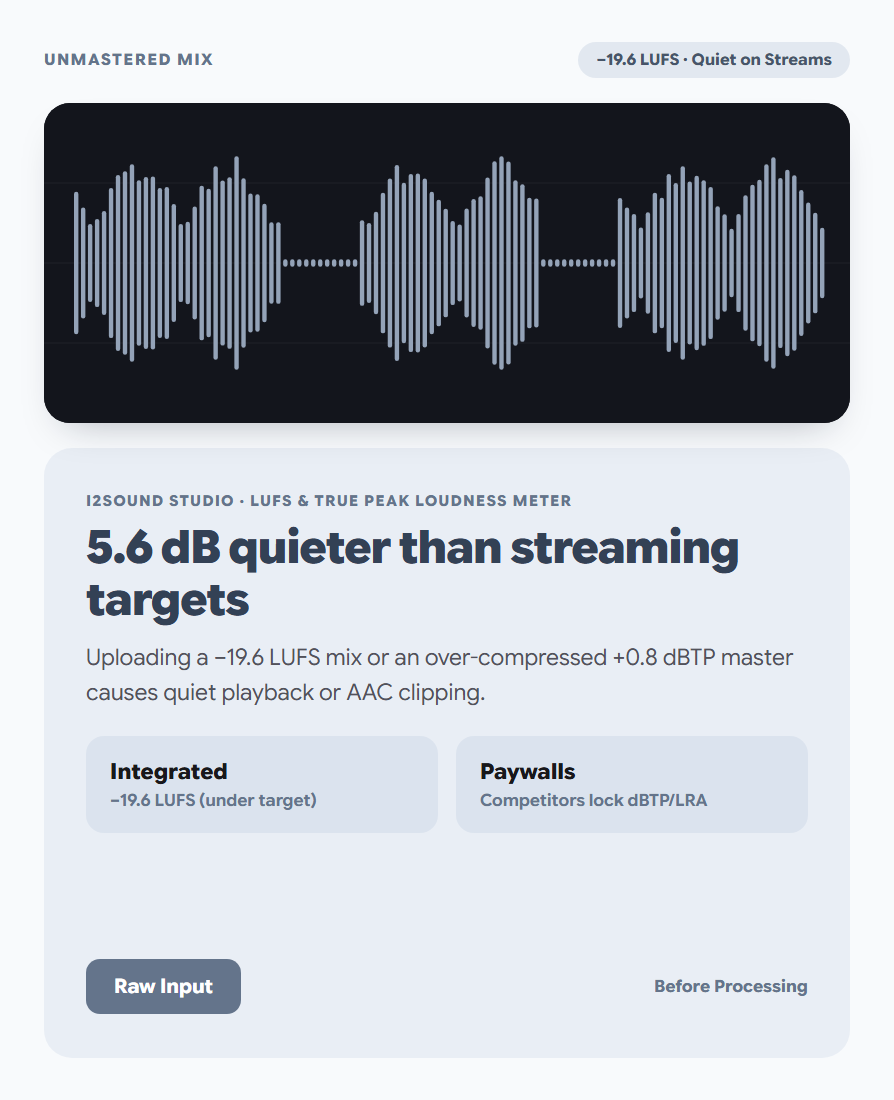
Before -> Now : −19.6 LUFS · Quiet on Streams  -->  −14.0 LUFS · −1.00 dBTP
Output Export : Full BS.1770-4 Report + Normalized 24-bit WAV, FLAC, or MP3 (100% Client-Side Browser DSP)Common questions
What is 4× True Peak (dBTP) and why can it exceed 0.0 dBFS?
Even if individual digital samples stay at −0.1 dBFS, the reconstructed analog curve between samples can overshoot +0.5 dBTP or more—causing distortion during MP3/AAC encoding. 4× oversampling catches those inter-sample peaks.
Why does Spotify turn down tracks mastered louder than −14 LUFS?
When Loudness Normalization is active in Spotify/YouTube, tracks louder than −14 Integrated LUFS are turned down by the exact difference so songs play at consistent volume.
What is Loudness Range (LRA) measured in LU?
LRA measures macro dynamic variation from the 10th to 95th percentile of short-term loudness—pop/EDM typically sits around 3–6 LU, podcasts 4–8 LU, and classical/film 10–18 LU.
Try LUFS & True Peak Loudness Meter in your browser
Unlock full ITU-R BS.1770-4 Integrated LUFS, LRA, and 4× True Peak—and normalize in 1 click.