
Open Studio Voice & Podcast Enhancer whenever you need fast, studio-accurate results directly in your browser without uploading private files. Combines spectral background noise cleanup, an 85 Hz plosive rumble cut, 380 Hz boxy-mud dip, 165 Hz chest warmth, 3.8 kHz vocal clarity, 6.8 kHz sibilance de-essing, broadcast compression, and automatic −16 / −14 LUFS loudness leveling.
Open your audio or video locally
Click Choose Audio or Video in Studio Voice & Podcast Enhancer (or drag and drop Phone, Laptop, or USB Microphone Recordings) to render an interactive Retina waveform directly in local browser memory—or click Try Studio Demo to test immediately.
Press Spacebar to start playback and use the Waveform / Spectrogram / Live FFT view tabs or mouse-wheel zoom (up to 40×) to inspect exact transients and noise floors.
Studio tip: Recording in an untreated bedroom? Start with NPR Warm Broadcast (−16 LUFS) and adjust Chest Warmth and Denoise while comparing with the B key.
Dial NPR Warm Broadcast (−16 LUFS) & audition live
Adjust NPR Warm Broadcast (−16 LUFS) and Crisp YouTube Voiceover (−14 LUFS) alongside Rescue Noisy Phone Memo in the studio control dock. Hold Shift while dragging any rotary dial for fine precision, or double-click any control to snap back to its calibrated default.
Press B on your keyboard (or click the FX Active (A/B) switch) while audio plays to crossfade click-free in 15 ms between your dry original and processed signal.
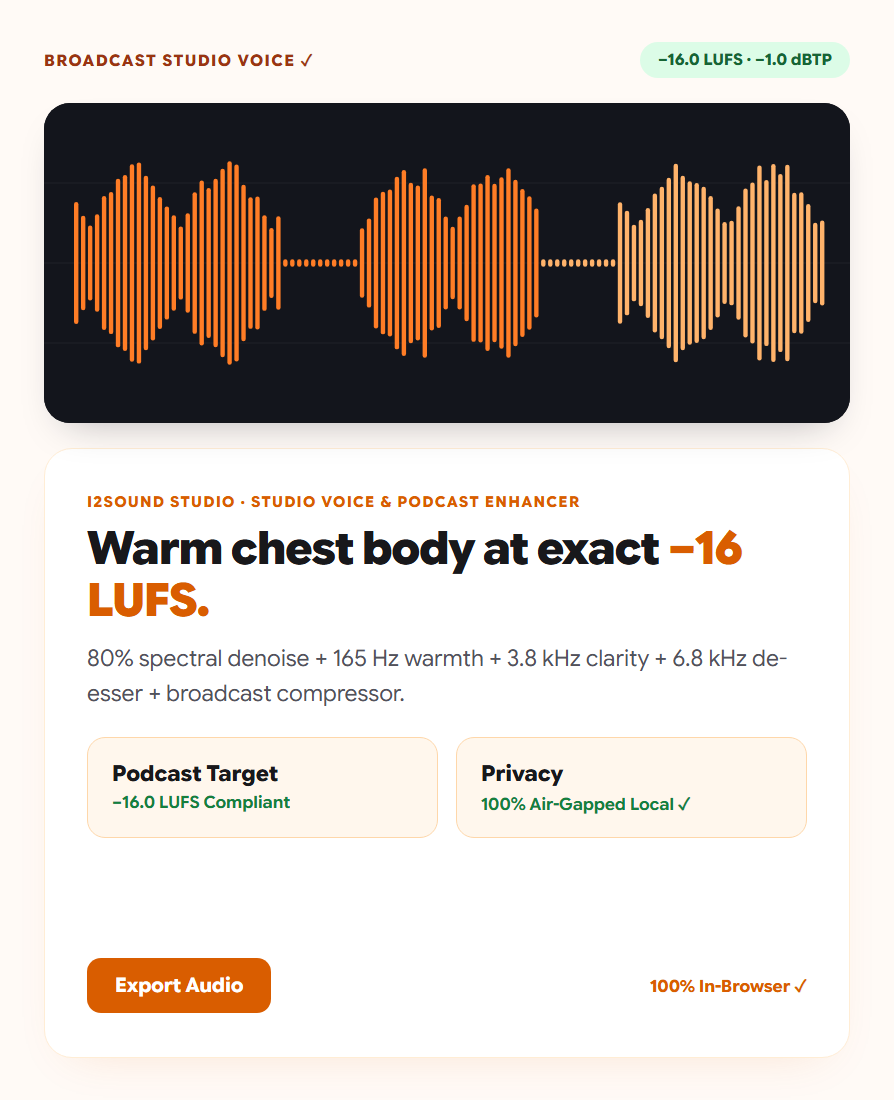
Consistent −16 LUFS radio tone
Deliver Apple & Spotify Podcast loudness compliance with warm vocal body in one pass.
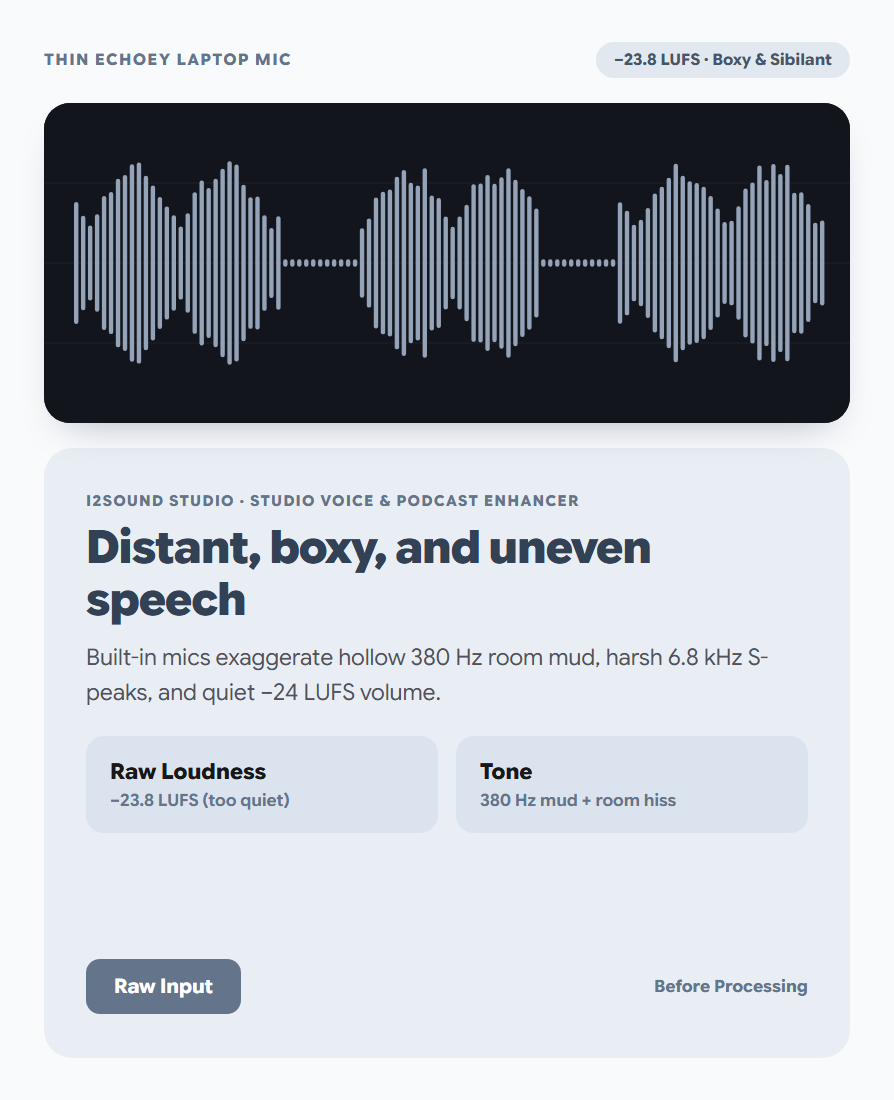
Upgrade built-in laptop mics
Remove hollow room boxiness and harsh 'S' sibilance for fatigue-free lessons.
100% offline alternative to cloud AI
Enhance sensitive client or journalistic interviews without uploading audio to third-party servers.
Verify levels and export cleanly
Confirm headroom on the stereo output meter so peaks remain safely below 0.0 dBFS. Select your target format—such as MP3 · 320 kbps, WAV · 24-bit Studio, or FLAC · 16-bit Lossless—and click Export Audio.
Need multi-step mastering or multi-track stem layering afterward? Click Continue in (or Pro Studio in the upper module bar) to pass your processed audio straight to the next studio tool without re-uploading.
Verified Studio Recipe — Studio Voice & Podcast Enhancer
Input Support : Phone, Laptop, or USB Microphone Recordings
Key Controls  : NPR Warm Broadcast (−16 LUFS)  |  Crisp YouTube Voiceover (−14 LUFS)  |  Rescue Noisy Phone Memo  |  Gentle Studio Polish  |  Denoise & Room Cleanup
Before -> Now : −23.8 LUFS · Boxy & Sibilant  -->  −16.0 LUFS · −1.0 dBTP
Output Export : Broadcast-Mastered (−16 / −14 LUFS) MP3, WAV, or FLAC (100% Client-Side Browser DSP)Common questions
How is Podcast Enhancer different from Background Noise Remover?
Noise Remover focuses purely on subtracting hiss and hum, whereas Podcast Enhancer runs the complete 8-stage radio vocal chain—denoising PLUS tonal shaping, de-essing, dynamic compression, and −16 LUFS loudness normalization.
Should I pick −16 LUFS or −14 LUFS?
Pick −16 LUFS for Apple Podcasts, Spotify Podcasts, and audiobooks, or −14 LUFS for YouTube videos, Reels, and TikTok voiceovers.
What does the Harsh Sibilance Tamer knob do?
It attenuates piercing 6.8 kHz 'S' and 'SH' frequencies so boosted vocals remain smooth and comfortable on earbuds.
Try Studio Voice & Podcast Enhancer in your browser
Run an 8-stage radio vocal chain with spectral denoise, warmth, de-essing, and −16 LUFS leveling.