
Open Reverse Audio & Vocal Riser whenever you need fast, studio-accurate results directly in your browser without uploading private files. Play songs, voice clips, and cymbal hits backwards instantly on the Retina waveform—or switch to Reverse-Reverb Swell mode to render the iconic studio pre-echo riser that blooms magically into forward vocals.
Open your audio or video locally
Click Choose Audio or Video in Reverse Audio & Vocal Riser (or drag and drop MP3, WAV, FLAC, M4A, AAC, OGG, OPUS, WebM, MP4, or Mic) to render an interactive Retina waveform directly in local browser memory—or click Try Studio Demo to test immediately.
Press Spacebar to start playback and use the Waveform / Spectrogram / Live FFT view tabs or mouse-wheel zoom (up to 40×) to inspect exact transients and noise floors.
Studio tip: For the cleanest Reverse-Reverb Vocal Swell, trim your clip right before the first sung phrase—export renders the full reverse-hall-forward pipeline automatically.
Dial Reverse Entire Track & audition live
Adjust Reverse Entire Track and Dreamy Reverse + Hall alongside Reverse-Reverb Vocal Swell in the studio control dock. Hold Shift while dragging any rotary dial for fine precision, or double-click any control to snap back to its calibrated default.
Press B on your keyboard (or click the FX Active (A/B) switch) while audio plays to crossfade click-free in 15 ms between your dry original and processed signal.
Automated Reverse-Reverb vocal risers
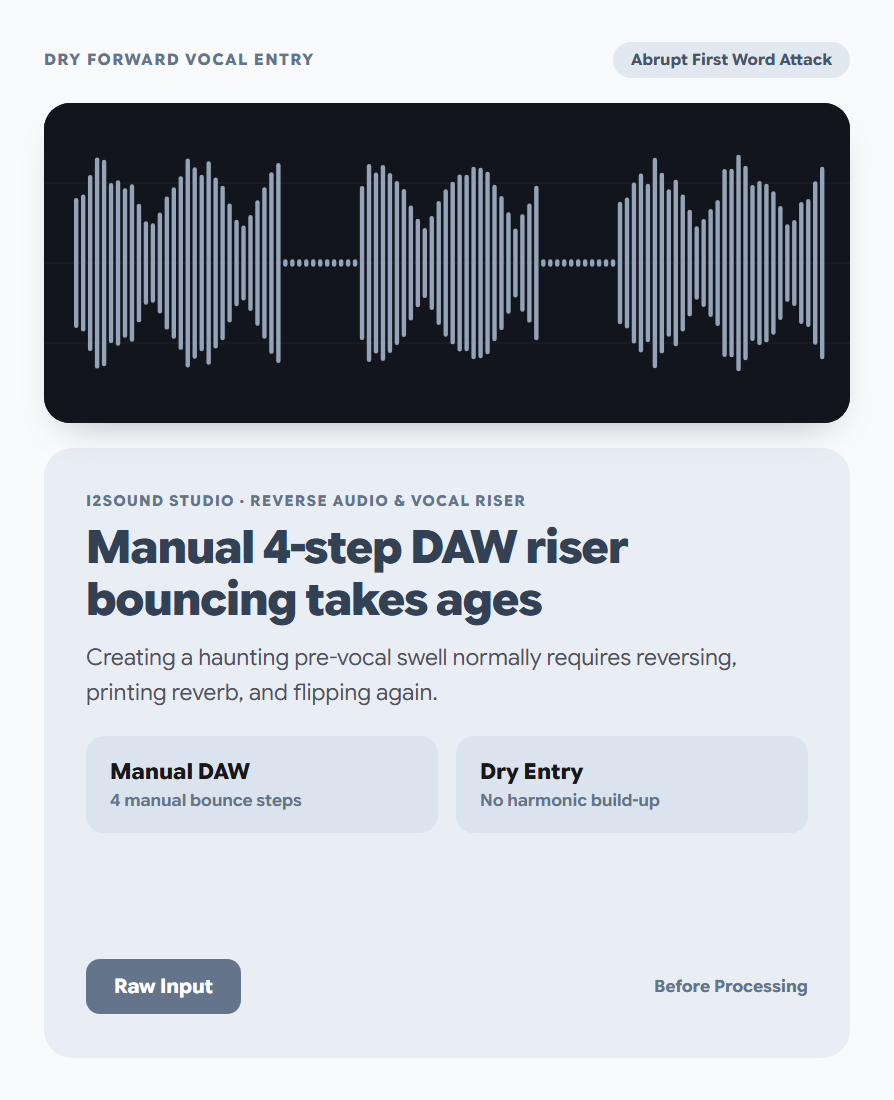
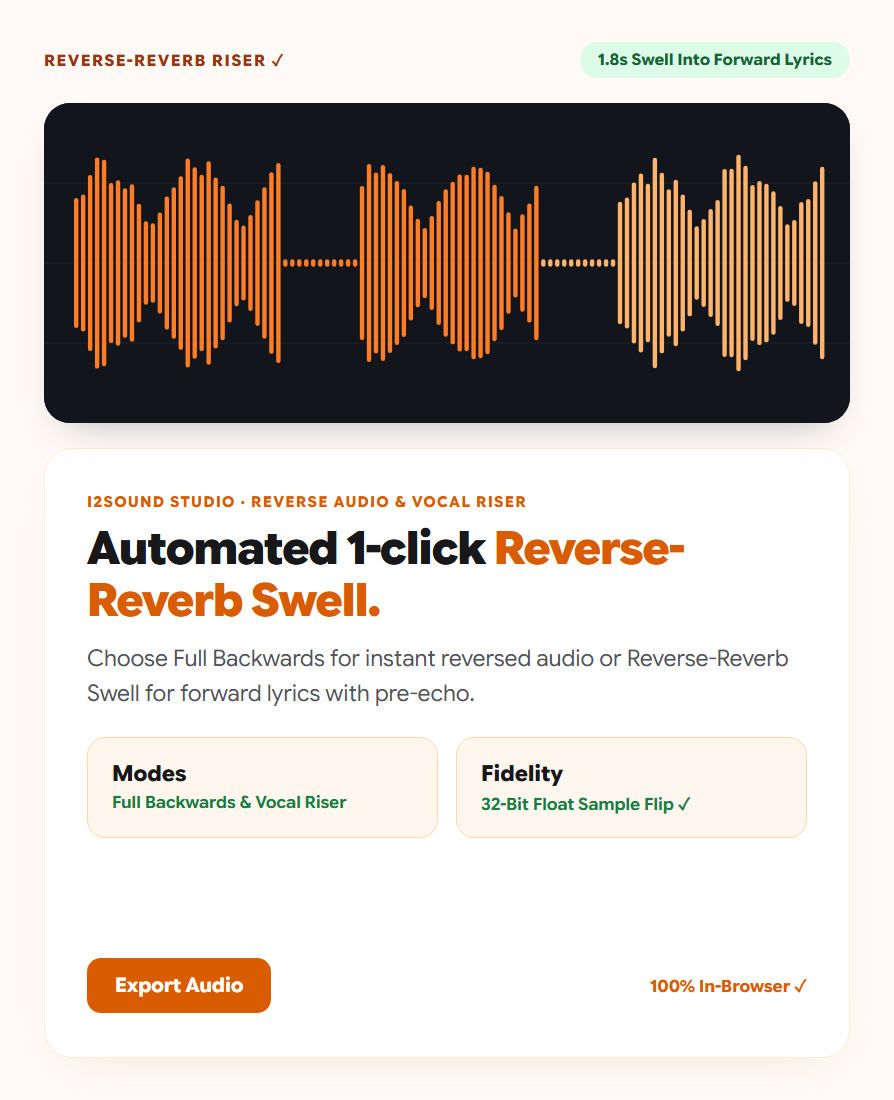
Skip manual 4-step DAW bouncing—i2Sound reverses your audio, prints lush Hall reverb, and flips it forward again in one click.
Reversed melodies & cymbal transitions
Turn piano chords, guitar plucks, or crash cymbals into hypnotic backwards textures for trap, house, and lo-fi intros.
Backwards voice challenges
Record your mic directly in the browser, flip your phrase backwards instantly, and compare with the A/B switch.
Verify levels and export cleanly
Confirm headroom on the stereo output meter so peaks remain safely below 0.0 dBFS. Select your target format—such as MP3 · 320 kbps, WAV · 24-bit Studio, or FLAC · 16-bit Lossless—and click Export Audio.
Need multi-step mastering or multi-track stem layering afterward? Click Continue in (or Pro Studio in the upper module bar) to pass your processed audio straight to the next studio tool without re-uploading.
Verified Studio Recipe — Reverse Audio & Vocal Riser
Input Support : MP3, WAV, FLAC, M4A, AAC, OGG, OPUS, WebM, MP4, or Mic
Key Controls  : Reverse Entire Track  |  Dreamy Reverse + Hall  |  Reverse-Reverb Vocal Swell  |  Fast Vinyl Rewind (1.35×)  |  Reverse Mode
Before -> Now : Abrupt First Word Attack  -->  1.8s Swell Into Forward Lyrics
Output Export : 320/192/128 kbps MP3, 16/24/32-bit WAV, Lossless FLAC (100% Client-Side Browser DSP)Common questions
How does Reverse-Reverb Swell mode work?
During export, i2Sound reverses your original clip, runs it through a stereo Hall convolution reverb (extending the buffer by 1.8 seconds), and reverses the entire result back—so your words play forward preceded by an eerie harmonic swell.
Does reversing audio reduce sound quality?
No. Sample reversal flips exact 32-bit floating-point PCM sample indices in memory with zero frequency loss.
Can I compare my backwards edit against the forward original?
Yes. Press B on your keyboard (or click the A/B switch) at any moment to flip instantaneously between forward original and reversed playback.
Try Reverse Audio & Vocal Riser in your browser
Flip tracks sample-accurately backwards or automate the 3-step studio vocal pre-swell.