
Open AI 4-Stem Splitter whenever you want isolated drum grooves, clean basslines, acapella vocals, or melody stems without hitting 5-minute cloud paywalls.
Drop your song or video (4-stem AI starts automatically)
Click Choose Audio or Video in AI 4-Stem Splitter—or drag and drop any song or music video—or click Try Studio Demo.
Four dedicated Open-Unmix neural models run inside a background Web Worker using a joint 4-way soft Wiener mask so all four stems stay phase-coherent.
Studio tip: Need a drumless or bassless practice track? Open Pro Studio, run AI 4-Stem Splitter onto 4 lanes, and click M (Mute) on Drums or Bass!
Solo-preview Vocals, Drums, Bass, or Other live
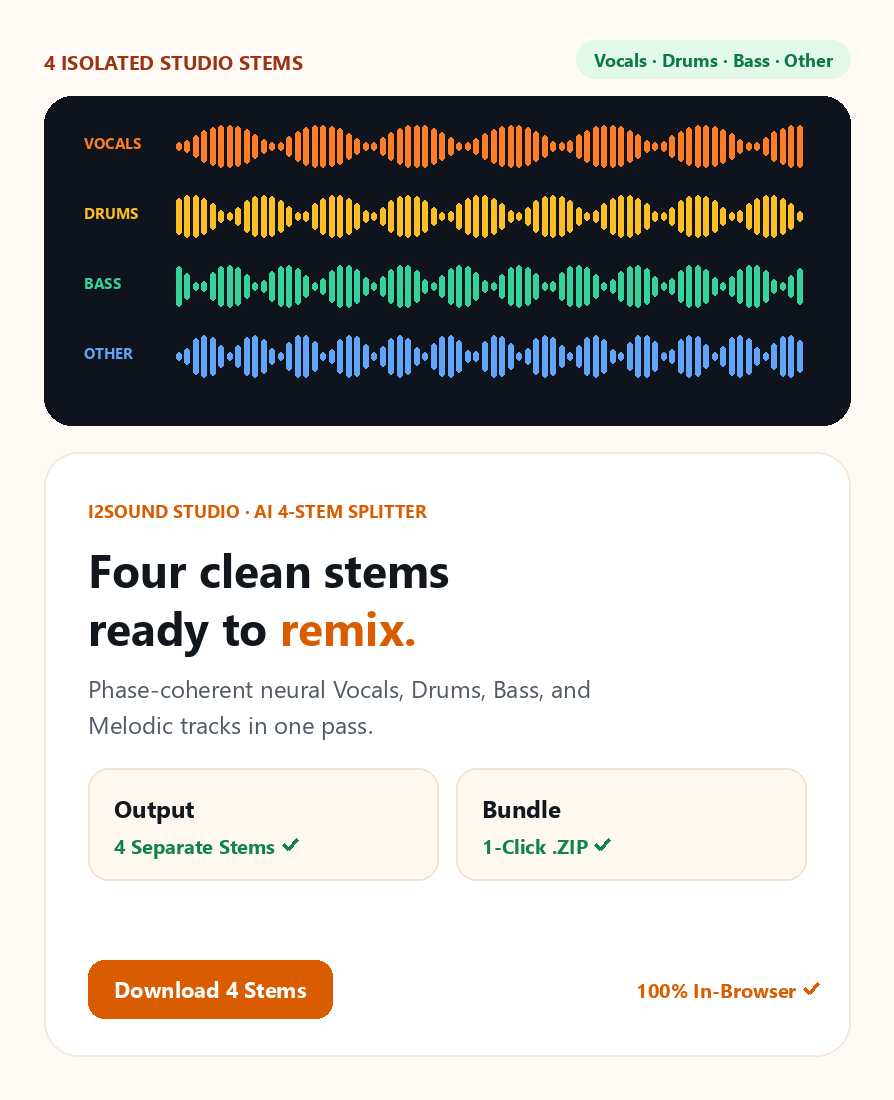
When separation finishes, the page smoothly scrolls to four stem cards: Vocals, Drums, Bass, and Other. Click Preview on any card to solo that stem on the Retina waveform.
Press B while playing to toggle between the isolated stem and the original full mix.
Drumless & bassless practice
Mute the original drummer or bassist to play along with the real band.
Clean beat & bass transcription
Solo fast kick/hi-hat patterns and sub-bass notes clearly by ear.
1-click 4-stem .ZIP bundle
Export all four stems together with zero daily upload limits.
Download individual stems or all 4 as a .ZIP
Select MP3 · 320 kbps, WAV, or FLAC at the bottom right, then click Download Vocals / Drums / Bass / Other—or click Download All 4 Stems (.ZIP) to grab everything in one archive.
Pair isolated stems with Song Key, Camelot & BPM Finder before building remixes in your DAW.
Verified Studio Recipe — AI 4-Stem Splitter
Input Support : Stereo Audio & Video (MP3, WAV, FLAC, M4A, WMA, MP4, MOV, MKV)
Neural Engine : 4096-pt Hann STFT + 4-Way Joint Wiener Mask (Web Worker)
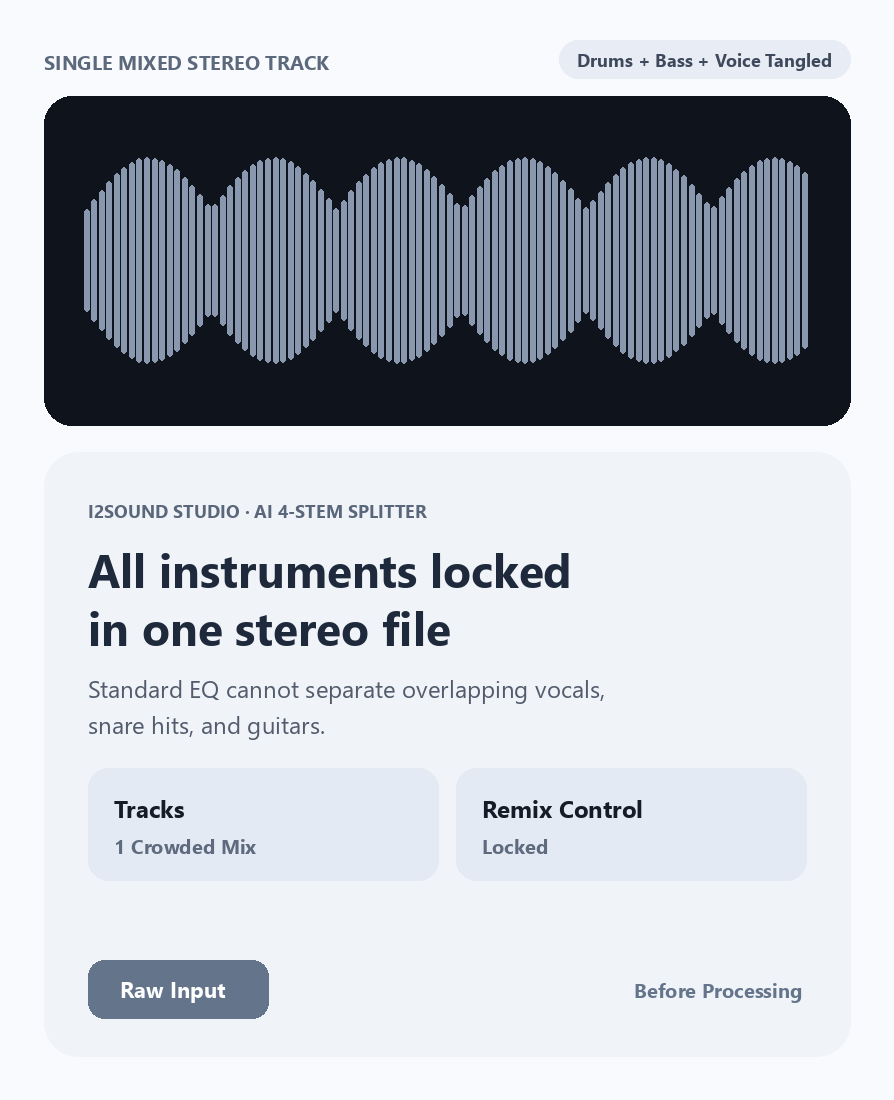
Before -> Now : 1 Mixed Song  -->  Vocals + Drums + Bass + Melodic Other
Output Export : Individual MP3 / WAV / FLAC Stems + All-in-One 4-Stem .ZIPCommon questions
When should I use 4-Stem Splitter vs. Vocal Remover?
Use Vocal Remover for quick 2-track karaoke (Vocals + Instrumental), and 4-Stem Splitter whenever you need Drums and Bass separated on their own tracks.
Do the 4 stems stay in sync if imported into a DAW?
Yes—every stem is rendered at the exact sample length and sample rate of your original file.
Is there a file count limit per day?
None. Separation runs 100% locally on your own computer or phone.
Try AI 4-Stem Splitter in your browser
Extract isolated Vocals, Drums, Bass, and Music stems right in your browser.