
Open AI Vocal Remover & Karaoke Stem Splitter whenever you want studio-clean karaoke instrumentals or isolated voice tracks without uploading private files or hitting daily cloud paywalls. As soon as you select a song or video, on-device AI separation starts automatically in your browser.
Drop your song or video (AI starts automatically)
Click Choose Audio or Video in AI Vocal Remover & Karaoke Stem Splitter—or drag and drop any MP3, WAV, FLAC, M4A, WMA, MP4, MOV, or MKV file—or click Try Studio Demo to test immediately.
No complicated settings are required: an elapsed-time progress card appears automatically while your device separates the mix into clean music and voice tracks.
Studio tip: You can drop an MP4 or MKV video directly without converting it to audio first—the audio stream is decoded and separated automatically.
Preview Instrumental or Vocals on the waveform
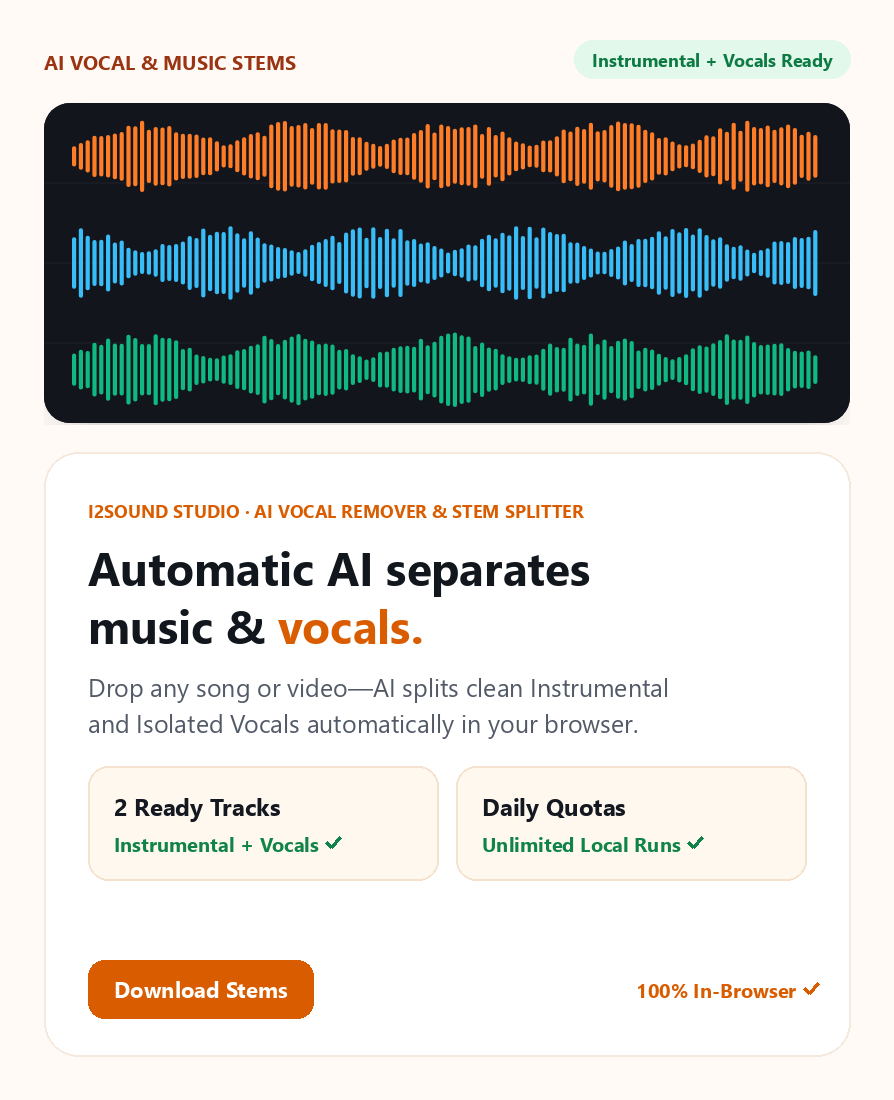
Once separation completes, two ready-to-play track cards appear right below the waveform: Instrumental (Vocals Removed) and Vocals Only (Isolated Voice). Click Preview Instrumental or Preview Vocals to audition either stem immediately.
Press B on your keyboard (or click the Processed / Original switch) while playing to compare your separated stem against the original recording.
Full-bass instrumental backing tracks
Keep kick drums, basslines, and stereo instruments punchy while removing lead vocals.
Isolated voice & acapella stems
Extract clean spoken dialogue or singing from music videos, interviews, and songs.
Zero daily rate limits
Separate unlimited songs privately in your browser with no cloud queues or subscriptions.
Download Instrumental or Vocals in MP3, WAV, or FLAC
Choose your preferred format in the bottom selector—MP3 · 320 kbps, WAV · 16/24-bit, or FLAC · Lossless—then click Download Instrumental, Download Vocals, or both.
Want to remix or layer both stems on a multi-track timeline? Open Pro Studio and use AI Vocal Remover & Stem Split to place Instrumental and Vocals onto two independent mixer lanes.
Verified Studio Recipe — AI Vocal Remover & Karaoke Stem Splitter
Input Support : MP3, WAV, FLAC, M4A, OGG, WMA, AIFF, MP4, MOV, MKV, AVI
Workflow      : Drop File  -->  Automatic Local AI Separation  -->  2 Ready Stems
Track 1 (MUSIC): Instrumental (Vocals Removed)  [Preview + 1-Click Download]
Track 2 (VOICE): Vocals Only (Isolated Voice) [Preview + 1-Click Download]Common questions
Do I need to adjust any settings before separating a song?
No—separation starts automatically as soon as you open an audio or video file and presents ready-to-download Instrumental and Vocals tracks.
Can I download both the Instrumental and the Vocals from one run?
Yes—both stems stay ready on screen, so you can click Download Instrumental and Download Vocals without re-processing the file.
Are my songs or videos uploaded to a server?
Never. The entire AI separation model runs locally inside your browser on your own device.
Try AI Vocal Remover & Karaoke Stem Splitter in your browser
Automatically split any song or video into clean Instrumental and Vocals tracks locally.