
Open UI & Retro Game SFX Synthesizer whenever you need fast, studio-accurate results directly in your browser without uploading private files. Stop hunting sketchy sound-effect sites for a simple button click or toast chime. Click through 10 procedural UI and arcade recipes, hit Mutate to discover variations, download tiny CC0 WAV/MP3 files, or copy a zero-dependency Web Audio JS function straight into your app!
Select preset or reference signal
Open UI & Retro Game SFX Synthesizer—because synthesis runs directly on your browser's hardware-clocked Web Audio stream, the glowing 60fps oscilloscope stage opens immediately with no file upload required.
Start from a calibrated preset pill such as Start Pitch and set your speaker or headphone volume to a comfortable level before clicking Play Tone (or pressing Spacebar).
Studio tip: Building a React, Vue, or vanilla JS web app? Click Copy Web Audio JS Code to play your exact sound in 12 lines of code with zero network requests or audio files!
Dial Start Pitch & audition live
Adjust Start Pitch and End Sweep Pitch alongside Length in the studio control dock. Hold Shift while dragging any rotary dial for fine precision, or double-click any control to snap back to its calibrated default.
Watch the phase-locked oscilloscope and Harmonics FFT respond at 60 frames per second to verify overtone balance and stereo routing.
Tactile taps, toggles & chimes
Give buttons, switches, and payment confirmations crisp, modern acoustic feedback.
Zero-asset Web Audio JS code
Paste the generated playUiSound() function directly into your codebase—0 KB bundle asset!
Coins, jumps, lasers & power-ups
Mutate endless 8-bit and 16-bit variations with 100% CC0 commercial rights.
Verify levels and export cleanly
Confirm headroom on the stereo output meter so peaks remain safely below 0.0 dBFS. Select your target format—such as MP3 · 320 kbps, WAV · 24-bit Studio, or FLAC · 16-bit Lossless—and click Export Audio.
Need multi-step mastering or multi-track stem layering afterward? Click Continue in (or Pro Studio in the upper module bar) to pass your processed audio straight to the next studio tool without re-uploading.
Verified Studio Recipe — UI & Retro Game SFX Synthesizer
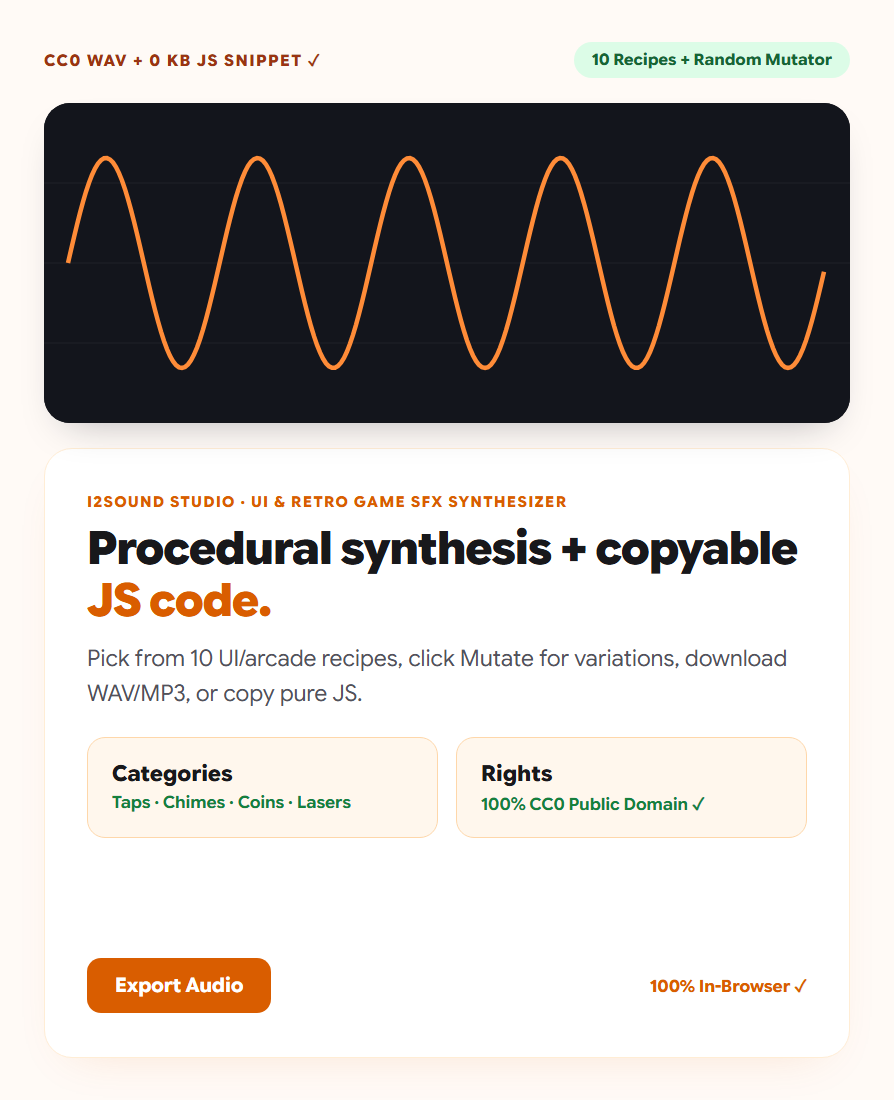
Input Support : 10 UI & Retro Game Recipes + Random Mutator & FM Synthesis
Key Controls  : Start Pitch  |  End Sweep Pitch  |  Length  |  Oscillator  |  Sine
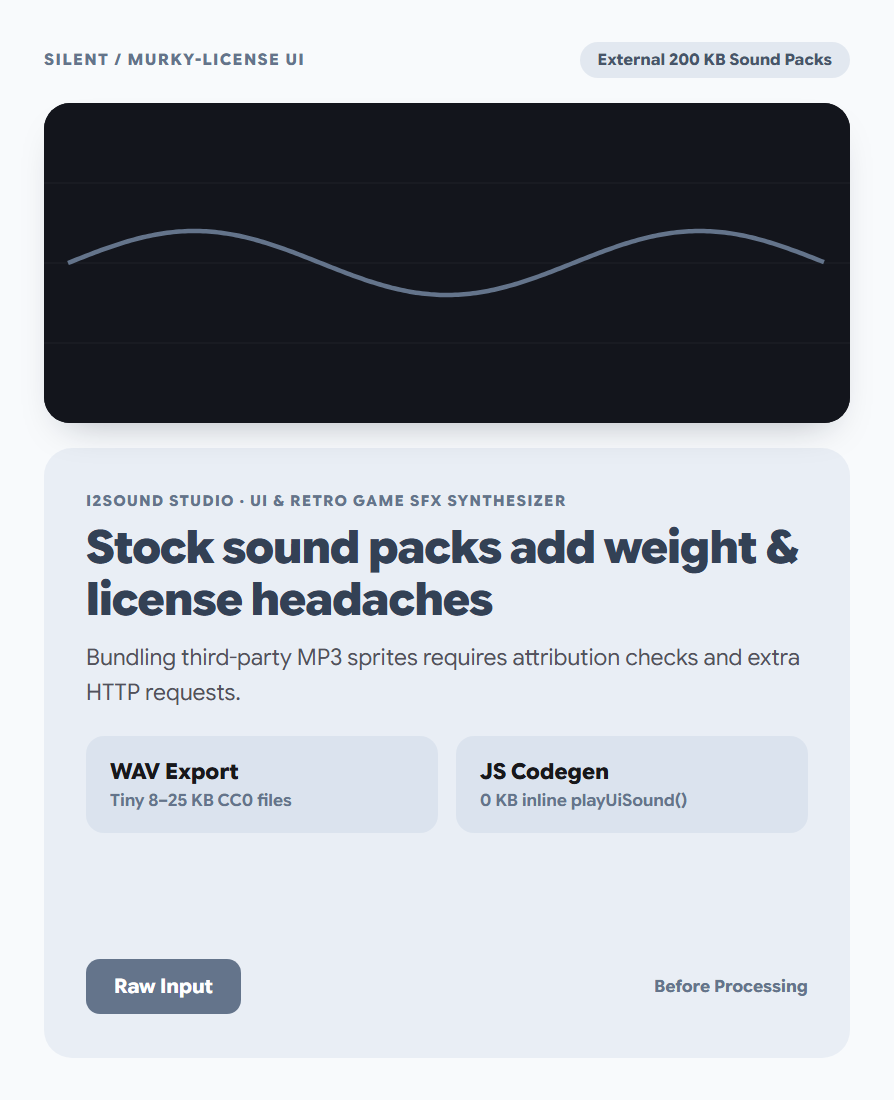
Before -> Now : External 200 KB Sound Packs  -->  10 Recipes + Random Mutator
Output Export : CC0 Royalty-Free WAV/MP3 + Copyable Web Audio JS Function (100% Client-Side Browser DSP)Common questions
Are all generated sound effects and JS snippets free for commercial apps and games?
Yes! Every sound and code snippet is synthesized procedurally by math on your device and is 100% CC0 public-domain / royalty-free.
How small are exported UI sound effect files?
A typical 70–250 ms UI tap or pop exports at just 6–25 KB as WAV or MP3—and 0 KB if you paste the generated Web Audio JS function!
What does the Mutate / Randomize button do?
It generates a fresh procedural combination of waveform, start/end sweep frequencies, duration, and interval jump so you can discover unique sounds quickly.
Try UI & Retro Game SFX Synthesizer in your browser
Generate tactile taps, glass chimes, lasers, and coins—exporting tiny WAVs or 0 KB JS functions.