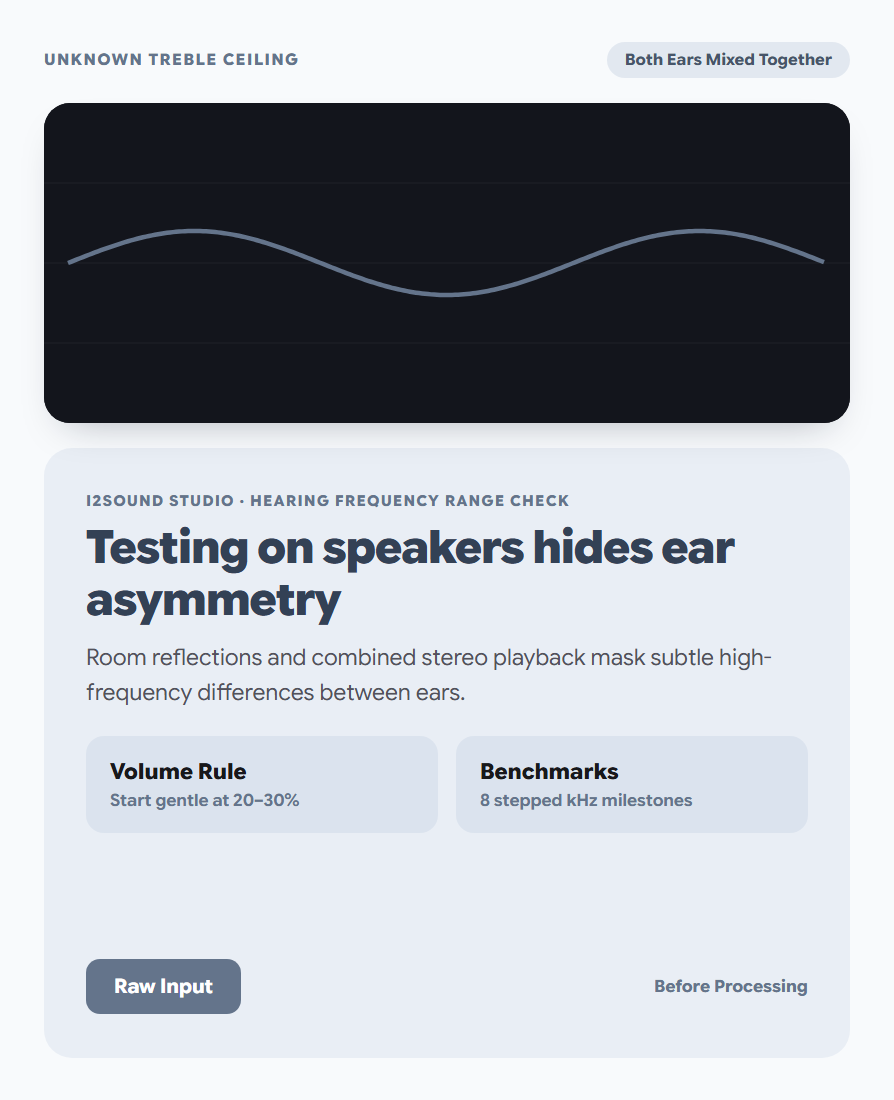

Open Hearing Frequency Range Check whenever you need fast, studio-accurate results directly in your browser without uploading private files. Put on headphones at a gentle, comfortable volume (20–30%) and step through pure sine-wave benchmarks from 8 kHz to 19 kHz—routing tones to Both, Left Only, or Right Only.
Select preset or reference signal
Open Hearing Frequency Range Check—because synthesis runs directly on your browser's hardware-clocked Web Audio stream, the glowing 60fps oscilloscope stage opens immediately with no file upload required.
Start from a calibrated preset pill such as 12 kHz · Typical Under ~50 Years and set your speaker or headphone volume to a comfortable level before clicking Play Tone (or pressing Spacebar).
Studio tip: Informational tool only: wireless Bluetooth codecs and inexpensive earbuds sometimes roll off above 16 kHz, and this check does not replace clinical audiometry.
Dial 12 kHz · Typical Under ~50 Years & audition live
Adjust 12 kHz · Typical Under ~50 Years and 14 kHz · Typical Under ~40 Years alongside 15 kHz · Typical Under ~30 Years in the studio control dock. Hold Shift while dragging any rotary dial for fine precision, or double-click any control to snap back to its calibrated default.
Watch the phase-locked oscilloscope and Harmonics FFT respond at 60 frames per second to verify overtone balance and stereo routing.
Compare Left vs. Right ear ceiling
Switch between Left Ear Only and Right Ear Only across 8 kHz to 19 kHz steps.
Know your personal air-band limit
Check whether you still hear 15–17 kHz whistler/CRT harmonics clearly when mixing.
Verify treble extension
Confirm wired DAC/headphone reproduction above 16 kHz.
Verify levels and export cleanly
Confirm headroom on the stereo output meter so peaks remain safely below 0.0 dBFS. Select your target format—such as MP3 · 320 kbps, WAV · 24-bit Studio, or FLAC · 16-bit Lossless—and click Export Audio.
Need multi-step mastering or multi-track stem layering afterward? Click Continue in (or Pro Studio in the upper module bar) to pass your processed audio straight to the next studio tool without re-uploading.
Verified Studio Recipe — Hearing Frequency Range Check
Input Support : 125 Hz – 20,000 Hz Pure Sine + Independent Ear Routing
Key Controls  : 12 kHz · Typical Under ~50 Years  |  14 kHz · Typical Under ~40 Years  |  15 kHz · Typical Under ~30 Years  |  16 kHz · Typical Under ~24 Years  |  17.5 kHz · Teen / Young Adult Air
Before -> Now : Both Ears Mixed Together  -->  8 kHz → 19 kHz Pure Sine
Output Export : Interactive High-Frequency Ceiling Check + Reference WAV/MP3 (100% Client-Side Browser DSP)Common questions
Why do high frequencies become harder to hear with age?
Tiny hair cells at the base of the cochlea (responsible for 14–20 kHz) experience the most cumulative wear over decades—a natural process called presbycusis.
Why should I test Left and Right ears separately?
Human hearing is often slightly asymmetric due to everyday noise exposure (such as driving with a window down or phone/headset habits).
Is it normal for adults over 35 not to hear 17.5 kHz or 19 kHz?
Completely normal—17.5–19 kHz sits near the upper teen ceiling, while everyday speech clarity and musical warmth live primarily between 100 Hz and 8,000 Hz.
Try Hearing Frequency Range Check in your browser
Step safely from 8 kHz to 19 kHz pure sine benchmarks per headphone ear.