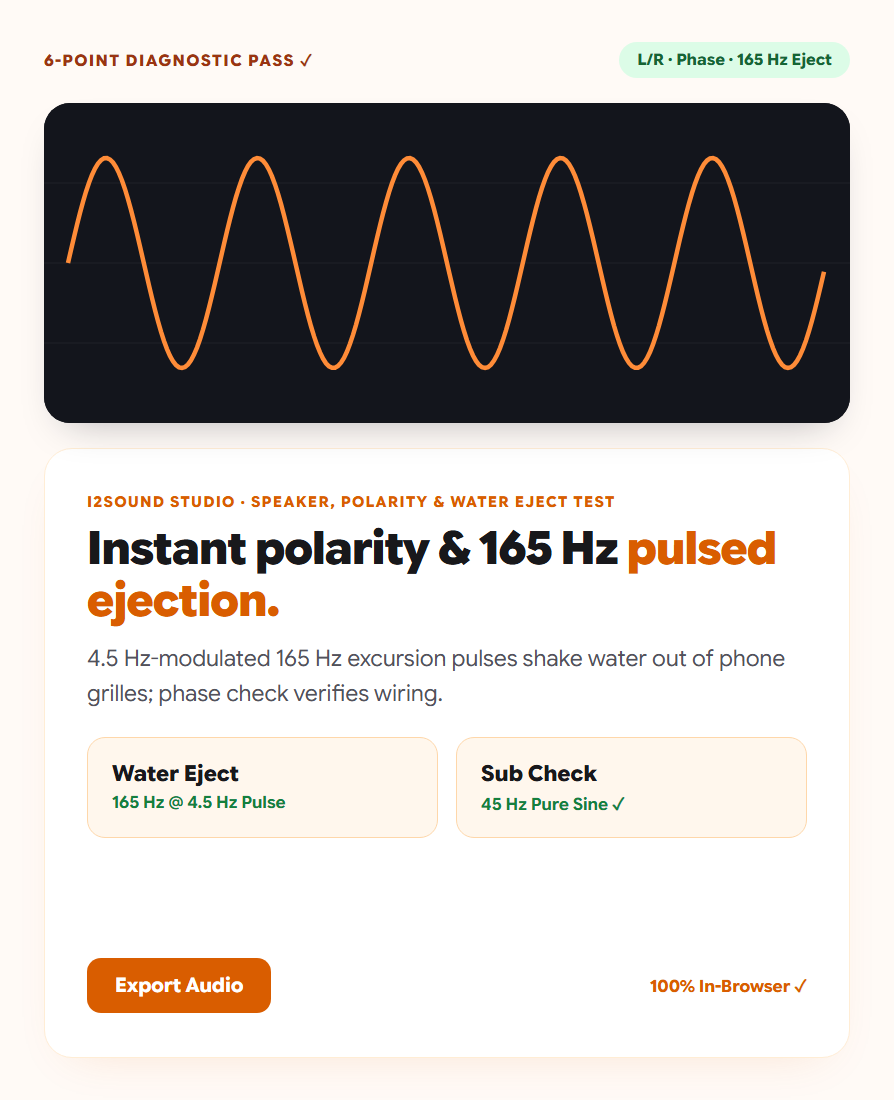

Open Speaker, Polarity & Water Eject Test whenever you need fast, studio-accurate results directly in your browser without uploading private files. Six instant hardware diagnostics in one clean deck: verify Left and Right ear wiring, test In-Phase vs. 180° Out-of-Phase speaker polarity, check 45 Hz subwoofer response, or pulse a 165 Hz wave to clear water from phone grilles.
Select preset or reference signal
Open Speaker, Polarity & Water Eject Test—because synthesis runs directly on your browser's hardware-clocked Web Audio stream, the glowing 60fps oscilloscope stage opens immediately with no file upload required.
Start from a calibrated preset pill such as Test Volume and set your speaker or headphone volume to a comfortable level before clicking Play Tone (or pressing Spacebar).
Studio tip: Dropped your phone in the sink or pool? Set phone speaker volume to 85–100%, lay the phone screen-down, and run 165 Hz Phone Water Eject for 15–30 seconds.
Dial Test Volume & audition live
Adjust Test Volume in the studio control dock. Hold Shift while dragging any rotary dial for fine precision, or double-click any control to snap back to its calibrated default.
Watch the phase-locked oscilloscope and Harmonics FFT respond at 60 frames per second to verify overtone balance and stereo routing.
Confirm Left/Right cable orientation
Verify detachable IEM cables and Bluetooth adapters route Left and Right accurately.
Catch reversed red/black speaker wire
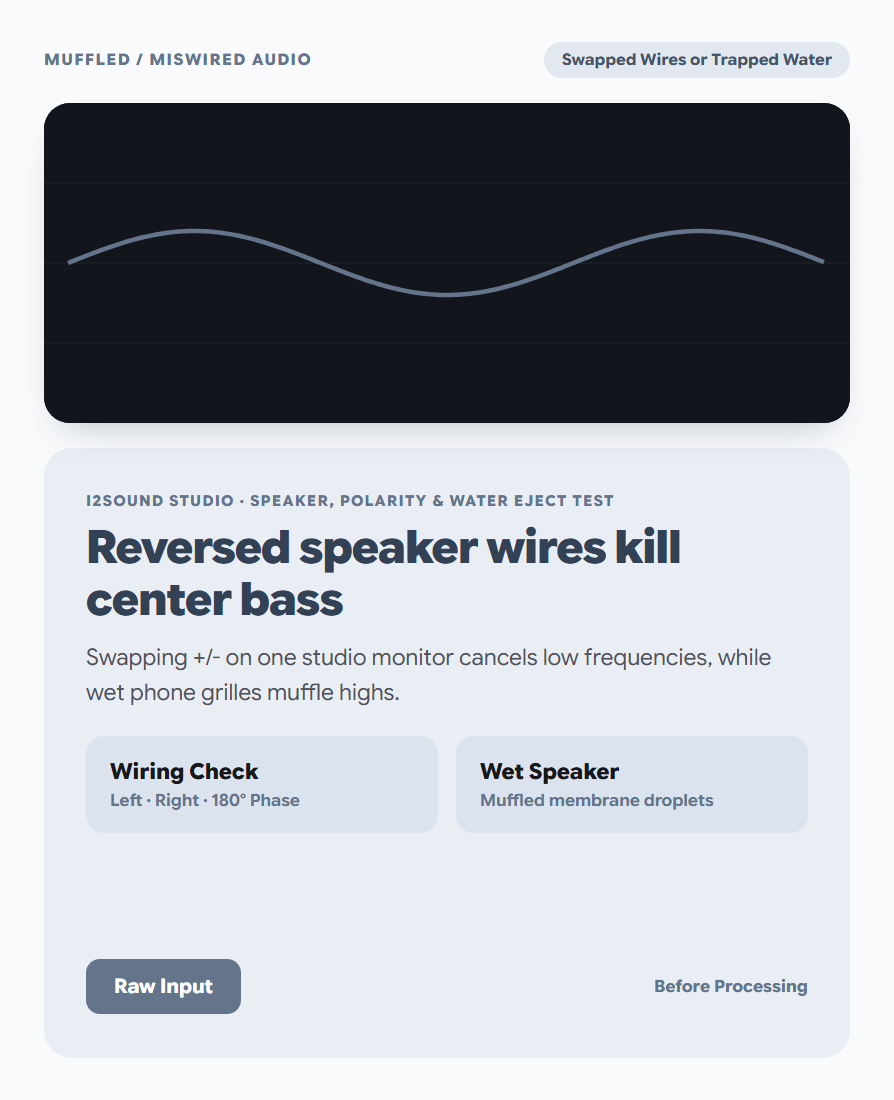
If Out-of-Phase sounds more solid/centered than In-Phase, one speaker's +/− terminals are swapped!
165 Hz resonant water ejection
4.5 Hz-pulsed 165 Hz square excursion shakes trapped water droplets free of speaker mesh.
Verify levels and export cleanly
Confirm headroom on the stereo output meter so peaks remain safely below 0.0 dBFS. Select your target format—such as MP3 · 320 kbps, WAV · 24-bit Studio, or FLAC · 16-bit Lossless—and click Export Audio.
Need multi-step mastering or multi-track stem layering afterward? Click Continue in (or Pro Studio in the upper module bar) to pass your processed audio straight to the next studio tool without re-uploading.
Verified Studio Recipe — Speaker, Polarity & Water Eject Test
Input Support : 6 One-Click Hardware Diagnostic Tests
Key Controls  : Test Volume
Before -> Now : Swapped Wires or Trapped Water  -->  L/R · Phase · 165 Hz Eject
Output Export : Live L/R, Polarity, 45 Hz Sub, & 165 Hz Water-Eject Signals (100% Client-Side Browser DSP)Common questions
How do I read the In-Phase vs. Out-of-Phase polarity test?
On properly wired speakers, In-Phase locks tightly in the phantom center with full bass, while Out-of-Phase sounds weirdly hollow, wide, and bass-thin.
How often can I run the 165 Hz Phone Water Eject?
Two or three 15-second cycles with the phone facing downward is safe and effective for clearing surface water from smartphone speaker grilles; blot gently with a dry lint-free cloth afterward.
Why can't I hear the 45 Hz Subwoofer Check on my laptop speakers?
Thin laptop and phone speakers physically roll off below 100–130 Hz—45 Hz tests dedicated subwoofers, studio monitors, and full-range headphones.
Try Speaker, Polarity & Water Eject Test in your browser
Run 6 instant hardware checks—L/R isolation, 180° polarity, 45 Hz sub, and 165 Hz Water Eject.