
Buksan ang Waveform SVG & PNG Generator tuwing kailangan mo ng mabilis at tumpak na resulta sa studio nang direkta sa iyong browser nang hindi nag-a-upload ng mga pribadong file. Gawing publication-ready vector SVG graphics o Full-HD 1080p PNG cards ang mga kanta, podcast quotes, voice message, o sound effect—gamit ang mga rounded capsule, SoundCloud reflection bars, smooth splines, o circular vinyl rings.
Buksan ang iyong audio o video nang lokal
I-click ang Choose Audio or Video sa Waveform SVG & PNG Generator (o i-drag at i-drop ang MP3, WAV, FLAC, M4A, OGG, Voice Memo, o Video Audio) para mag-render ng interactive Retina waveform nang direkta sa local browser memory—o i-click ang Try Studio Demo para subukan agad.
Pindutin ang Spacebar para simulan ang playback at gamitin ang mga view tab na Waveform / Spectrogram / Live FFT o mouse-wheel zoom (hanggang 40×) para suriin ang mga eksaktong transient at noise floor.
Studio tip: Nagdidisenyo sa Figma, Illustrator, o Canva? Piliin ang Transparent sa ilalim ng Color Palette at i-click ang Download Vector .SVG para sa mga vector bar na pwedeng i-scale nang walang limitasyon!
I-dial ang Studio Capsule Card at pakinggan nang live
I-adjust ang Studio Capsule Card at Circular Vinyl Ring kasama ang SoundCloud Reflection sa studio control dock. Hawakan ang Shift habang hinihila ang anumang rotary dial para sa mas tumpak na precision, o i-double click ang anumang control para bumalik sa calibrated default nito.
Pindutin ang B sa iyong keyboard (o i-click ang FX Active (A/B) switch) habang tumutugtog ang audio para mag-crossfade nang walang putol sa loob ng 15 ms sa pagitan ng iyong dry original at processed signal.
Editable vector SVG waveforms
Mag-import ng malinis na <rect> at <line> SVG vectors nang direkta sa Figma, Illustrator, o web code.
1920×1080 YouTube at social cards
Idagdag ang pamagat ng iyong episode at pangalan ng artist at mag-export ng malinaw na 1080p PNG thumbnails.
Voice message at wedding song art
Mag-render ng Circular Ring o Warm Paper waveforms na handa na para sa print.
I-verify ang mga level at mag-export nang malinis
I-confirm ang headroom sa stereo output meter para manatiling ligtas ang mga peak sa ibaba ng 0.0 dBFS. Piliin ang iyong target format—gaya ng MP3 · 320 kbps, WAV · 24-bit Studio, o FLAC · 16-bit Lossless—at i-click ang Export Audio.
Kailangan ng multi-step mastering o multi-track stem layering pagkatapos? I-click ang Continue in (o Pro Studio sa upper module bar) para ipasa ang iyong processed audio nang direkta sa susunod na studio tool nang hindi na kailangang mag-upload muli.
Verified Studio Recipe — Waveform SVG & PNG Generator
Input Support : MP3, WAV, FLAC, M4A, OGG, Voice Memo, or Video Audio
Key Controls  : Studio Capsule Card  |  Circular Vinyl Ring  |  SoundCloud Reflection  |  Transparent Vector Overlay  |  Waveform Shape
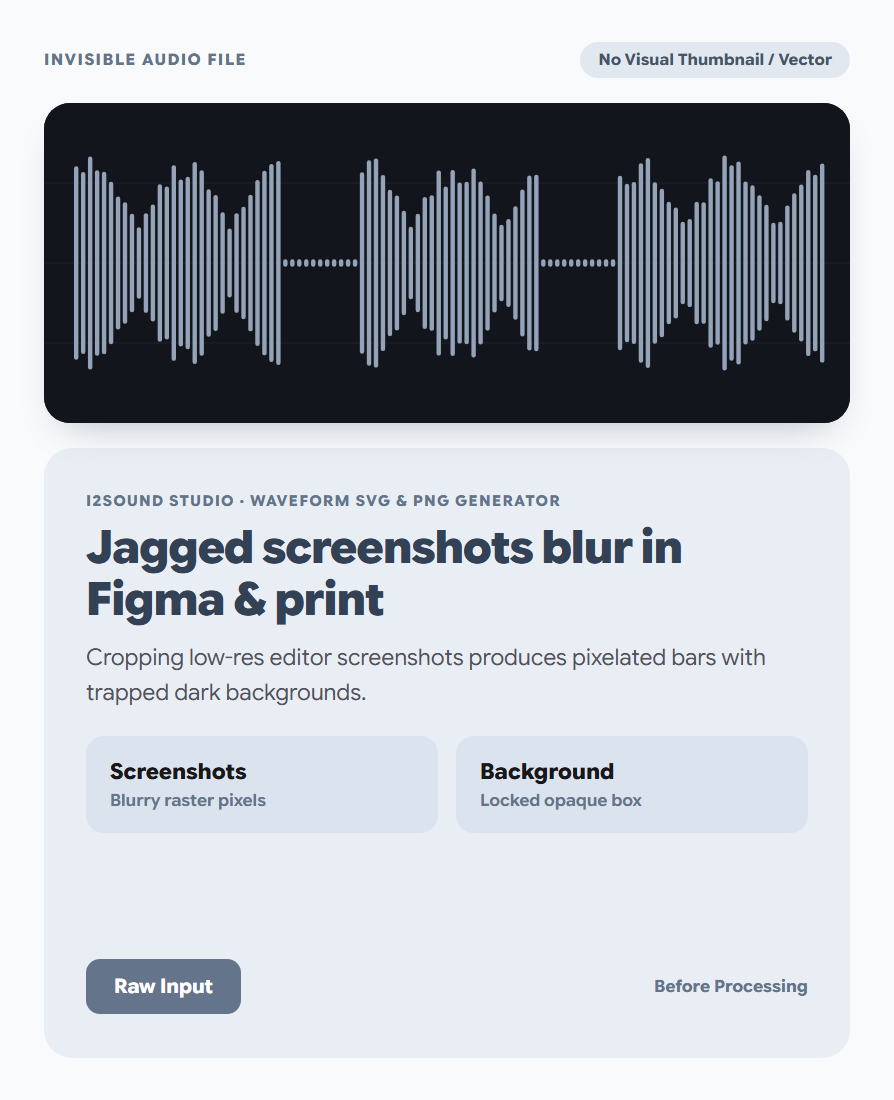
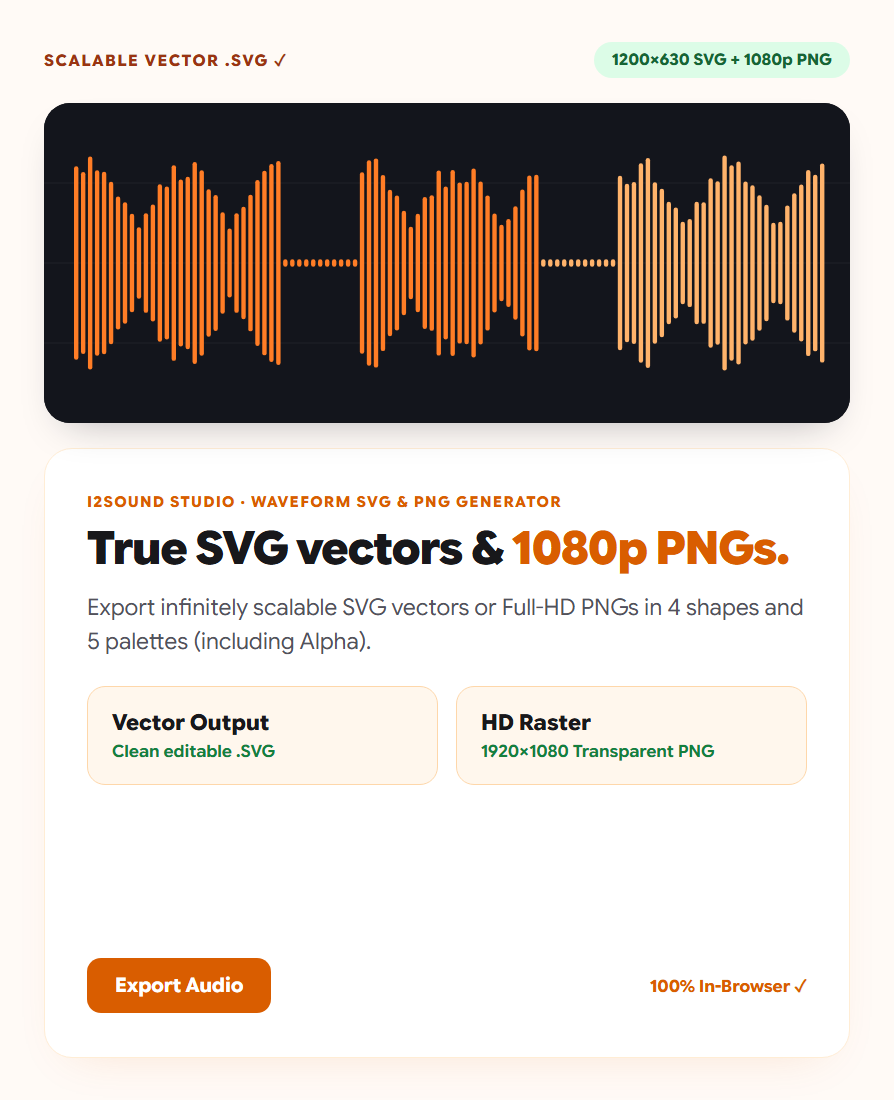
Before -> Now : No Visual Thumbnail / Vector  -->  1200×630 SVG + 1080p PNG
Output Export : Scalable Vector .SVG (1200×630) & Full-HD .PNG (1920×1080) (100% Client-Side Browser DSP)Mga karaniwang tanong
Gumagana ba ang Transparent mode sa parehong SVG at 1080p PNG exports?
Oo! Parehong tinatanggal ng vector .SVG at 1920×1080 .PNG ang background fill kapag pinili ang Transparent, kaya maaari mong ipatong ang iyong waveform sa anumang larawan o video.
Aling export format ang pinakamainam para sa mga website at print: SVG o 1080p PNG?
Piliin ang Vector .SVG para sa Figma, Illustrator, laser engraving, at malinaw na retina web embeds sa maliit na file size, o 1080p .PNG para sa mga video editor at social thumbnail.
Maaari ba akong magdagdag ng pamagat ng kanta at caption ng artist sa card?
Oo—mag-type sa mga field ng Card Caption at Subtitle para i-render ang centered typography nang direkta sa parehong PNG at SVG exports.
Subukan ang Waveform SVG at PNG Generator sa iyong browser
Magdisenyo ng Capsule, SoundCloud, Spline, o Circular Ring waveforms na may transparent background.