
Open Waveform SVG & PNG Generator whenever you need fast, studio-accurate results directly in your browser without uploading private files. Turn songs, podcast quotes, voice messages, or sound effects into publication-ready vector SVG graphics or Full-HD 1080p PNG cards—with rounded capsules, SoundCloud reflection bars, smooth splines, or circular vinyl rings.
Open your audio or video locally
Click Choose Audio or Video in Waveform SVG & PNG Generator (or drag and drop MP3, WAV, FLAC, M4A, OGG, Voice Memo, or Video Audio) to render an interactive Retina waveform directly in local browser memory—or click Try Studio Demo to test immediately.
Press Spacebar to start playback and use the Waveform / Spectrogram / Live FFT view tabs or mouse-wheel zoom (up to 40×) to inspect exact transients and noise floors.
Studio tip: Designing in Figma, Illustrator, or Canva? Choose Transparent under Color Palette and click Download Vector .SVG for infinitely scalable vector bars!
Dial Studio Capsule Card & audition live
Adjust Studio Capsule Card and Circular Vinyl Ring alongside SoundCloud Reflection in the studio control dock. Hold Shift while dragging any rotary dial for fine precision, or double-click any control to snap back to its calibrated default.
Press B on your keyboard (or click the FX Active (A/B) switch) while audio plays to crossfade click-free in 15 ms between your dry original and processed signal.
Editable vector SVG waveforms
Import clean <rect> and <line> SVG vectors straight into Figma, Illustrator, or web code.
1920×1080 YouTube & social cards
Add your episode title and artist name and export crisp 1080p PNG thumbnails.
Voice message & wedding song art
Render Circular Ring or Warm Paper waveforms at print-ready sharpness.
Verify levels and export cleanly
Confirm headroom on the stereo output meter so peaks remain safely below 0.0 dBFS. Select your target format—such as MP3 · 320 kbps, WAV · 24-bit Studio, or FLAC · 16-bit Lossless—and click Export Audio.
Need multi-step mastering or multi-track stem layering afterward? Click Continue in (or Pro Studio in the upper module bar) to pass your processed audio straight to the next studio tool without re-uploading.
Verified Studio Recipe — Waveform SVG & PNG Generator
Input Support : MP3, WAV, FLAC, M4A, OGG, Voice Memo, or Video Audio
Key Controls  : Studio Capsule Card  |  Circular Vinyl Ring  |  SoundCloud Reflection  |  Transparent Vector Overlay  |  Waveform Shape
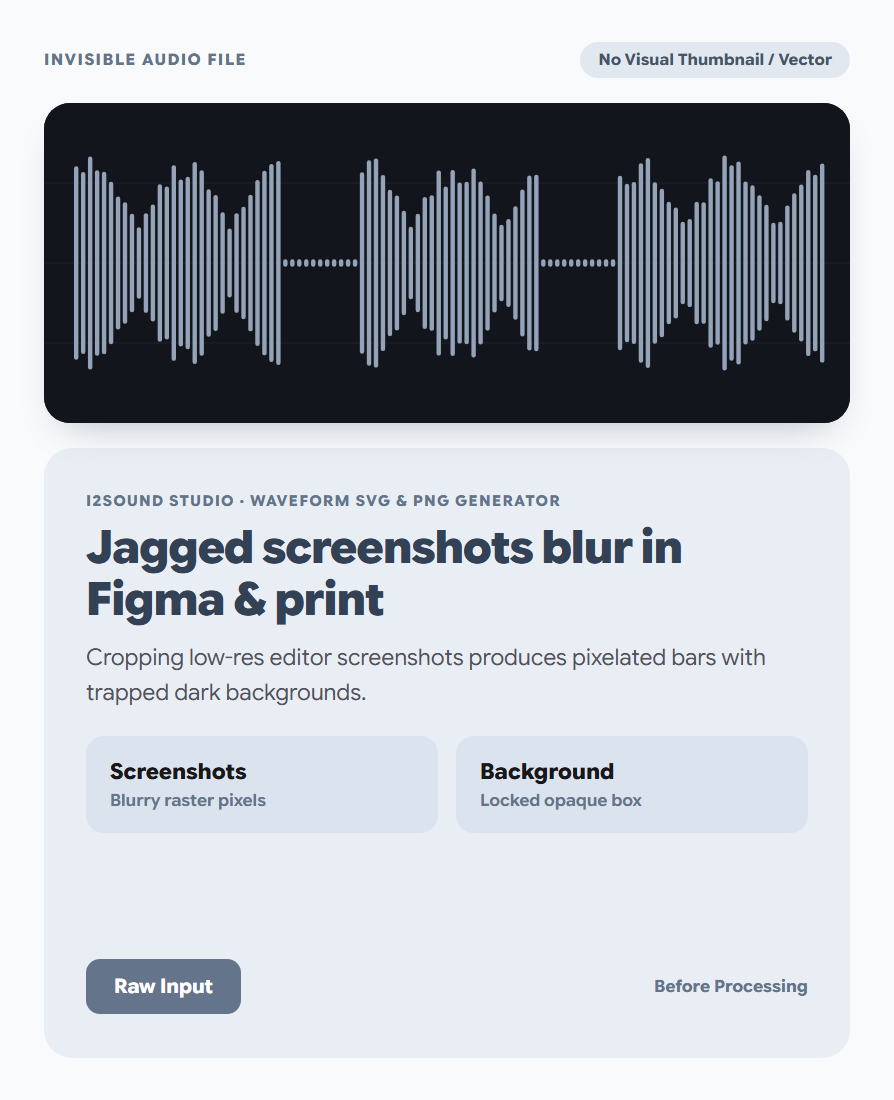
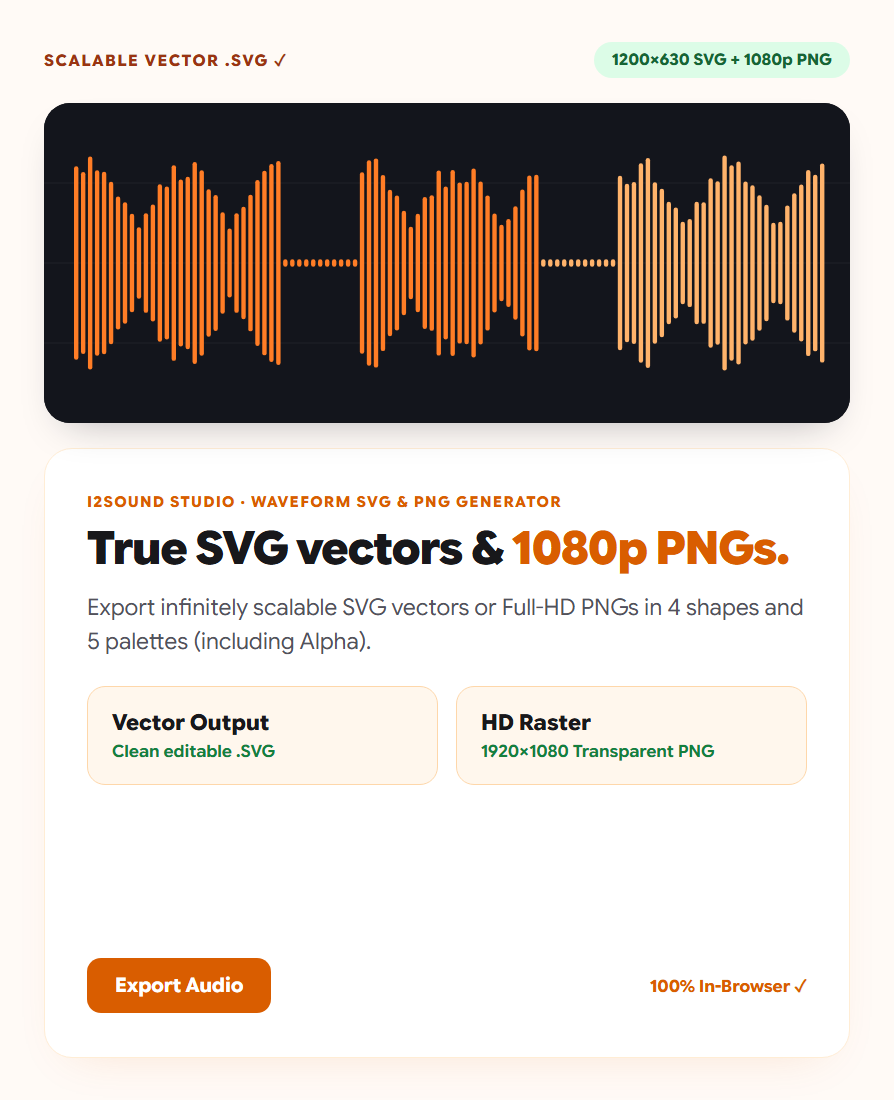
Before -> Now : No Visual Thumbnail / Vector  -->  1200×630 SVG + 1080p PNG
Output Export : Scalable Vector .SVG (1200×630) & Full-HD .PNG (1920×1080) (100% Client-Side Browser DSP)Common questions
Does Transparent mode work on both SVG and 1080p PNG exports?
Yes! Both the vector .SVG and the 1920×1080 .PNG omit the background fill completely when Transparent is selected, so you can layer your waveform over any photo or video.
Which export format is best for websites and print: SVG or 1080p PNG?
Choose Vector .SVG for Figma, Illustrator, laser engraving, and crisp retina web embeds at tiny file sizes, or 1080p .PNG for video editors and social thumbnails.
Can I add a song title and artist caption onto the card?
Yes—type into the Card Caption and Subtitle fields to render centered typography directly onto both PNG and SVG exports.
Try Waveform SVG & PNG Generator in your browser
Design Capsule, SoundCloud, Spline, or Circular Ring waveforms with transparent backgrounds.