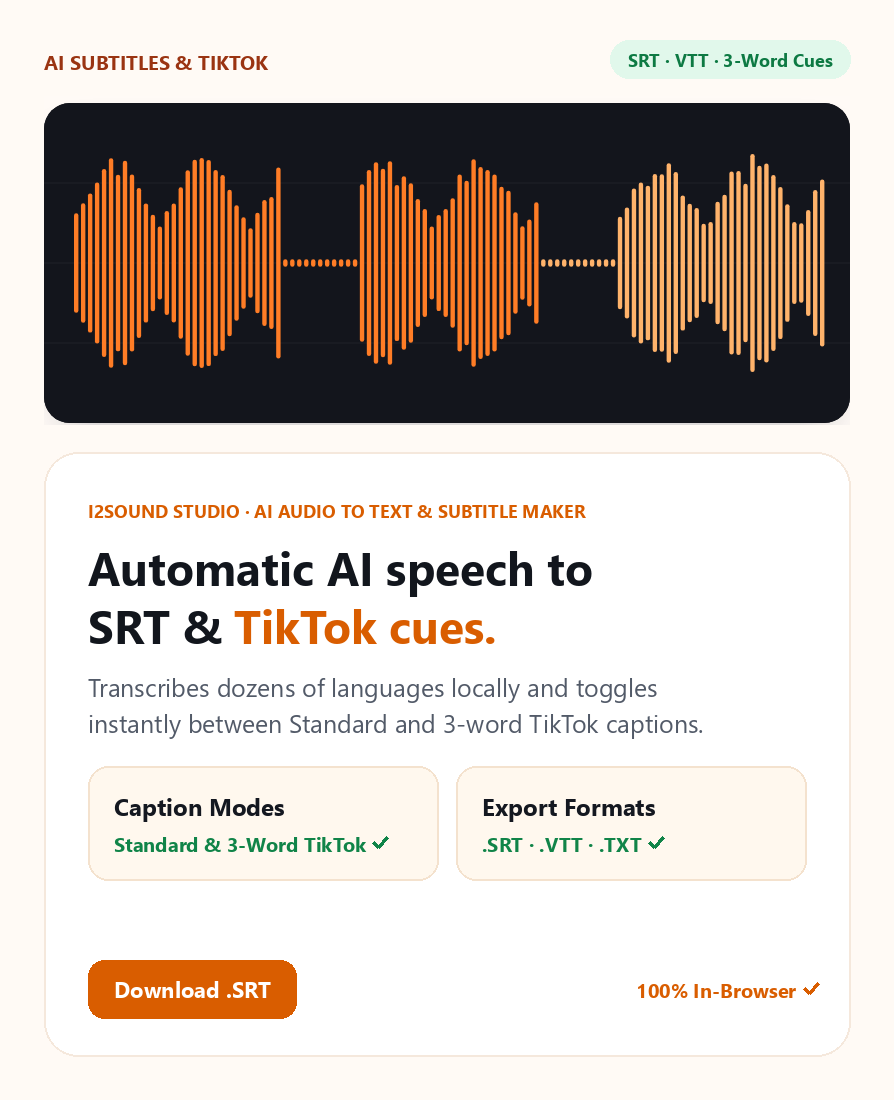

Open AI Audio to Text & Subtitle Maker whenever you need fast, accurate captions or transcripts without uploading confidential voiceovers, lectures, or client videos to the cloud. Drop any recording and speech recognition runs automatically inside your browser.
Drop your audio or video (AI starts automatically)
Click Choose Audio or Video in AI Audio to Text & Subtitle Maker—or drag and drop any MP3, WAV, M4A, MP4, MOV, or MKV recording—or click Try Studio Demo to test immediately.
An elapsed-time card shows live progress while speech is transcribed locally on your device. Leave the language selector on Auto-Detect Language or pick a specific language to re-transcribe.
Studio tip: Click any ▶ #1 (0.4s–2.1s) timestamp button next to a caption line to replay just that spoken segment on the waveform while fine-tuning wording!
Switch between Standard Subtitles & TikTok (3 Words)
Use the two style buttons at the top of the caption editor to match your video platform instantly: choose Standard Subtitles for full-phrase YouTube and lecture captions, or click TikTok / Shorts (3 Words) to split your transcript into rapid 2–3 word cues for vertical reels.
Every caption row is directly editable in place before you download.
3-Word TikTok, Reels & Shorts cues
Generate punchy, fast-paced 3-word subtitle blocks ready to drop straight into CapCut, Premiere, or DaVinci Resolve.
Multilingual local transcription
Transcribe English, Arabic, Spanish, French, German, Japanese, Chinese, Hindi, and more right on your device.
100% air-gapped confidentiality
Interviews, meetings, and unreleased videos never leave your browser.
Download .SRT, .VTT, or .TXT in one click
Click Download .SRT for video editors and YouTube, Download .VTT for HTML5 web players, or Download .TXT for a clean plain-text transcript.
Want to remove dead air or enhance vocal warmth on the same recording? Click Continue in to pass your audio straight into Silence & Dead-Air Remover or Studio Voice & Podcast Enhancer.
Verified Studio Recipe — AI Audio to Text & Subtitle Maker
Input Support : Spoken Audio & Video (MP3, WAV, M4A, MP4, MOV, MKV, WMA)
Caption Modes : Standard Subtitles  |  TikTok / Shorts (3 Words per Cue)
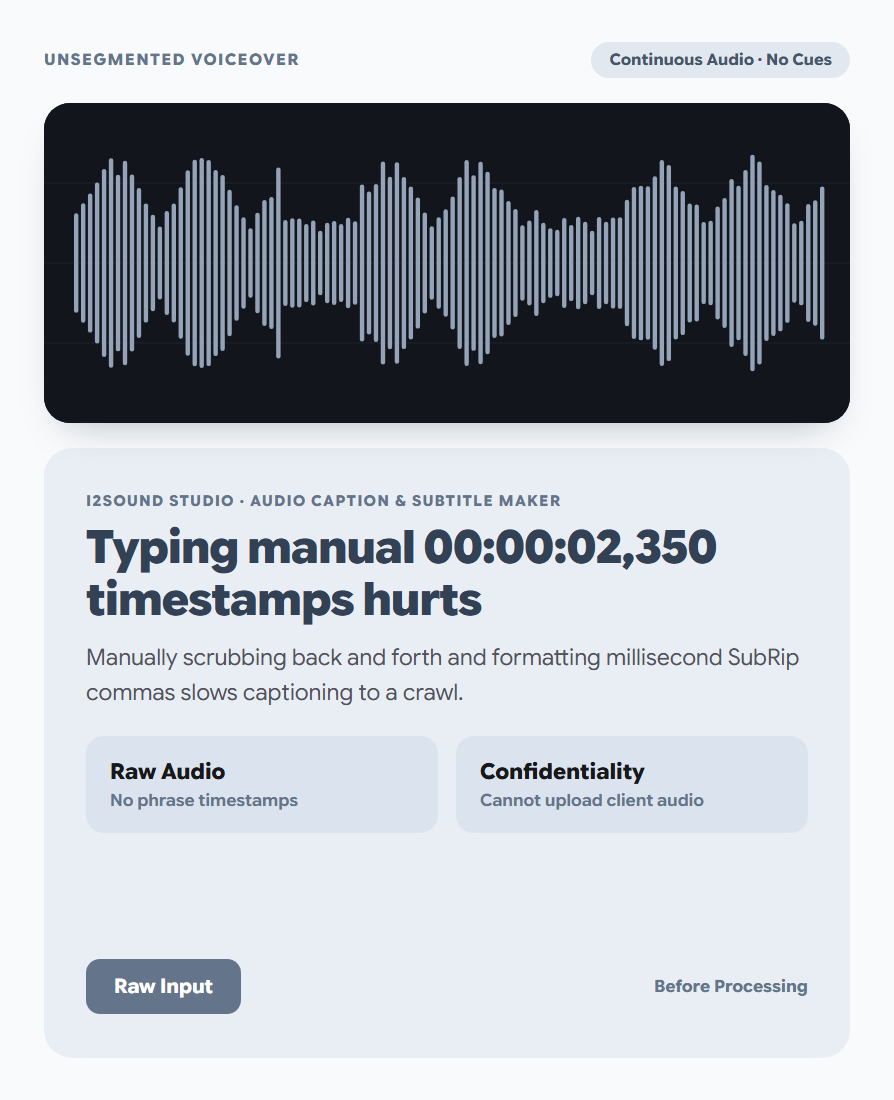
Before -> Now : Raw Uncaptioned Video  -->  Timed Multilingual Subtitle Cues
Output Export : .SRT Subtitles | .VTT Web Captions | .TXT Plain TranscriptCommon questions
What is the difference between Standard Subtitles and TikTok / Shorts (3 Words)?
Standard Subtitles group complete spoken phrases for horizontal video, whereas TikTok / Shorts mode breaks each sentence into rapid 2–3 word cues designed for mobile vertical video retention.
What is the difference between .SRT, .VTT, and .TXT files?
SubRip (.SRT) uses millisecond timestamps for YouTube, CapCut, Premiere, and DaVinci Resolve; WebVTT (.VTT) powers HTML5 <track> web players; .TXT exports clean paragraphs without timecodes.
Does switching between Standard Subtitles and TikTok mode re-run the AI?
No—switching between Standard Subtitles and 3-word TikTok captions is instant once your audio has been transcribed.
Try AI Audio to Text & Subtitle Maker in your browser
Automatically transcribe audio and video into .SRT, .VTT, or 3-word TikTok captions privately.