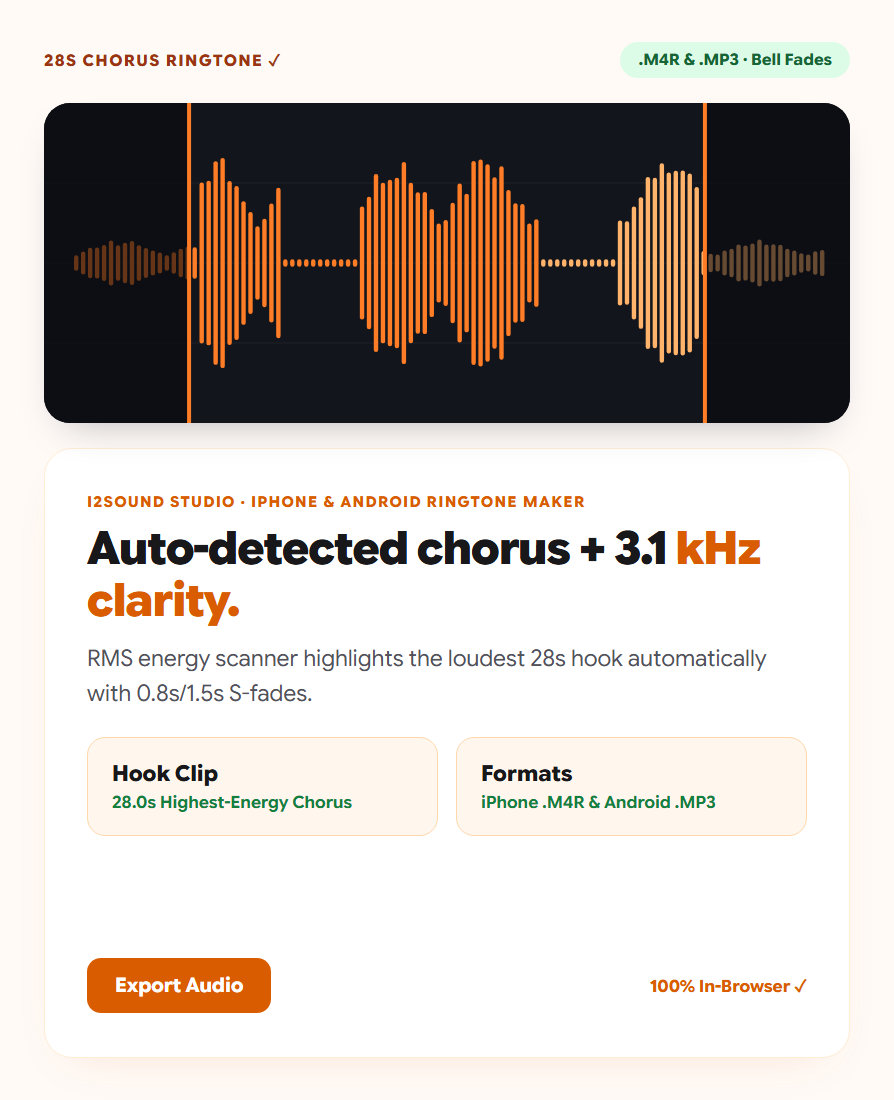

Open iPhone & Android Ringtone Maker whenever you need fast, studio-accurate results directly in your browser without uploading private files. Drop any song—Ringtone Maker scans RMS energy across the entire track to highlight its catchiest 28-second chorus automatically, adds gentle bell fade-in/out curves, and exports M4R (iPhone) or MP3 (Android).
Open your audio or video locally
Click Choose Audio or Video in iPhone & Android Ringtone Maker (or drag and drop MP3, WAV, FLAC, M4A, OGG, or Video Song) to render an interactive Retina waveform directly in local browser memory—or click Try Studio Demo to test immediately.
Press Spacebar to start playback and use the Waveform / Spectrogram / Live FFT view tabs or mouse-wheel zoom (up to 40×) to inspect exact transients and noise floors.
Studio tip: iPhone custom ringtones must be 30–40 seconds or shorter—the default 28s iPhone preset leaves safe margin for instant GarageBand / Finder sync.
Dial M4R · iPhone Ringtone & audition live
Adjust M4R · iPhone Ringtone and Android Ringtone (30s Punchy) alongside SMS / Notification Alert (4.5s) in the studio control dock. Hold Shift while dragging any rotary dial for fine precision, or double-click any control to snap back to its calibrated default.
Press B on your keyboard (or click the FX Active (A/B) switch) while audio plays to crossfade click-free in 15 ms between your dry original and processed signal.
28s M4R ringtone ready
Select M4R · iPhone Ringtone in the Format selector for immediate iOS naming.
Punchy 30s MP3 with 3 kHz clarity
Subtle 3.1 kHz speaker presence helps ringtones cut through pocket fabric.
4.5-second gentle fade-in
Use the Gentle Rising Alarm preset so your favorite song eases in without startling you.
Verify levels and export cleanly
Confirm headroom on the stereo output meter so peaks remain safely below 0.0 dBFS. Select your target format—such as MP3 · 320 kbps, WAV · 24-bit Studio, or FLAC · 16-bit Lossless—and click Export Audio.
Need multi-step mastering or multi-track stem layering afterward? Click Continue in (or Pro Studio in the upper module bar) to pass your processed audio straight to the next studio tool without re-uploading.
Verified Studio Recipe — iPhone & Android Ringtone Maker
Input Support : MP3, WAV, FLAC, M4A, OGG, or Video Song
Key Controls  : M4R · iPhone Ringtone  |  Android Ringtone (30s Punchy)  |  SMS / Notification Alert (4.5s)  |  Gentle Rising Alarm (38s)  |  Ringtone Length
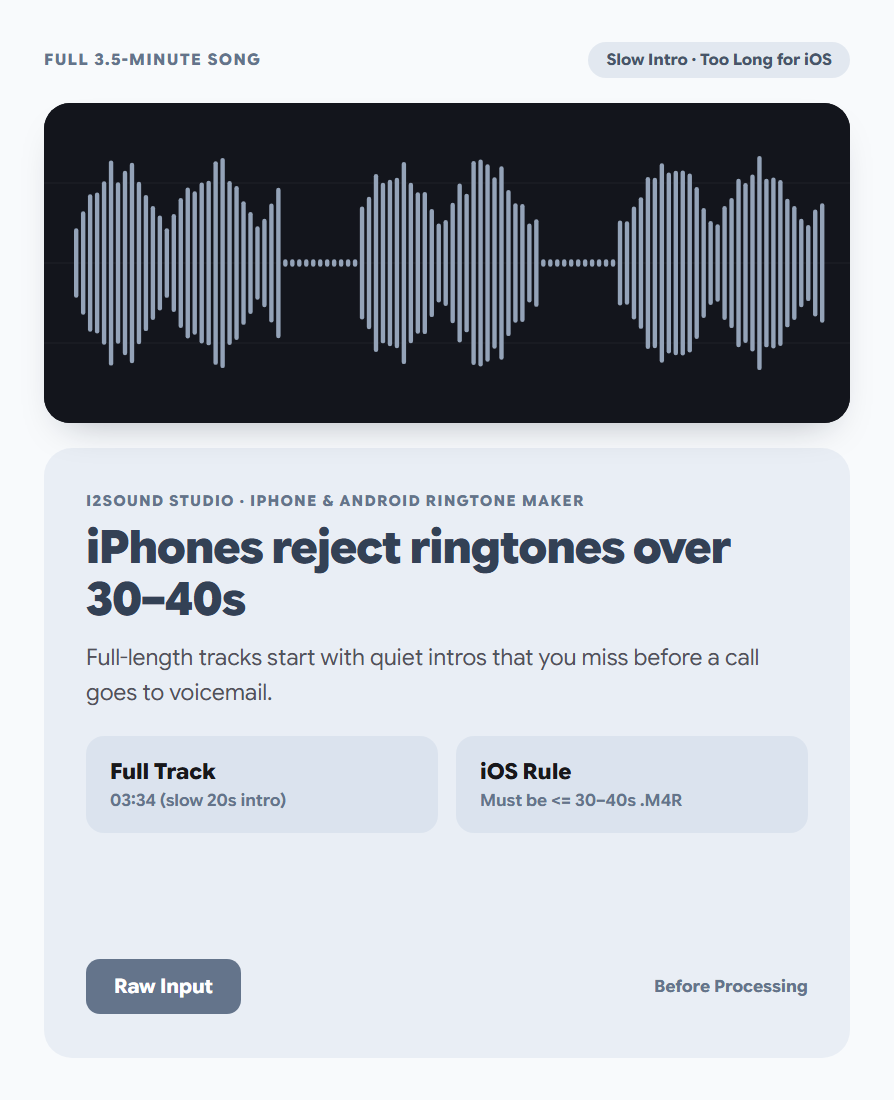
Before -> Now : Slow Intro · Too Long for iOS  -->  .M4R & .MP3 · Bell Fades
Output Export : M4R (iPhone Ringtone), MP3 (Android), or WAV (100% Client-Side Browser DSP)Common questions
Can I move the ringtone selection if I want the intro instead of the chorus?
Yes! Auto-Hook gives you an instant starting point, and you can drag the orange start and end brackets anywhere on the song.
What is the difference between M4R and MP3 ringtone exports?
Apple iPhones expect custom ringtones with an .m4r extension under 30–40 seconds, whereas Android phones accept standard .mp3 files directly in Settings → Sound.
How does Auto-Hook choose which part of the song to highlight?
It slides a 28-second window across the song in 250 ms steps to locate the highest sustained RMS energy section—almost always the main chorus.
Try iPhone & Android Ringtone Maker in your browser
Auto-detect the catchiest 28-second chorus hook, add bell fades, and export M4R or MP3.