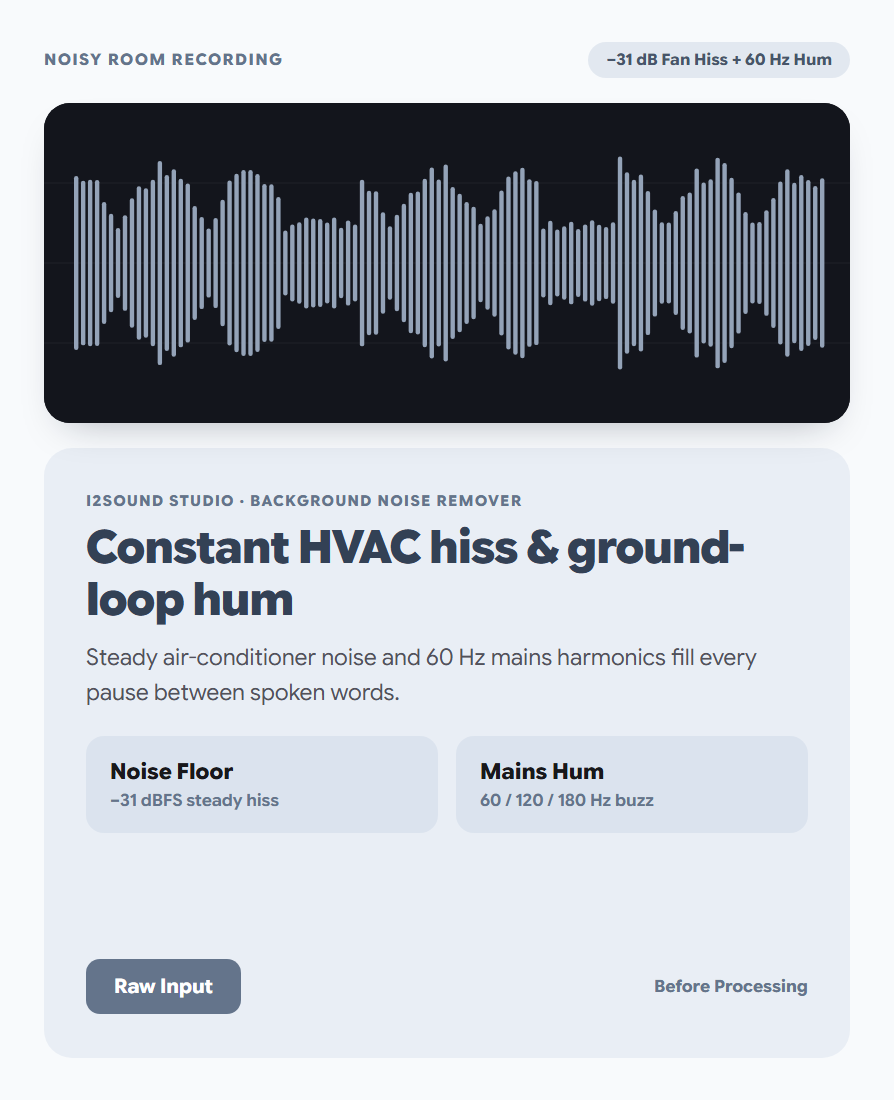
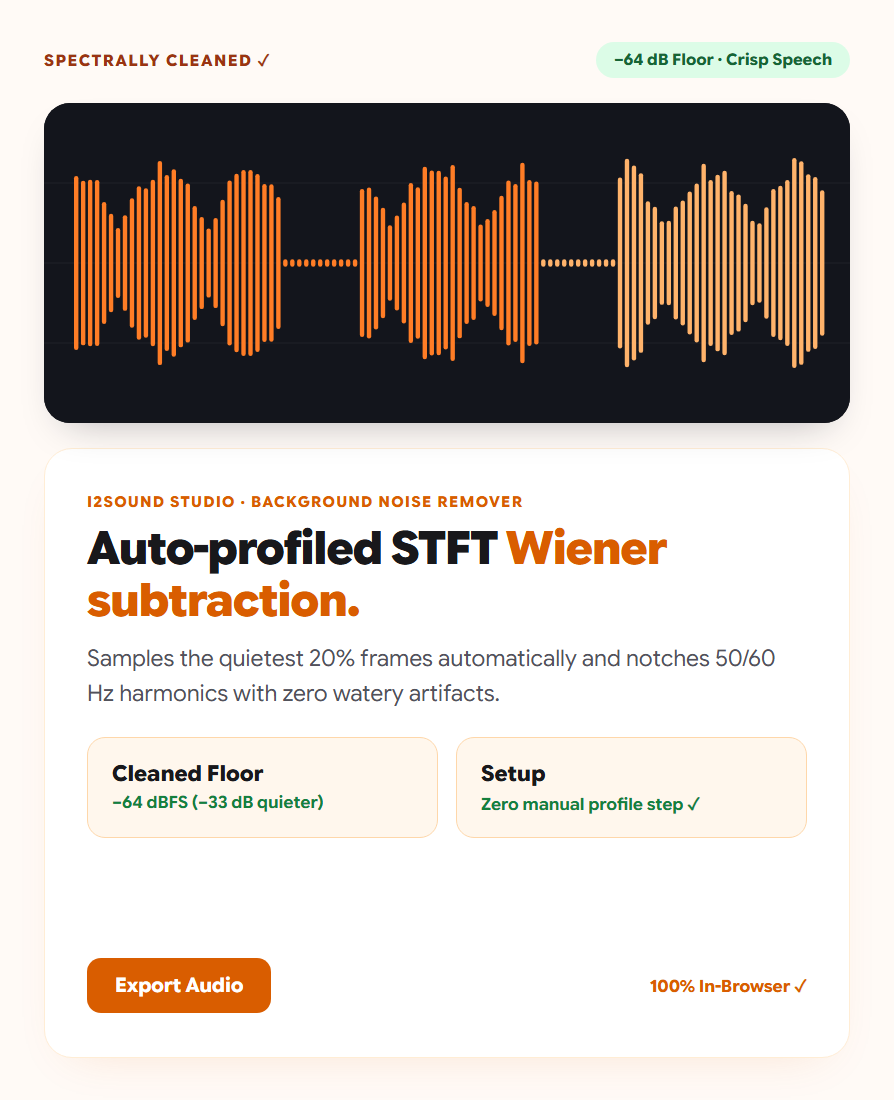

Open Background Noise Remover whenever you need fast, studio-accurate results directly in your browser without uploading private files. Powered by a two-pass 512-point Hann STFT spectral denoiser, i2Sound automatically profiles the quietest frames in your recording to subtract steady room hiss, AC noise, and electrical mains hum—visualized live on a magma spectrogram.
Open your audio or video locally
Click Choose Audio or Video in Background Noise Remover (or drag and drop Noisy Voice Memos, Interviews, Lectures, or Music Transfers) to render an interactive Retina waveform directly in local browser memory—or click Try Studio Demo to test immediately.
Press Spacebar to start playback and use the Waveform / Spectrogram / Live FFT view tabs or mouse-wheel zoom (up to 40×) to inspect exact transients and noise floors.
Studio tip: Press B while playing to toggle between your noisy original recording and the spectrally cleaned output—watch and hear the hiss vanish between words.
Dial 50 Hz Mains Hum + Fan Hiss & audition live
Adjust 50 Hz Mains Hum + Fan Hiss and Aggressive AC & Street Strip (92%) alongside Noise Suppression in the studio control dock. Hold Shift while dragging any rotary dial for fine precision, or double-click any control to snap back to its calibrated default.
Press B on your keyboard (or click the FX Active (A/B) switch) while audio plays to crossfade click-free in 15 ms between your dry original and processed signal.
Kill laptop fan & HVAC hiss
Suppress steady air-conditioner and computer fan noise while keeping consonants crisp.
50 Hz & 60 Hz ground-loop hum cut
Notch fundamental mains hum plus 2nd and 3rd harmonics in US (60 Hz) or EU (50 Hz) recordings.
Gentle full-bandwidth hiss trim
Switch Speech Band Focus off to tame cassette or vinyl noise floor on music.
Verify levels and export cleanly
Confirm headroom on the stereo output meter so peaks remain safely below 0.0 dBFS. Select your target format—such as MP3 · 320 kbps, WAV · 24-bit Studio, or FLAC · 16-bit Lossless—and click Export Audio.
Need multi-step mastering or multi-track stem layering afterward? Click Continue in (or Pro Studio in the upper module bar) to pass your processed audio straight to the next studio tool without re-uploading.
Verified Studio Recipe — Background Noise Remover
Input Support : Noisy Voice Memos, Interviews, Lectures, or Music Transfers
Key Controls  : 50 Hz Mains Hum + Fan Hiss  |  Aggressive AC & Street Strip (92%)  |  Noise Suppression  |  Electrical Hum Removal  |  60 Hz (US)
Before -> Now : −31 dB Fan Hiss + 60 Hz Hum  -->  −64 dB Floor · Crisp Speech
Output Export : Spectrally Denoised MP3, 16/24/32-bit WAV, or FLAC (100% Client-Side Browser DSP)Common questions
Do I have to manually select a silent 'noise profile' region first?
No! i2Sound automatically scans 60 windows across your file, isolates the quietest 20% background frames to learn the exact spectral noise floor, and subtracts it across the whole recording.
Should I choose 60 Hz or 50 Hz Electrical Hum Removal?
Choose 60 Hz in North/South America, Japan (West), and Korea, or 50 Hz in Europe, the UK, Asia, Africa, and Australia—matching local AC power grid frequency.
What happens if Noise Suppression is turned above 90%?
Very high settings (>90%) strip severe street/AC noise aggressively; for natural studio speech, 65%–80% balances dead-quiet pauses with natural vocal tone.
Try Background Noise Remover in your browser
Automatically profile quiet frames to strip AC noise, laptop fans, and electrical hum.