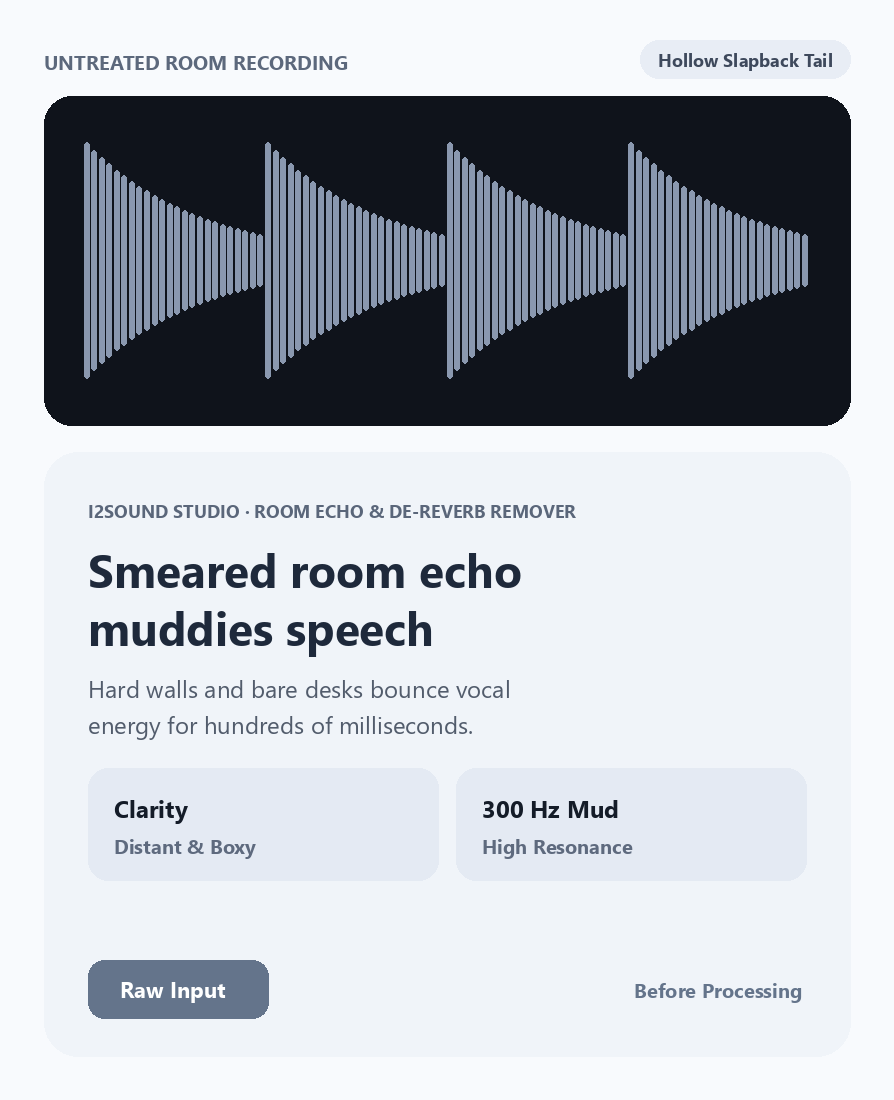
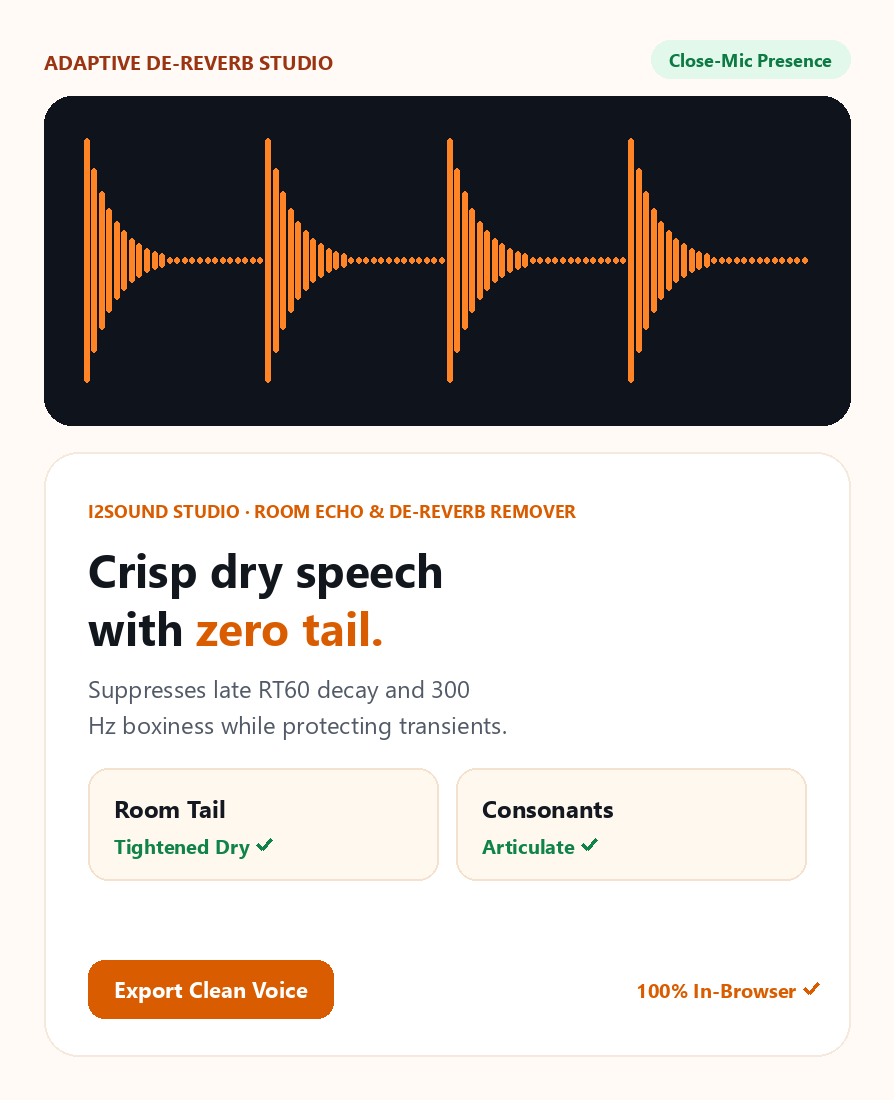

Open Room Echo & De-Reverb Remover whenever an interview, lecture, or video voiceover sounds distant and hollow because it was recorded in a room with bare walls or hard floors.
Open your echoey audio or video recording
Click Choose Audio or Video in Room Echo & De-Reverb Remover (or drop any MP3, WAV, M4A, or MP4 video) to load its waveform locally.
You can also click Try Studio Demo to audition the presets immediately.
Studio tip: Have both steady fan hiss and room echo? Run AI Background Noise Reducer first, then click Continue in → Room Echo & De-Reverb Remover!
Pick a room preset & tune Echo Suppression
Choose a one-click preset—Zoom / Laptop Room Echo Cleanup, Untreated Bedroom Podcast Dry-Up, or Large Lecture Hall / Church De-Echo—and fine-tune Echo Suppression and Room Decay (RT60).
Adjust De-Boxiness (300 Hz) to clear hollow small-room resonance and press B while playing to compare before and after.
Small bedroom & office cleanup
Set RT60 to 240–380 ms to strip desk and drywall slapback.
Large hall & classroom clarity
Raise RT60 to 650–1,000 ms to tame long reverberant tails.
300 Hz de-boxiness contour
Removes hollow 'bathroom' coloration without thinning natural voice warmth.
Export tight speech in WAV, MP3, or FLAC
Pick WAV · 16/24-bit, MP3 · 320 kbps, or FLAC and click Export Audio to save your tightened recording.
Want broadcast warmth and LUFS leveling next? Pass your dry track into Studio Voice & Podcast Enhancer.
Verified Studio Recipe — Room Echo & De-Reverb Remover
Input Support : Voice Memos, Podcasts & Video Audio (MP3, WAV, M4A, MP4, MOV)
Key Controls  : Echo Suppression (%)  |  Room Decay RT60 (ms)  |  De-Boxiness
Before -> Now : Distant Hollow Room Tail  -->  Tight Close-Mic Studio Speech
Output Export : 16/24-bit WAV | 320 kbps MP3 | Lossless FLACCommon questions
What is the difference between Noise Reducer and De-Reverb?
Noise Reducer removes constant background noise (AC hum, mic hiss), whereas De-Reverb removes acoustic reflections of your own voice bouncing off walls.
Will high Echo Suppression make my voice sound robotic?
Keeping Echo Suppression between 55% and 75% with transient attack protection removes hollow decay while keeping natural vocal tone.
Can I process an MP4 video directly?
Yes—drop your MP4 or MOV video to clean its soundtrack and export ready-to-sync WAV or MP3 audio.
Try Room Echo & De-Reverb Remover in your browser
Turn hollow, echoey room recordings into tight close-mic studio speech.