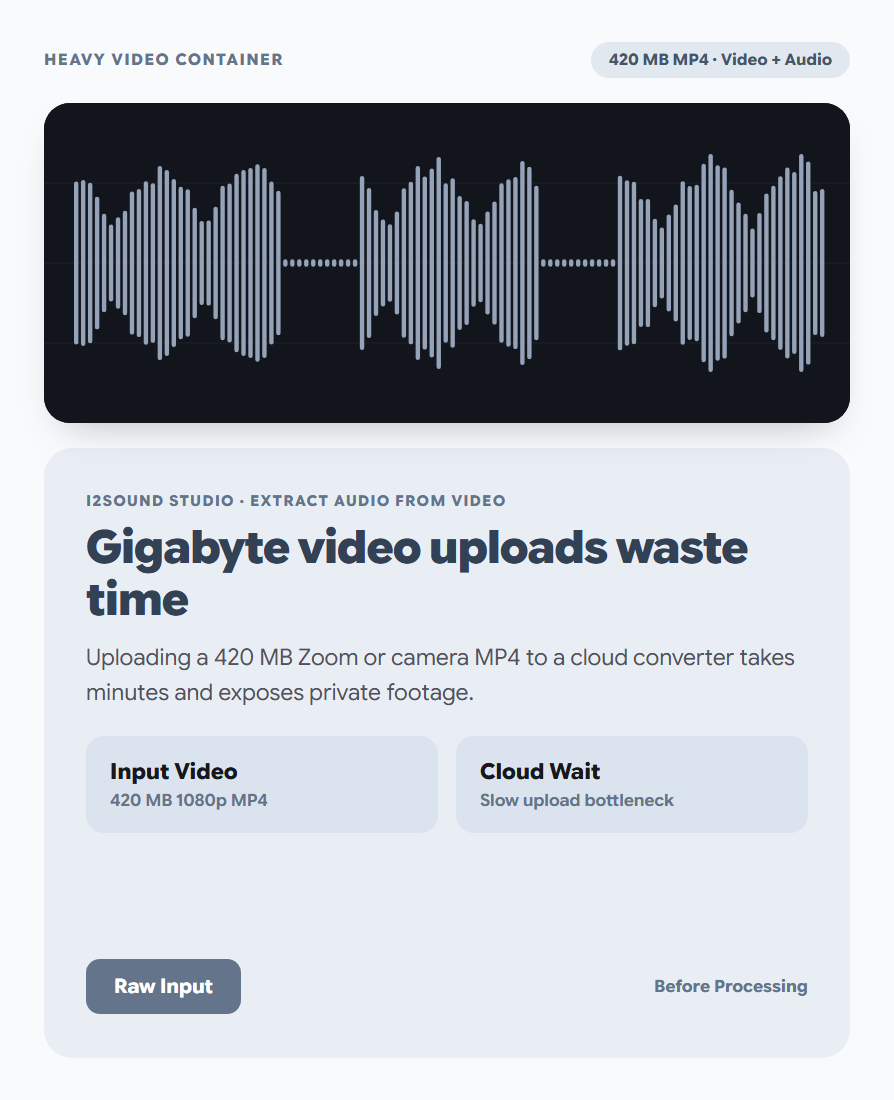
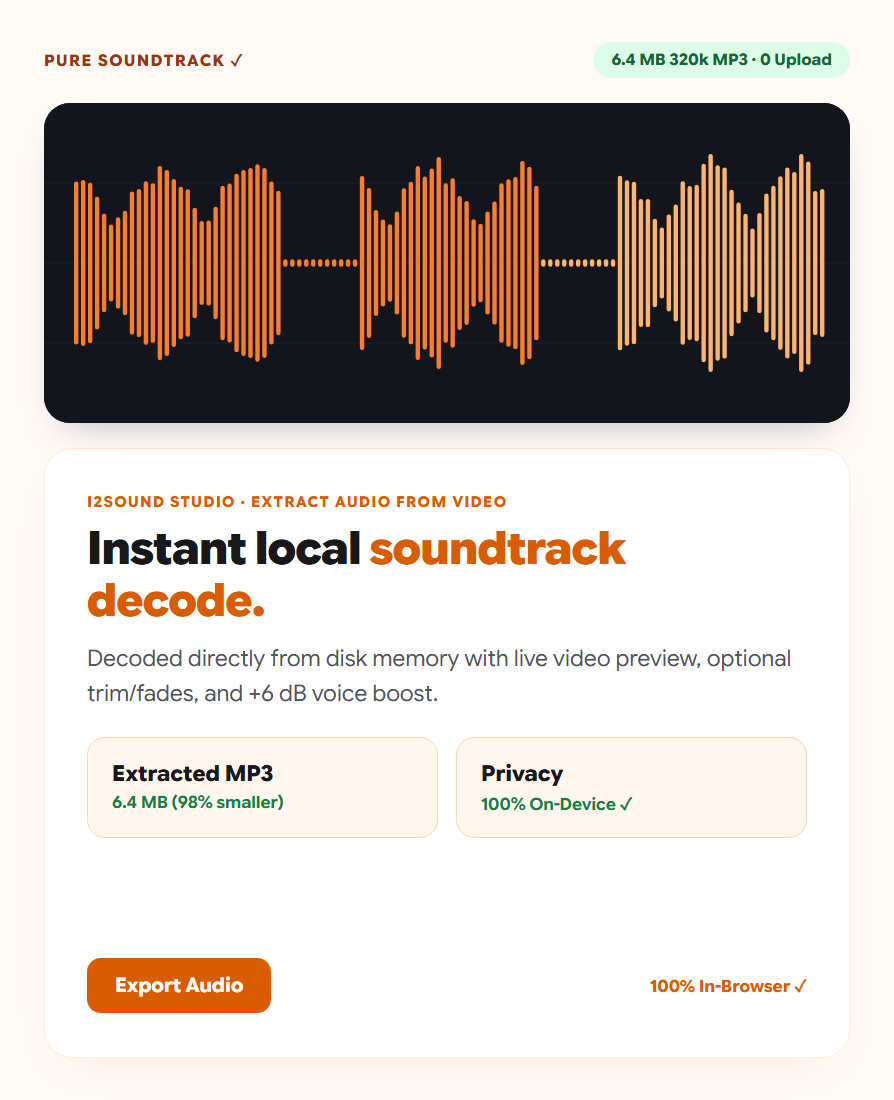

Open Extract Audio from Video whenever you need fast, studio-accurate results directly in your browser without uploading private files. Cloud video-to-MP3 converters force you to upload hundreds of megabytes over slow connections. i2Sound decodes MP4, MOV, and WebM soundtracks directly on your device—with a live video monitor and trim handles.
Open your audio or video locally
Click Choose Audio or Video in Extract Audio from Video (or drag and drop MP4, MOV, WebM, M4V Videos (Processed 100% Locally)) to render an interactive Retina waveform directly in local browser memory—or click Try Studio Demo to test immediately.
Press Spacebar to start playback and use the Waveform / Spectrogram / Live FFT view tabs or mouse-wheel zoom (up to 40×) to inspect exact transients and noise floors.
Studio tip: Need only a 20-second quote or song snippet from a 45-minute video? Drag the orange waveform brackets before clicking Export Audio.
Dial Full Video Soundtrack & audition live
Adjust Full Video Soundtrack and Boost Quiet Video Voice (+6 dB) alongside Smooth Intro & Outro Fades in the studio control dock. Hold Shift while dragging any rotary dial for fine precision, or double-click any control to snap back to its calibrated default.
Press B on your keyboard (or click the FX Active (A/B) switch) while audio plays to crossfade click-free in 15 ms between your dry original and processed signal.
Turn video interviews into audio episodes
Pull clean stereo or mono audio from Zoom MP4s and camera MOVs without uploading confidential footage.
Sample lectures & live performances
Trim exact moments with smooth S-curve fades and export 320 kbps MP3, 24-bit WAV, or lossless FLAC.
Listen offline as lightweight MP3
Convert heavy video talks into compact audio files that play with your phone screen locked.
Verify levels and export cleanly
Confirm headroom on the stereo output meter so peaks remain safely below 0.0 dBFS. Select your target format—such as MP3 · 320 kbps, WAV · 24-bit Studio, or FLAC · 16-bit Lossless—and click Export Audio.
Need multi-step mastering or multi-track stem layering afterward? Click Continue in (or Pro Studio in the upper module bar) to pass your processed audio straight to the next studio tool without re-uploading.
Verified Studio Recipe — Extract Audio from Video
Input Support : MP4, MOV, WebM, M4V Videos (Processed 100% Locally)
Key Controls  : Full Video Soundtrack  |  Boost Quiet Video Voice (+6 dB)  |  Smooth Intro & Outro Fades  |  Fade In  |  Fade Out
Before -> Now : 420 MB MP4 · Video + Audio  -->  6.4 MB 320k MP3 · 0 Upload
Output Export : 320/192/128 kbps MP3, 16/24/32-bit WAV, or Lossless FLAC (100% Client-Side Browser DSP)Common questions
Is my video file uploaded to a server during extraction?
Never. Even a 1 GB video stays strictly inside your own browser's local memory—saving upload bandwidth and keeping private videos 100% confidential.
Which video formats can I extract audio from?
Standard browser-supported MP4 (H.264/AAC), Apple QuickTime MOV, and WebM (VP8/VP9/Opus/Vorbis) videos decode directly on your device.
Can I boost quiet dialogue while extracting audio from a video?
Yes. Use the Boost Quiet Video Voice (+6 dB) preset or raise the Volume Boost knob before clicking Export Audio.
Try Extract Audio from Video in your browser
Pull clean soundtracks from large MP4, MOV, and WebM videos in milliseconds.