
Open MP4 to MP3 Converter whenever you need fast, studio-accurate results directly in your browser without uploading private files. Drop single or multiple MP4 recordings—screen captures, lectures, concerts, or camera clips—and encode crisp 320 kbps, 192 kbps, or 128 kbps MP3 audio right in your browser.
Open your audio or video locally
Click Choose Audio or Video in MP4 to MP3 Converter (or drag and drop Single or Multiple MP4 / MOV Video Files) to render an interactive Retina waveform directly in local browser memory—or click Try Studio Demo to test immediately.
Press Spacebar to start playback and use the Waveform / Spectrogram / Live FFT view tabs or mouse-wheel zoom (up to 40×) to inspect exact transients and noise floors.
Studio tip: Converting spoken-word MP4 meetings? Choose the Podcast / Voice Memo preset to downmix to Mono and normalize quiet speakers automatically.
Dial Preset & audition live
Adjust Preset in the studio control dock. Hold Shift while dragging any rotary dial for fine precision, or double-click any control to snap back to its calibrated default.
Press B on your keyboard (or click the FX Active (A/B) switch) while audio plays to crossfade click-free in 15 ms between your dry original and processed signal.
Recorded lectures to MP3
Turn hour-long MP4 class recordings into small MP3s for commuting.
Batch social clip audio
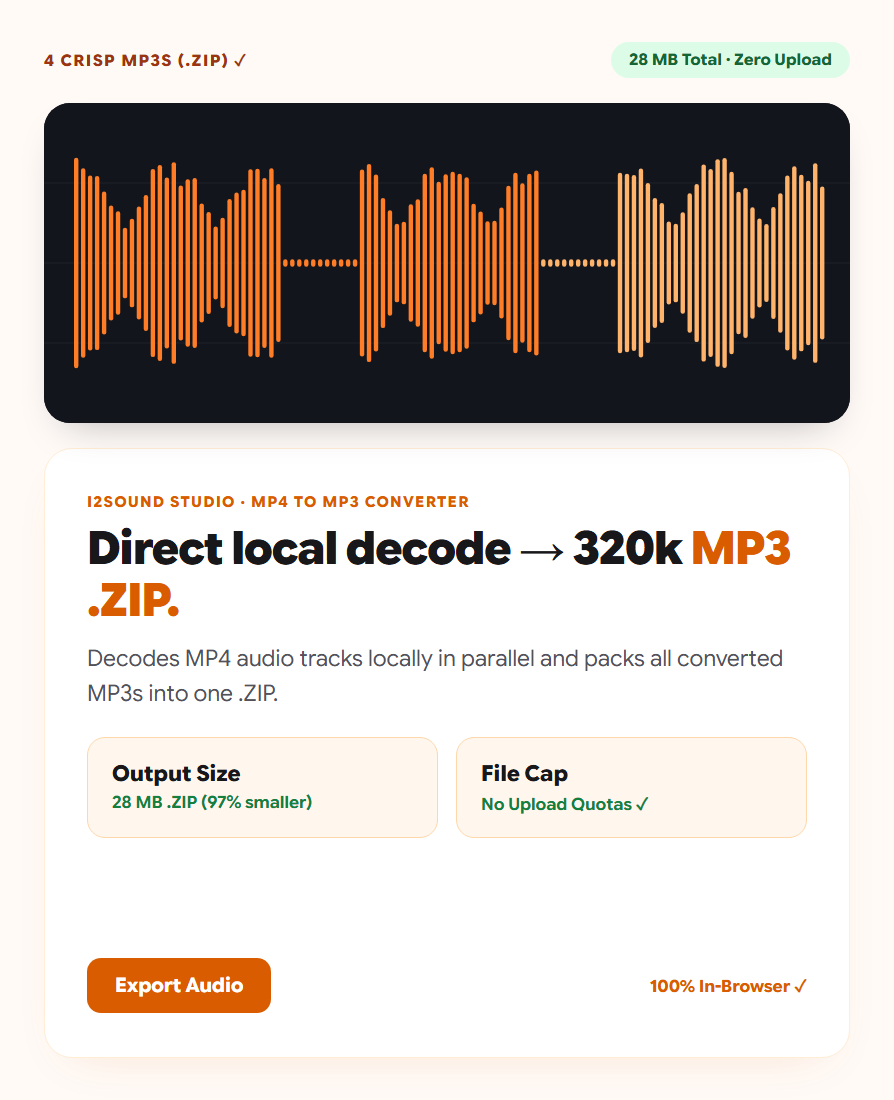
Convert multiple MP4 reels into MP3s in one pass and download as .ZIP.
100% local extraction
Confidential screen recordings never touch an external cloud server.
Verify levels and export cleanly
Confirm headroom on the stereo output meter so peaks remain safely below 0.0 dBFS. Select your target format—such as MP3 · 320 kbps, WAV · 24-bit Studio, or FLAC · 16-bit Lossless—and click Export Audio.
Need multi-step mastering or multi-track stem layering afterward? Click Continue in (or Pro Studio in the upper module bar) to pass your processed audio straight to the next studio tool without re-uploading.
Verified Studio Recipe — MP4 to MP3 Converter
Input Support : Single or Multiple MP4 / MOV Video Files
Key Controls  : Real-Time Studio Controls
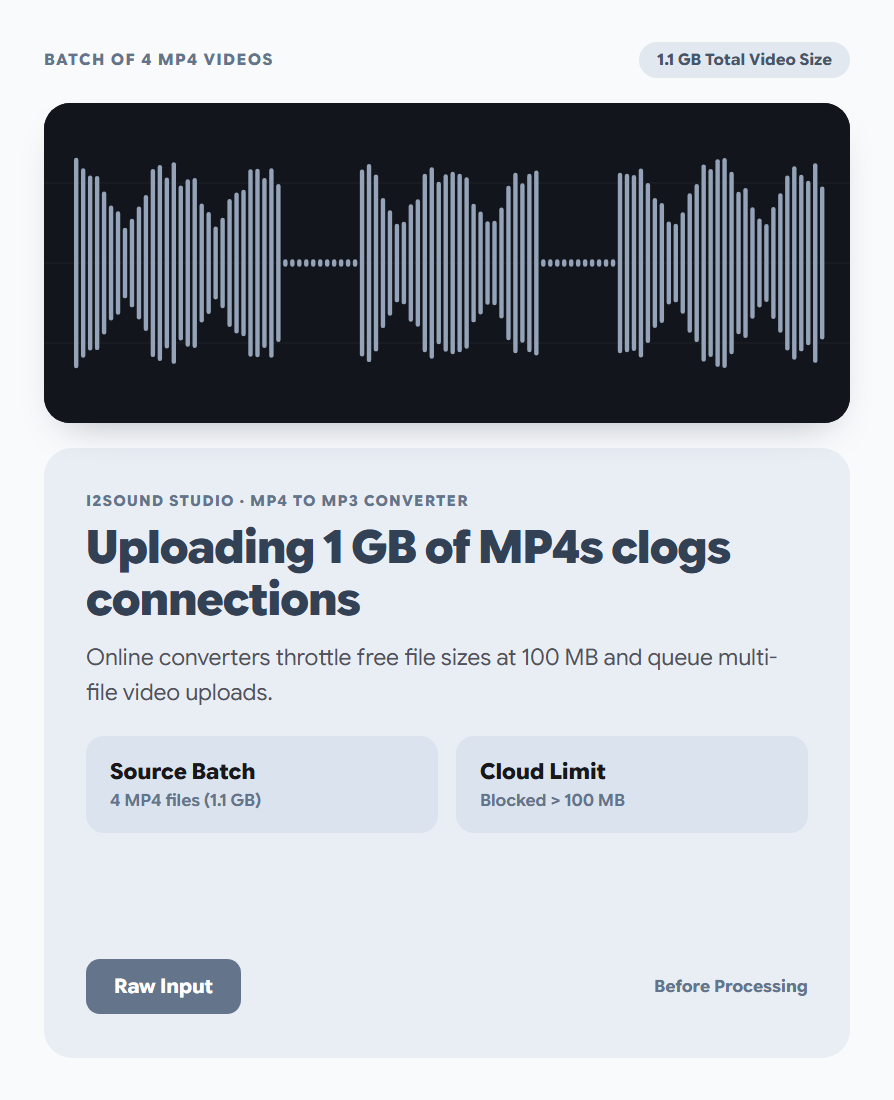
Before -> Now : 1.1 GB Total Video Size  -->  28 MB Total · Zero Upload
Output Export : 320/192/128 kbps MP3 (Individual or Batch .ZIP) (100% Client-Side Browser DSP)Common questions
Why is browser-local MP4 to MP3 faster than cloud converters?
Cloud tools spend 95% of the time uploading your large video file over your internet connection. i2Sound reads the video directly from your local disk in milliseconds.
Can I convert multiple MP4 videos into MP3s at once?
Yes. Select multiple MP4 files together—when two or more files are queued, Export Audio packages all converted MP3s into one convenient .ZIP download.
Which MP3 bitrate should I select for video lectures vs. music videos?
128 kbps or 192 kbps is ideal for spoken lectures and interviews, while 320 kbps preserves full stereo detail for concerts and music videos.
Try MP4 to MP3 Converter in your browser
Turn single or multiple MP4 recordings into crisp MP3 audio in seconds with zero cloud uploads.