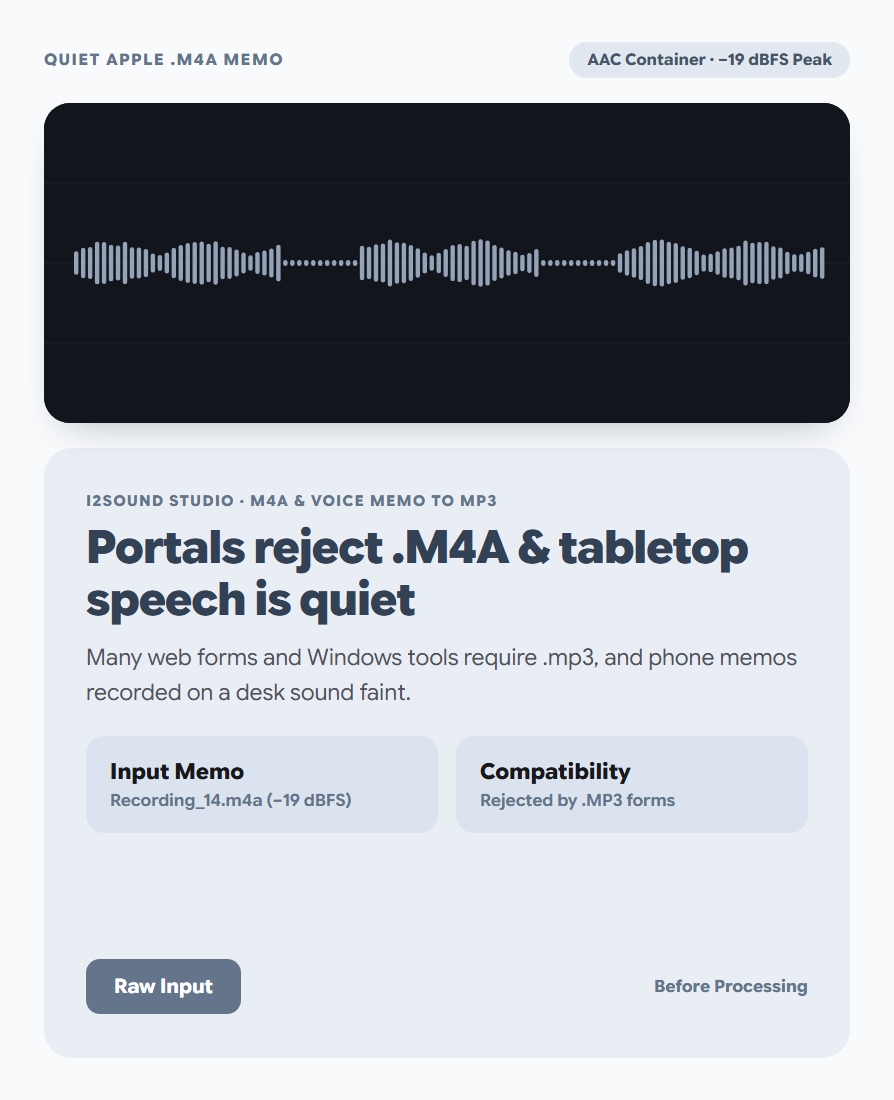
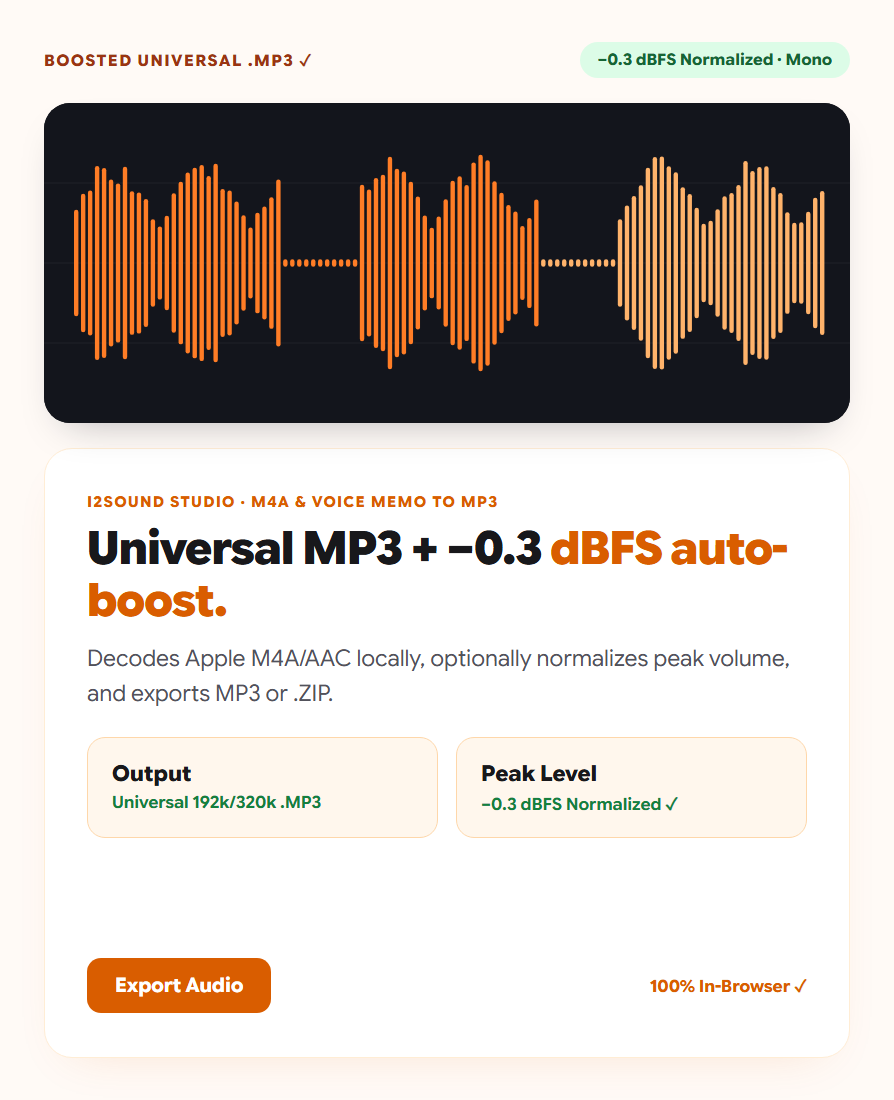

Open M4A & Voice Memo to MP3 whenever you need fast, studio-accurate results directly in your browser without uploading private files. Windows apps, legacy dashboards, and court/transcription portals often reject Apple's .m4a container. Drop your iPhone Voice Memos here to encode standard MP3s locally—with optional quiet-memo auto-boost.
Open your audio or video locally
Click Choose Audio or Video in M4A & Voice Memo to MP3 (or drag and drop Apple iPhone .M4A Voice Memos & AAC Tracks (Batch Supported)) to render an interactive Retina waveform directly in local browser memory—or click Try Studio Demo to test immediately.
Press Spacebar to start playback and use the Waveform / Spectrogram / Live FFT view tabs or mouse-wheel zoom (up to 40×) to inspect exact transients and noise floors.
Studio tip: Use the iPhone Voice Memo + Auto-Boost preset to bring distant tabletop voice memos up to clear, even listening volume.
Dial iPhone Voice Memo + Auto-Boost & audition live
Adjust iPhone Voice Memo + Auto-Boost and Apple Music M4A (320k Stereo) in the studio control dock. Hold Shift while dragging any rotary dial for fine precision, or double-click any control to snap back to its calibrated default.
Press B on your keyboard (or click the FX Active (A/B) switch) while audio plays to crossfade click-free in 15 ms between your dry original and processed signal.
Universal Windows & web playback
Turn .m4a Voice Memos into .mp3 files that open in every browser, portal, and car stereo.
Zero-upload confidentiality
Sensitive voice notes stay strictly inside your browser.
Songwriting memo cleanup
Batch convert rehearsal voice memos into normalized MP3s.
Verify levels and export cleanly
Confirm headroom on the stereo output meter so peaks remain safely below 0.0 dBFS. Select your target format—such as MP3 · 320 kbps, WAV · 24-bit Studio, or FLAC · 16-bit Lossless—and click Export Audio.
Need multi-step mastering or multi-track stem layering afterward? Click Continue in (or Pro Studio in the upper module bar) to pass your processed audio straight to the next studio tool without re-uploading.
Verified Studio Recipe — M4A & Voice Memo to MP3
Input Support : Apple iPhone .M4A Voice Memos & AAC Tracks (Batch Supported)
Key Controls  : iPhone Voice Memo + Auto-Boost  |  Apple Music M4A (320k Stereo)
Before -> Now : AAC Container · −19 dBFS Peak  -->  −0.3 dBFS Normalized · Mono
Output Export : 320/192/128 kbps MP3 or WAV (with Optional Quiet-Memo Boost) (100% Client-Side Browser DSP)Common questions
Why are iPhone Voice Memos saved as M4A instead of MP3?
iOS records voice memos using AAC audio inside an MPEG-4 (.m4a) container. Converting to MP3 guarantees compatibility with older software and upload forms.
Can I batch-convert a folder of iPhone Voice Memos?
Yes. Drop all your .m4a Voice Memos at once and click Export Audio to download a single .ZIP containing every converted .mp3 file.
Should I enable Auto-Normalize on quiet voice memos?
Yes—the iPhone Voice Memo + Auto-Boost preset brings quiet tabletop recordings up to a clear −0.3 dBFS peak level automatically.
Try M4A & Voice Memo to MP3 in your browser
Make Apple .m4a recordings playable everywhere while normalizing quiet tabletop speech.